SmartLine Tool
The SmartLine edit control provides a graphical user interface to the SmartLineTool API, which you can use in your vision application to locate line features by training the tool with sample images. See the topic Finding Lines with the SmartLine Tool for more information.
The following figure shows an example SmartLine edit control:
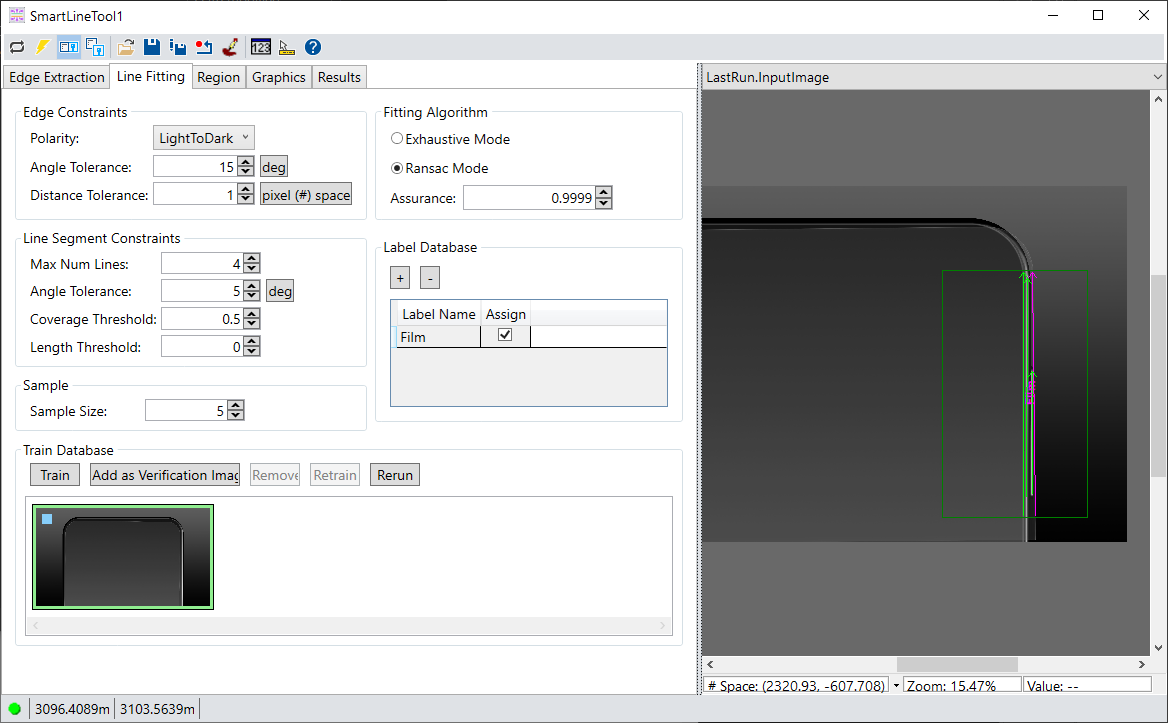
A SmartLine tool can be easier to configure than a LineMax tool for some applications.
See the topic Control Reference for a description of the buttons along the top of the edit control. In addition, the SmartLine tool edit control supports the following image buffers:
- The Current.InputImage buffer contains the next image the tool will analyze plus the graphic for the input region.
- The LastRun.InputImage buffer contains the last image processed by the SmartLine tool, any labels you have trained for found lines, and any graphics you enable from the Graphics tab.
See the following topics for more information: