Adding Edit Controls to Visual Studio
VisionPro supports using the VisionPro tool edit controls in your custom .NET C# WinForms applications. When available they appear in your Visual Studio tool palette:
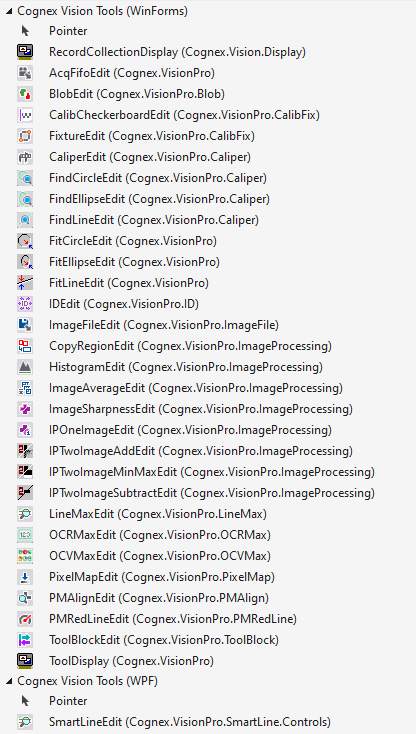
Perform the following steps to enable the VisionPro tools edit controls:
-
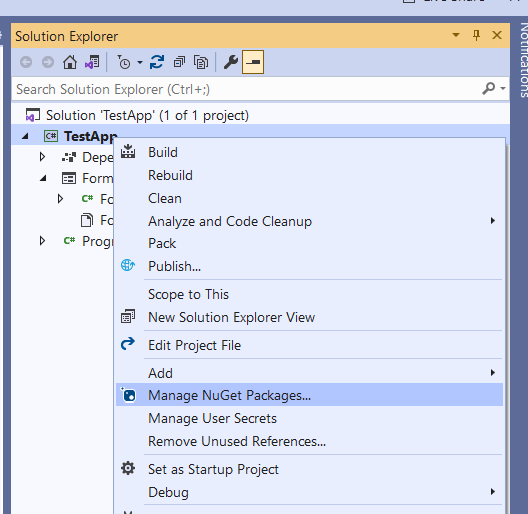
Right-click on the project in the Solution Explorer and select Manage NuGet Packages:
-
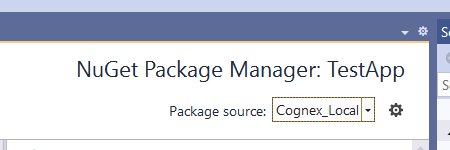
Select the Package source to be Cognex_Local:
-
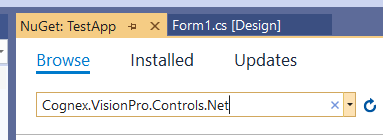
Enter Cognex.VisionPro.Controls.Net into the Browse field:
-
Select the Cognex.VisionPro.Controls.Net package and press Install.
Agree to the terms and conditions that Visual Studio displays.
If you do not find the Cognex.VisionPro.Controls.Net package see the topic Troubleshooting.
Be aware of the following:
- The topic Minimum System Software Requirements lists the minimum version of Visual Studio that supports the VisionPro edit controls.
- Your PC requires an internet connection and access to https://www.nuget.org/.