Discovering Devices on the Network
The default IP address for the Ethernet 2 port of EI Tunnel Manager is 192.168.1.100. The EI Tunnel Manager device discovers every reader automatically if the EI Tunnel Manager is connected to the corresponding network.
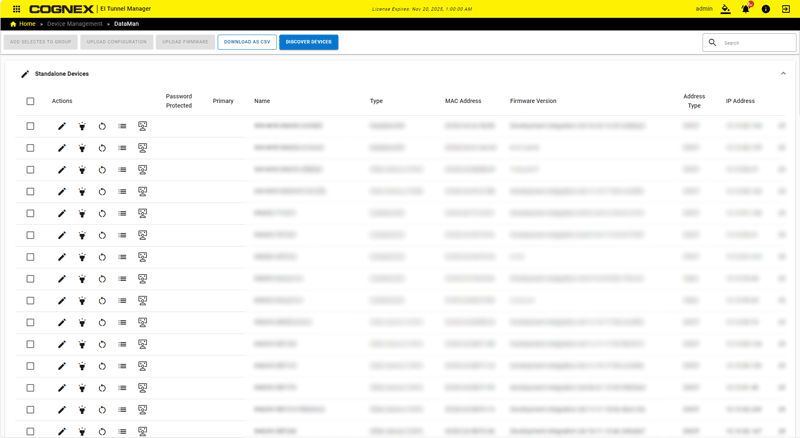
The readers found on the network appear on the DataMan page of the Device Management app.
Cognex recommends that all readers be on the same network as EI Tunnel Manager device. Either change the IP address of every reader on the network to be on the same network as 192.168.1.x, or change the IP address of the Ethernet port of the EI Tunnel Manager device to match those of the readers.
To change the network settings of your EI Tunnel Manager device, go to the Edge Intelligence page.