Troubleshooting
You can create a .zip file with the current state of the application as well as internal information that can be useful to Cognex customer support.
The Image Viewer supports a Save Diagnostics option, highlighted in the following figure:
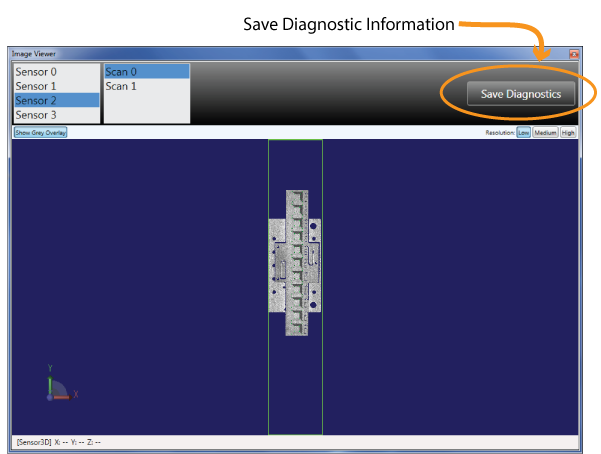
If the application is unable to generate a calibration file from all the data (settings and scans) you supply, a diagnostics .zip file is created automatically at the following location:
C:\Users\<username>\AppData\Local\Cognex\DS Field Calibrator\Diagnostics_CalibrationFailures.zip
Where <username> matches the account using the application.
Be aware this file is overwritten by the next unsuccessful calibration attempt. In addition, be aware that diagnostic files can consume a large amount of disk space.
Refer to the following topics to resolve issues you might experience using the application.