The LineMax edit control provides a graphical user interface to the LineMaxTool, which you use to locate candidate edge points and fit the best possible line segment based on criteria you specify. See the topic Finding Lines with the LineMax Tool for more information.
The following figure shows an example LineMax tool edit control:
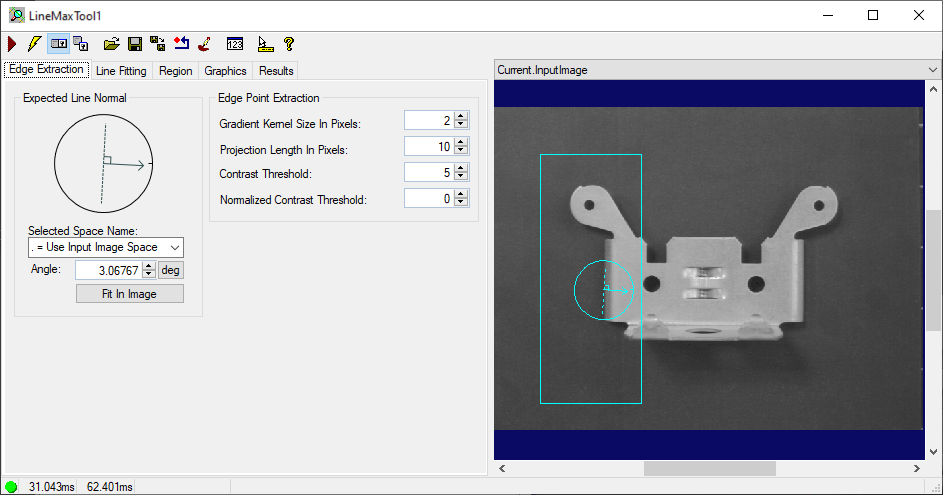
See the topic Control Reference for a description of the buttons along the top of the edit control. The LineMax edit control also supports an additional button not found on most other edit controls:

|
Open the Image Mask Editor for creating a mask to add to the training image |
In addition, the LineMax tool edit control supports the following image buffers:
- The Current.InputImage buffer contains the input image and any graphics to represent the input region, the expected line normal graphic and any image mask.
- The LastRun.InputImage buffer contains the input image and any graphics representing a fitted line and edge points that were used and not used.