Use a Find Ellipse tool to configure a series of Caliper tools over a specified, elliptical region of an image to locate multiple edge points, supply these edge points to an underlying Fit Ellipse tool, and return the ellipse that best fits those points while generating the smallest root mean square error (RMS Error).
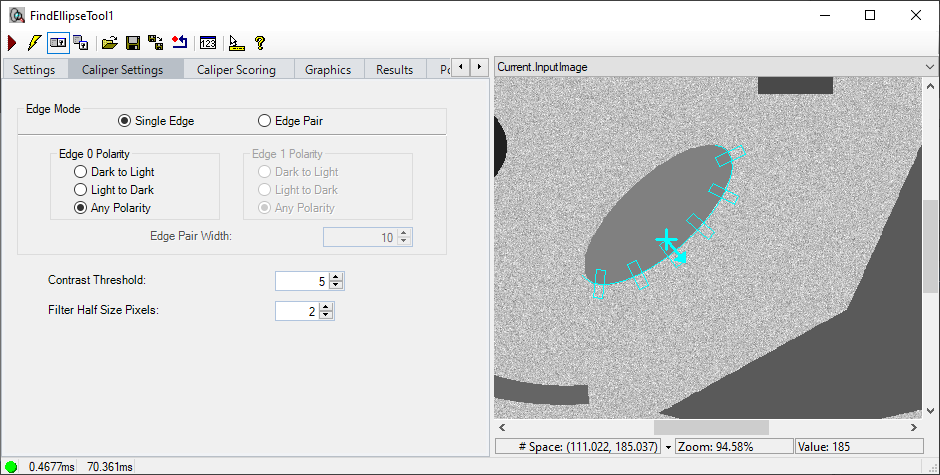
The Find Ellipse edit control allows you to specify the region of the image analyzed, control the number of Calipers used, and view vision tool results.
See the topic Control Reference for a description of the buttons along the top of the edit control
A Find Ellipse tool edit control supports the following image buffers:
- The Current.InputImage buffer contains the current image and the set of Calipers that will search for edges.
- The LastRun.InputImage buffer contains the results of the Find Ellipse tool after it fits an ellipse to the found edge points.
- The LastRun.RegionData_Caliper<X>, where <X> represents the Caliper number.
See the following for more information on using the Find Ellipse tool user interface: