The Blob tool edit control provides a graphical user interface to the BlobTool, which you can use to search for two-dimensional closed shapes in your run-time images.
The following figure shows an example Blob tool edit control:
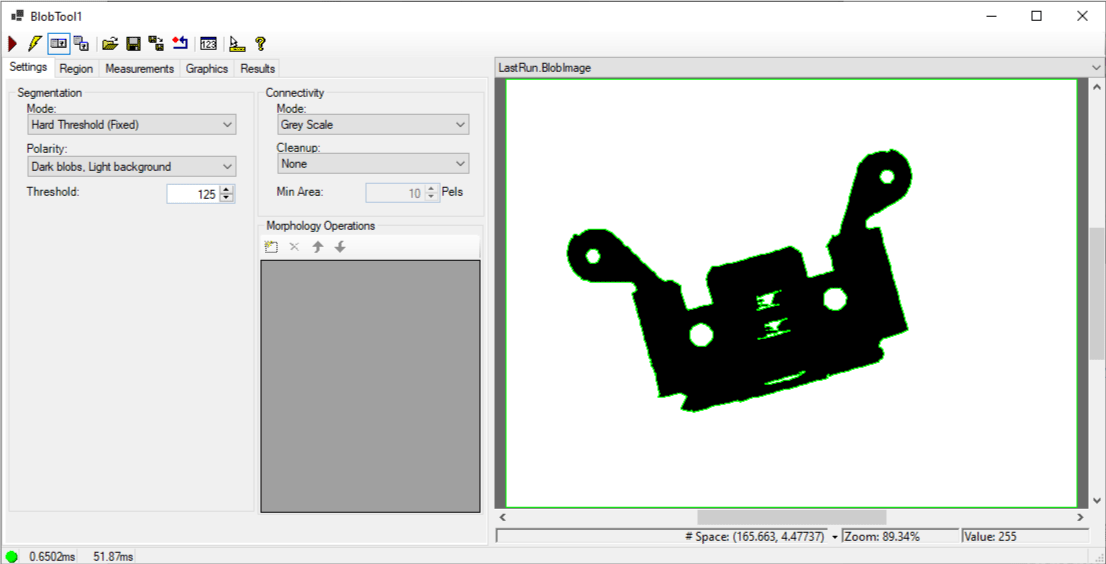
See the topic Control Reference for a description of the buttons along the top of the edit control. The Blob tool edit control supports the following image buffers:
- The Current.InputImage provides the input image to the Blob tool.
- The LastRun.InputImage displays the image that the tool last analyzed.
-
The Current.Histogram buffer displays a histogram of the current InputImage inside the region of interest, if any.
The tool generates the histogram when it creates its inspection records.
- The LastRun.Histogram buffer displays a histogram within the region of interest of the last image that the tool ran on.
- The LastRun.BlobImageUnfiltered buffer displays an image generated from the extracted blob data.
- The LastRun.BlobImage buffer displays an image generated from the extracted blob data, excluding blobs that were filtered out.
See the following sections for more information: