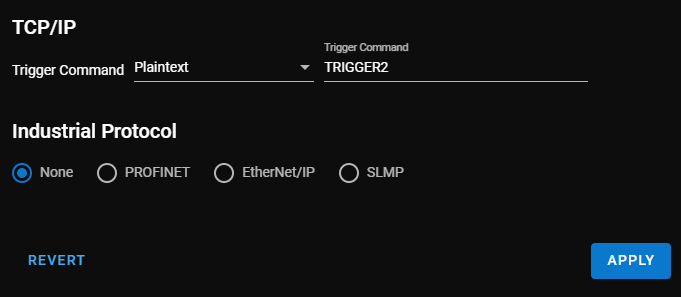
TCP/IP Settings
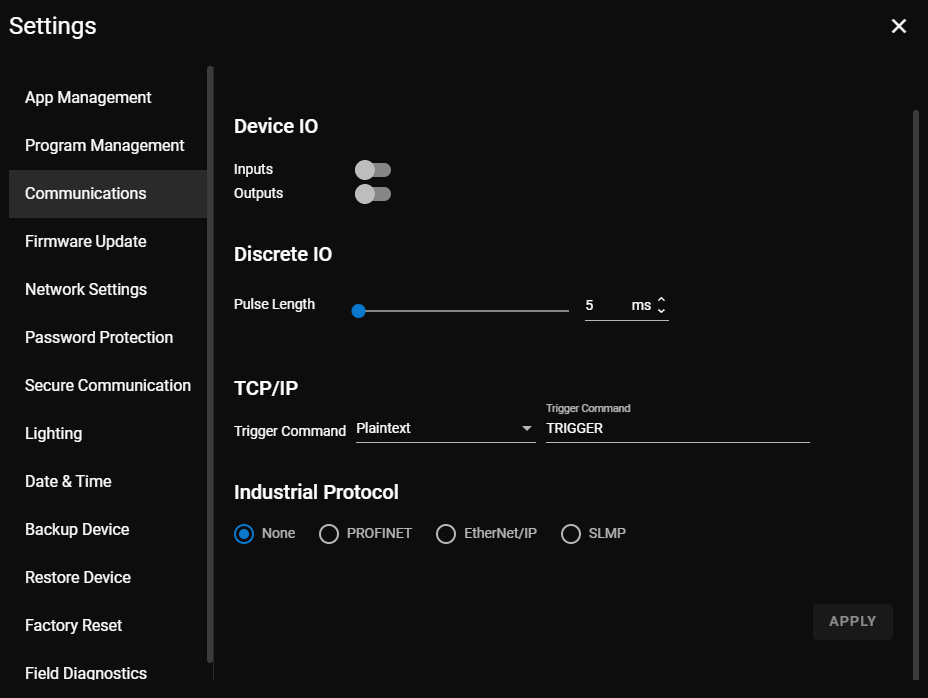
In the TCP/IP settings, you can edit the trigger command.
The Trigger Command is a string that the vision sensor receives through the TCP/IP communication channel and causes the vision sensor to trigger and capture a new image.
To edit the Trigger Command:
-
Choose a format. You can choose between HEX and Plaintext.
-
Write the new trigger command into the field.
-
Click Apply.
Note:
Before clicking Apply, you can use the Revert button to decline your changes.