3D Cross-Section Functions
The In-Sight 3D Cross-Section functions allow you to extract 2D cross-sections or profiles from a 3D point cloud along a Region of Interest. You can further analyze the geometric information provided by the 2D profile using Profile tools to verify that an object is defect-free and meets specifications. Applications include:
- Inspecting glue and weld seams
- Verifying component height
- Identifying surface defects
- Measuring gaps, diameters, or thickness
|
|
|
| 3D Point Cloud with Cross-Section Tool | Profile View |
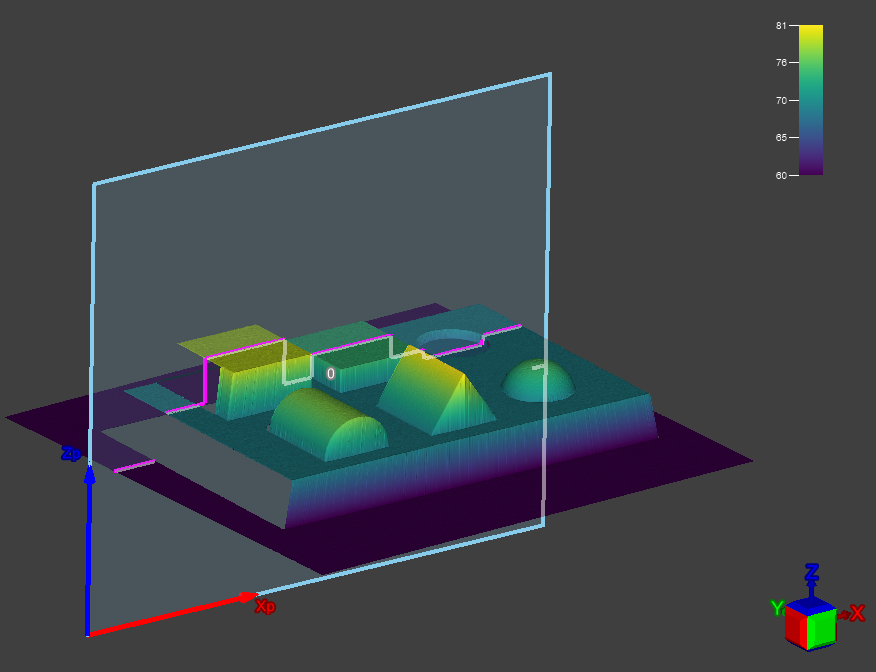
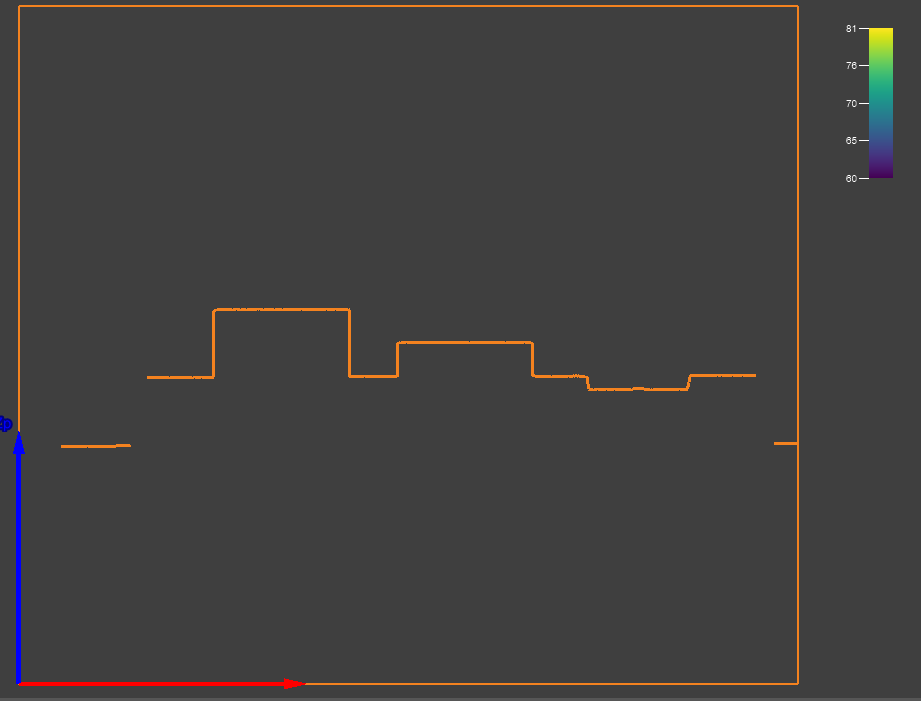
The following functions are available in the 3D Cross-Section function group:
- ExtractCrossSection3D: Extracts a profile from a point cloud using the points that intersect with a user-defined 3D rectangle.
- ExtractParallelCrossSections3D: Extracts multiple parallel 2D profiles from a user-defined 3D Region of Interest within the point cloud.
For a list of Profile tools that you can use to further analyze extracted 2D profiles, see 3D Profile Functions.
For more information about the Profile view, see 3D Toolbar on page 1.