IP Licensing
The IP Licensing utility allows you to add job licenses to your vision system. If you are using a Spreadsheet job file containing IP-protected cells, you can only execute the functions in the protected cells if you have added the corresponding license to your vision system.
You can generate licenses for IP-protected cells using the IP License Generator tool. For more information about the IP License Generator, see IP License Generator. For detailed instructions on the complete job licensing workflow, see the Job Licensing section in the In-Sight Spreadsheet Help document.
To add a new license to your vision system:
- Launch In-Sight Vision Suite if it is not already running.
-
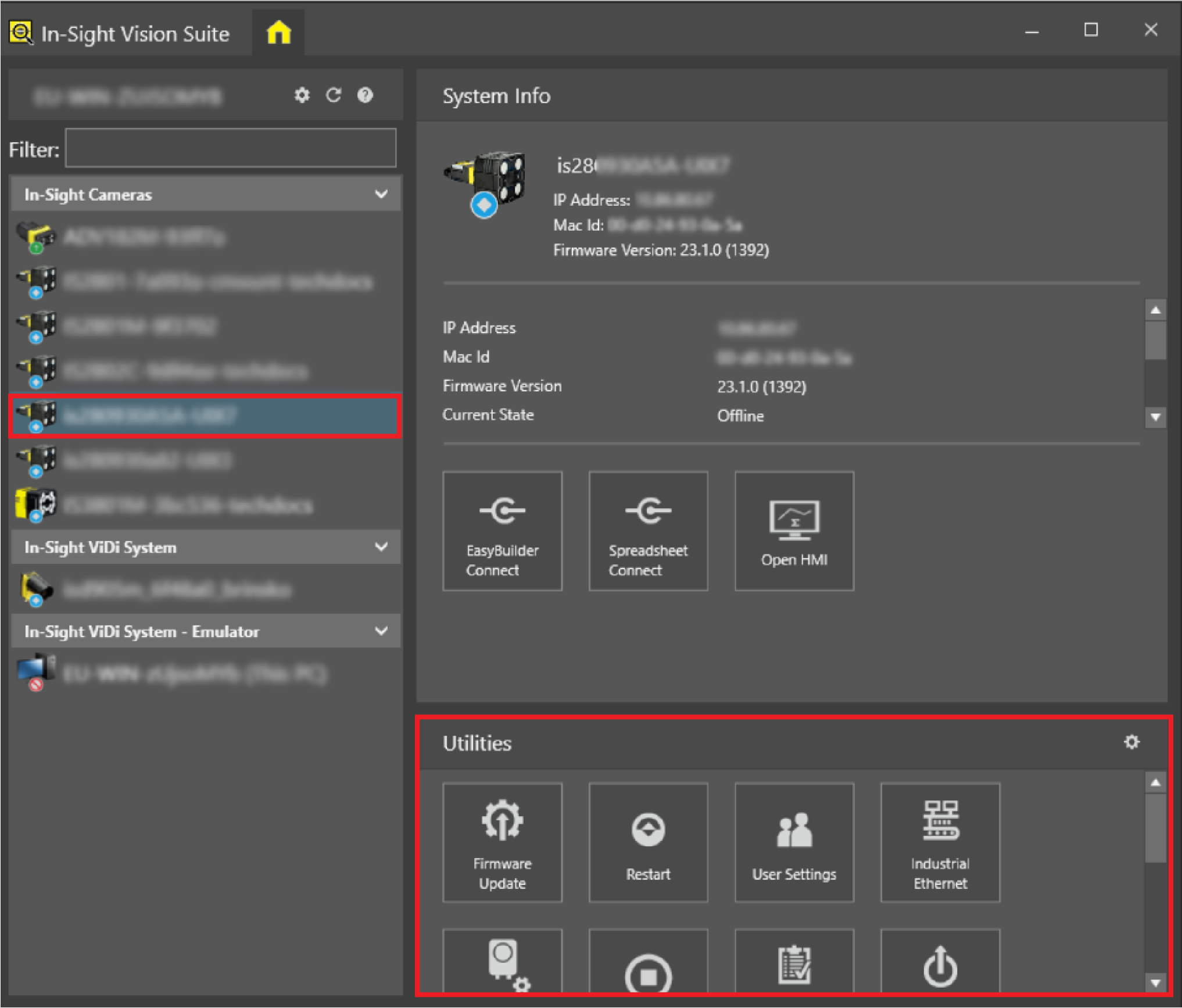
Left-click the device you want to configure on the In-Sight® Device Pane on the left. The list of Utilities applicable to the selected vision system then appears at the bottom of the window.
-
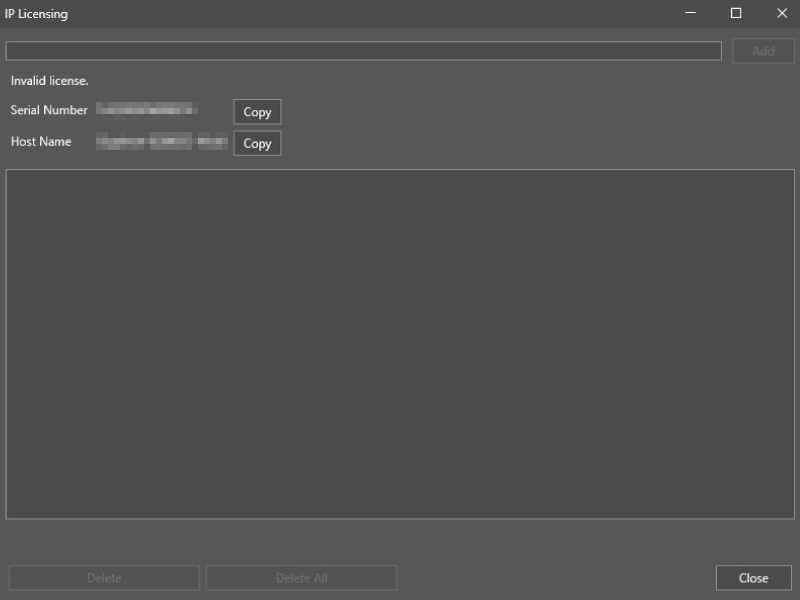
Click the IP Licensing button to open the configuration window.
-
Paste the license generated with the IP License Generator into the empty field at the top of the dialog, and click Add.
-
Click Close.