Replace a Camera
To replace a sensor camera, complete the following steps:
-
Back up the sensor data (recipe, calibration, and configuration) to your computer. For more information, refer to Back Up a Sensor.
Note: If you cannot perform the backup operation, find the latest backup data. -
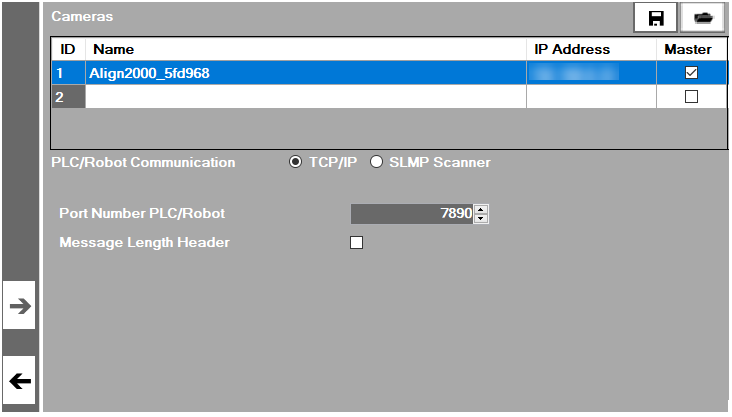
Select the sensor camera in the Cameras table on the Settings tab, which enables
 .
. 
- Click to remove the camera.
- Disconnect the camera to be replaced from the network.
- Connect a new camera to the network.
- Add the new camera to the sensor by completing the steps in Discover Cameras and Configure a Sensor.
- Restore the backup data to the new camera. For more information, see Restore a Sensor.