Restore a Sensor
You can restore a backup copy (recipes, calibration, and configuration) from your computer to a sensor.
To restore a backup copy to a sensor, complete the following steps:
-
On the Settings tab, click
 . The Restore Sensor dialog box opens.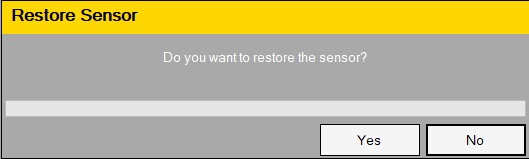
-
Click Yes. The Browse For Folder dialog box opens.
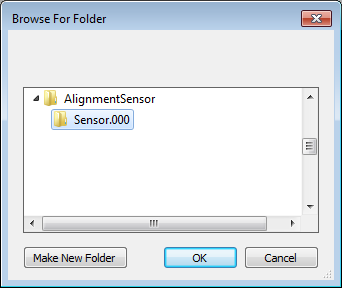
- Select the backup folder that you want to restore. The backup folder name is "Sensor Name.numerical suffix".
- Click OK. You have restored the backup data to the sensor.
- To close the dialog box, click OK.