Your VisionPro installation includes QuickBuild, an application which allows you to prototype and build a complete vision solution. You can acquire images, analyze them with various vision tools, and examine the results in order to determine the quality of the objects under inspection.
Your application can use multiple cameras that respond to a variety of trigger types, or you can use a database of images.
Launch QuickBuild through the Windows Start menu (Cognex->Cognex VisionPro 10.0->VisionPro 10.0->QuickBuild) or the QuickBuild icon on your Windows desktop.

By default QuickBuild opens an unsaved workspace for creating a new application:
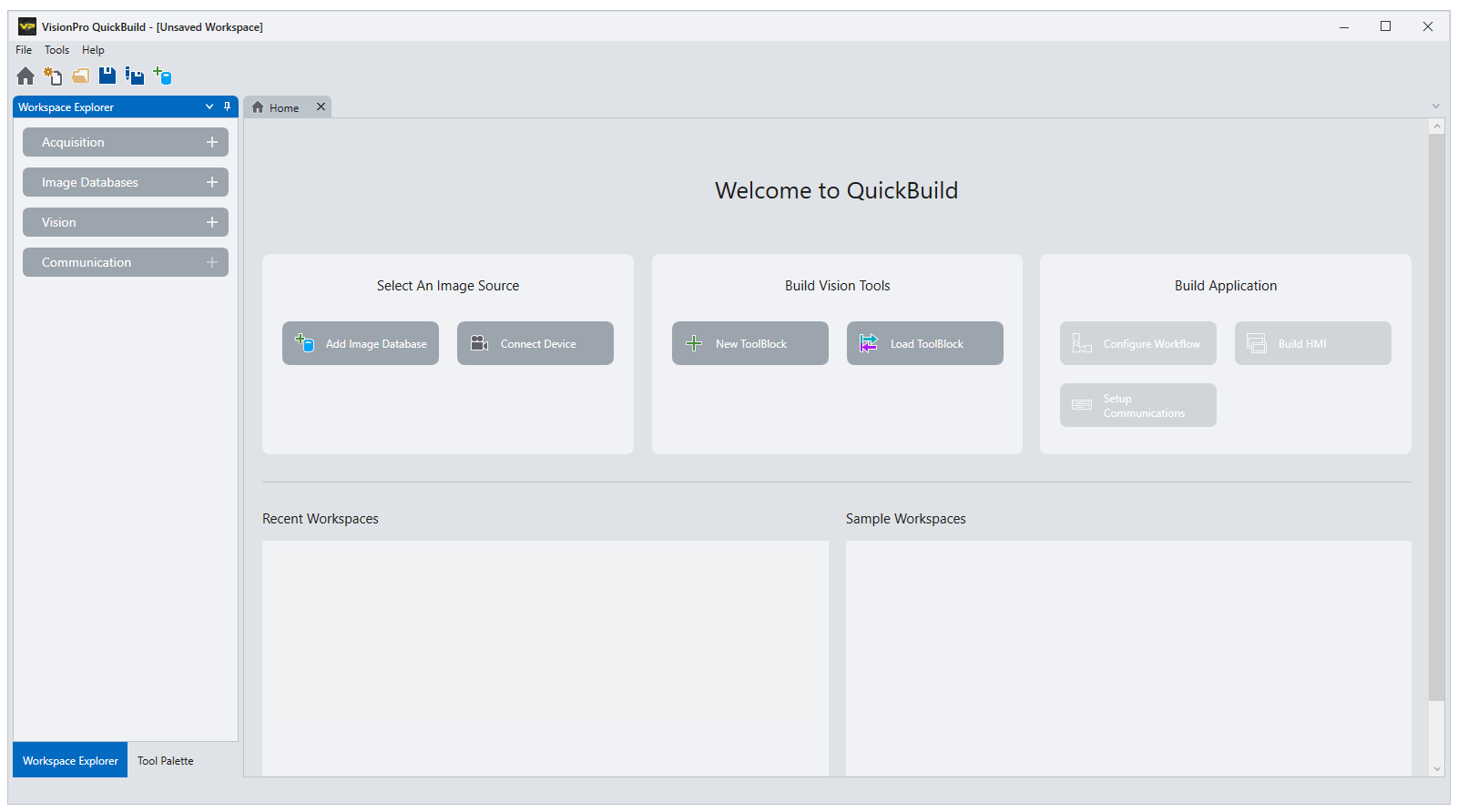
The Workspace Explorer on the left supports options for starting a new vision solution:
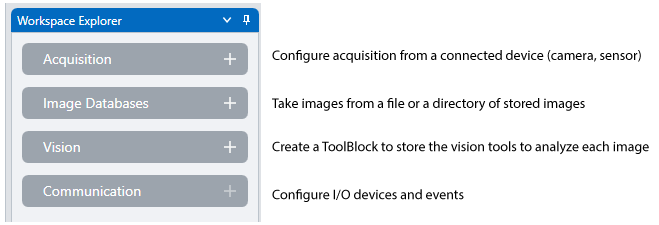
The Home tab offers similar options
-
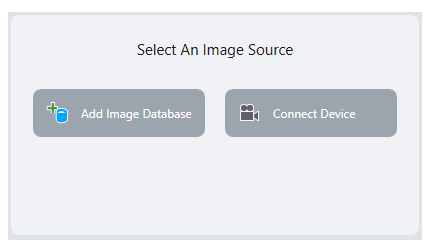
Configure an image acquisition device or add a file (or directory of files) to this workspace
-
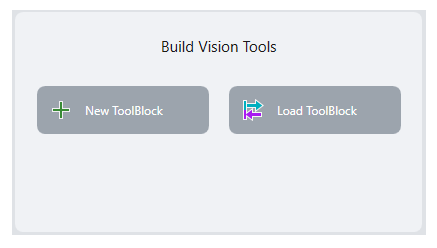
Create a new ToolBlock or load a saved ToolBlock to this workspace
-
Access to saved workspaces and sample workspaces you might download from the Cognex web site
You can undock or close the Home tab at anytime. To enable the Home tab again, click the icon for it in the button bar:

See the following topics for more information on using QuickBuild: