Use the Settings tab to add, configure, and set the order of the image processing operators that the tool applies to the input image. The following figure shows an example Settings tab with several enabled operators:
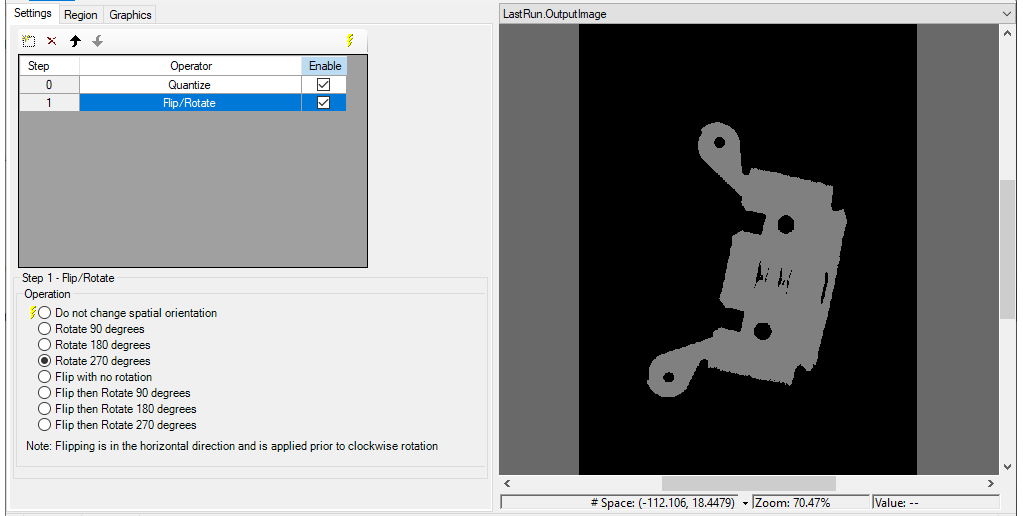
Use the table interface to manage what image processing operators you use:
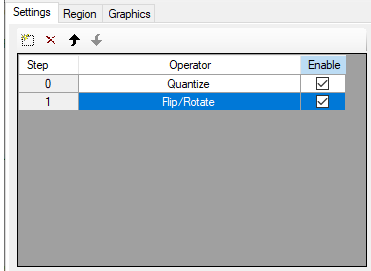
The interface supports the following buttons to add, remove and reorder the operators:
| Button | Description |
|---|---|

|
Add a new image processing operation. A menu appears with the list of image-processing operations. Highlight the operation you want and a new line appears in the list of image-processing operations at the bottom of the list.
You can add more than one operator of the same type. An Image Processing One Image tool with multiple operators exhibits the following behavior:
|

|
Remove the currently highlighted image-processing operation from the list. A verification message appears asking you to confirm deletion. |

|
Move the currently highlighted operation up in the list, and updates the index of the function within the collection. |

|
Move the currently highlighted function down in the list, and updates the index of the function within the collection. |