Use any of the following methods to open an image file:
-
Click the Open ImageFile button in the button bar:

-
Click the box next to the Filename text box:
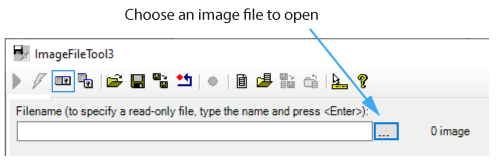
-
Use the Filename text box:

The text box allows you to type in the name of the file directly and accepts environment variables, valid UNC syntax, and relative path names based on the current working directory. The text box changes color as you enter a file name, turning pink if its contents do not point to a valid path and violet if the path is valid, as shown:
