The Copy Region tool can also be used to create mask images for use with other vision tools that support image masking. Instead of copying pixel values from the input image, the tool can use the dimensions of the input region to fill the output image with a constant grey value. By using a output region grey value of 255, and filling pixels outside the default bounding box with a value of 0, the tool generates output images as shown in the following example:
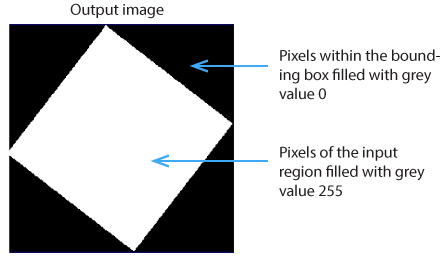
The tool does not require an input image to create output images for use as masks.