Use the Cognex Display control to display the images you acquire from a camera, an image database file, or a synthetic image your application might generate.
To use a Cognex Display control, perform the following steps:
- Select Project->Add Reference in your Visual Studio.NET application and add a reference to the assemblies Cognex.VisionPro and Cognex.VisionPro.Display.Controls.
- Open the Toolbox, if necessary, by selecting View->Toolbox.
- Select the VisionPro Tool Edit Controls tab of the Toolbox.
- Select the CogDisplay control and place the control on the Windows form.
The following figure shows the CogDisplay control:

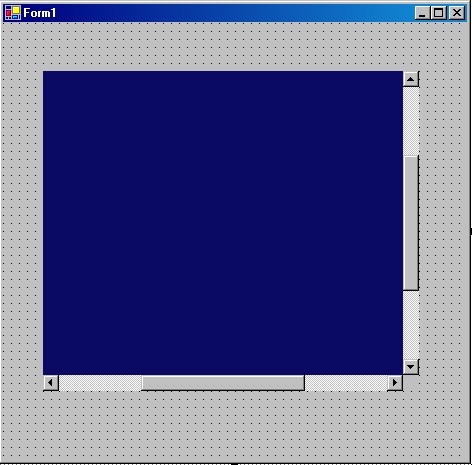
The following figure shows a Windows form with a CogDisplay control:
See any of the following topics for details on acquiring images based on the type of camera you are using:
- Acquiring Images with a CCD Camera and Frame Grabber
- Acquiring Images with a CDC Camera and Frame Grabber
- Acquiring Images with a Line Scan Camera
Use the Image property of the CogDisplay control to display an acquired image.
If you use the tool-level API to create a CogAcqFifoTool object, display the image as shown in the following C# statements:
private CogAcqFifoTool myAcqTool;

private void InitializeAcqTool()
{
        // Create a tool
        myAcqTool = new CogAcqFifoTool();
        if (myAcqTool == null)
                throw new CogAcqCannotCreateFifoException("Unable to create Acquisition Fifo");
}

private void button1_Click(object sender, System.EventArgs e)
{
        myAcqTool.Run();
        cogDisplay1.Image = myAcqTool.OutputImage;
}If you use the operator-level API to create an ICogAcqFifo object, display the image as shown in the following C# statements:
private int tNum;
private CogFrameGrabbers myFrameGrabbers;
private ICogFrameGrabber myFrameGrabber;
private ICogAcqFifo myAcqFifo;

private void InitializeFifo()
{
        const string VIDEO_FORMAT = "Sony XC75 640x480";
        myFrameGrabbers = new CogFrameGrabbers();

        myFrameGrabber = myFrameGrabbers[0];

        myAcqFifo = myFrameGrabber.CreateAcqFifo(VIDEO_FORMAT,
                Cognex.VisionPro.CogAcqFifoPixelFormatConstants.Format8Grey, 0, false);
}

private void button1_Click(object sender, System.EventArgs e)
{
        cogDisplay1.Image = myAcqFifo.Acquire(out tNum);

}