This topic contains the following sections.
VisionPro supports two discrete development pathways for you to create your deployed VisionPro machine vision application:
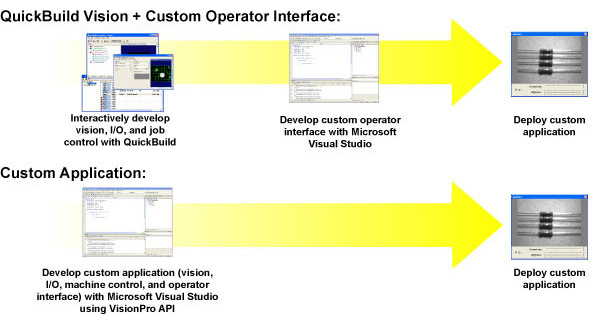
This topic provides details on both of these pathways. Regardless of which path you choose, however, be aware of the architectural changes introduced in VisionPro 9.9. See the topic Development and Deployment Requirements for VisionPro 9.10 and later for details.
This section contains the following subsections.
The VisionPro .NET programming interface includes functions that let you load and operate a saved QuickBuild application. You can write your own Visual Studio application to load and control the saved QuickBuild application.
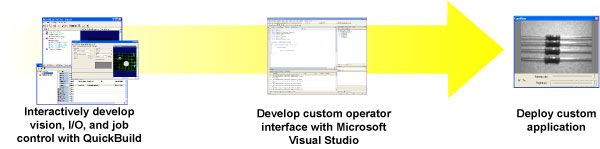
- Total control over operator interface appearance and behavior
- Can still use QuickBuild to modify the underlying vision application
- Requires programming
See the files in the directory Samples\Programming\QuickBuild\SimpleApp\ inside the VisionPro installation directory and the CogJobManager class documentation.
This section contains the following subsections.
The VisionPro .NET programming interface lets you directly control image acquisition, processing, and analysis.
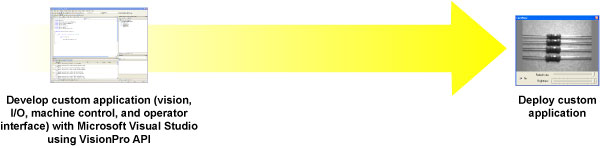
- Total application flexibility
- Requires the most programming
See the files in the directory Samples\Programming inside the VisionPro installation directory and the Programming Reference section of the documentation.