Cognex 3D vision sensors incorporate firmware to program various features of the camera contained within the device. VisionPro supports a method for updating the firmware for 3D-L38 vision sensors to take advantage of any new features and enhancements of each release.
Contact your Cognex sales representative or check the VisionPro Software Support website to ensure you are using the latest firmware for your 3D-L38. Future versions of VisionPro software should contain the latest supported firmware in the %VPRO_ROOT\bin directory.
Perform the following steps to update the firmware on a 3D-L38:
Open a web browser and enter the following URL in the address bar:
<IP address of 3D-L38>/fwupdate-ui
Launch the GigE Vision Configurator if you need the IP address of the 3D-L38.
The L38 Firmware Update utility appears as shown:
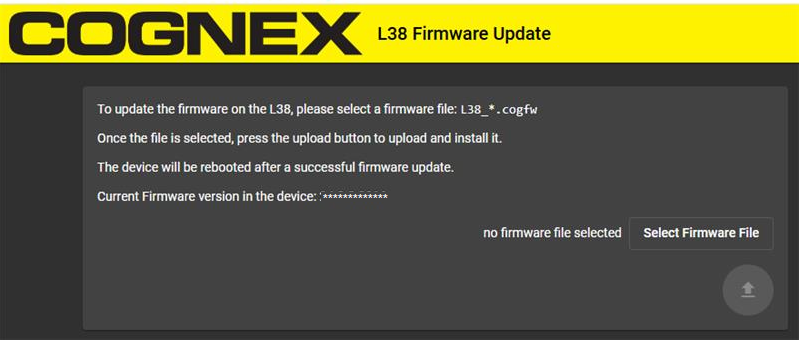
Select the new firmware file for this release, which has the following naming convention:
L38_<firmware version>.cogfw
Press Upload
The 3D-L38 reboots after a successful firmware update.