VisionPro supports the Trevista Computational Imaging (CI) Dome for surface inspection using "shape from shading" technology. A Trevista CI Dome acquires multiple images of a single object under varied illumination patterns using programmable lighting, generating multi-channel images using Cognex computational methods.
A Trevista CI Dome consists of the following:
A Trevista Dome Light with a mounted area-scan or line-scan camera:
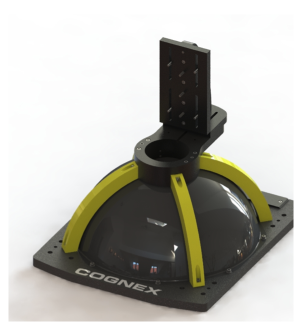
VisionPro supports an assortment of Trevist Dome Lights of different sizes. Ask your Cognex sales representative which light works best for your vision application.
A Trevista Controller:

The Trevista Controller supports the firmware for managing the structured light inside the Trevista Dome Light, as well as any connected acquisition accessories such as a hardware trigger.
VisonPro installed on a PC that meets minimum PC requirements.
See the topic About this Release for a list of minimum PC requirements.
Use a VisionPro Trevista tool to analyze the images acquired with a Trevista CI Dome:
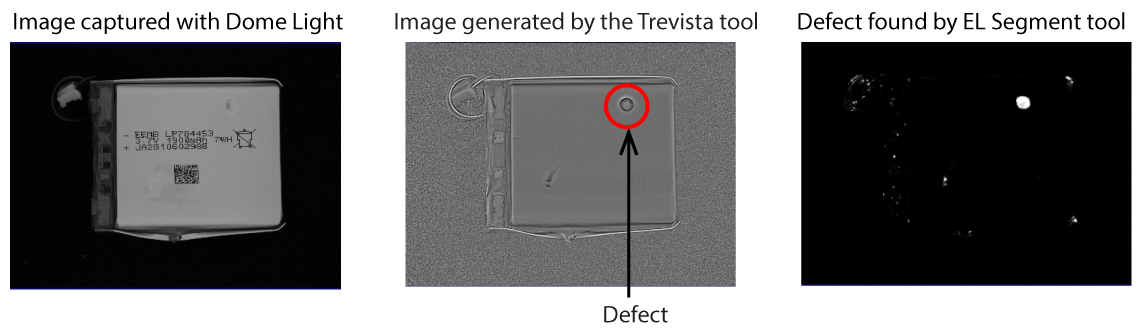
See the following sections for more information on using a Trevista tool:
Typical inspection systems attempt to detect defects in raw camera images using various light sources. In some applications, the light source fails to sufficiently highlight the defects on various surface finishes.
Trevista computational imaging captures raw images under various illumination patterns and produces output images highlighting specific features the raw camera images do not display:
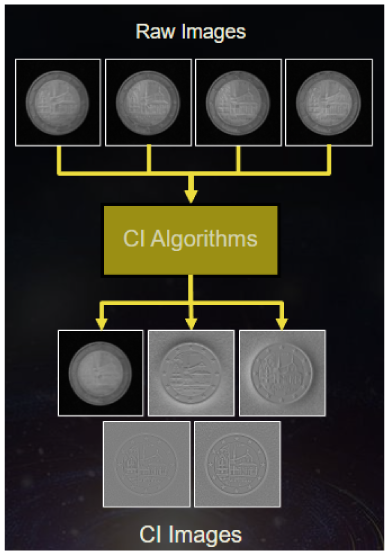
The Dome Light captures images of the object under inspection by lighting a different quadrant for each acquired image:
Your vision application passes the four raw images acquired by the Trevista CI Dome hardware to a VisionPro Trevista tool to generate various output images that can be analyzed by other VisionPro vision tools.
Use QuickBuild to launch the Trevista Acquisition Wizard for setting acquisition parameters for your Trevista CI Dome hardware components.
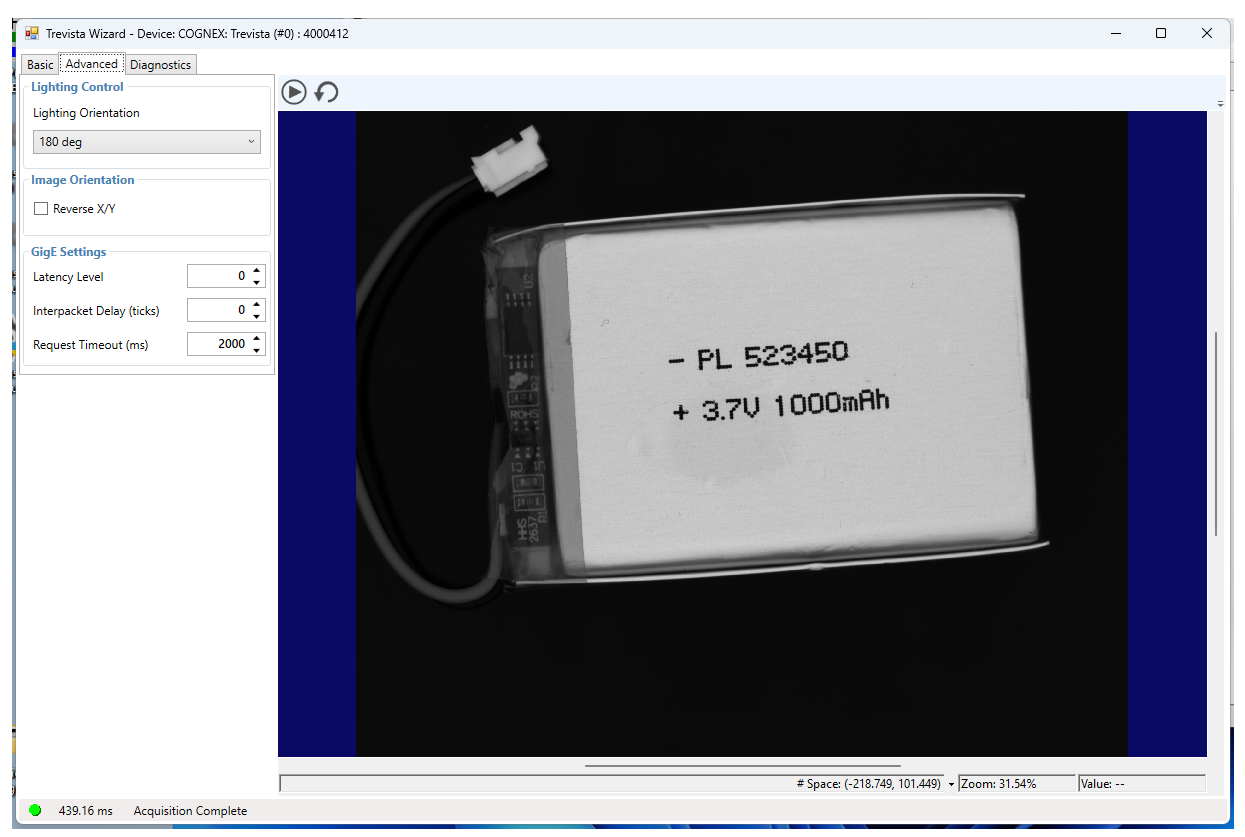
See the topic Using the Trevista Acquisition Wizard for more information on using the Trevista Wizard.
Your VisionPro application passes the images acquired by a Trevista CI Dome to a Trevista tool in order to generate images you can process with other image-processing tools. A Trevista tool can make all of the following images available to your vision application:
The greyscale image:
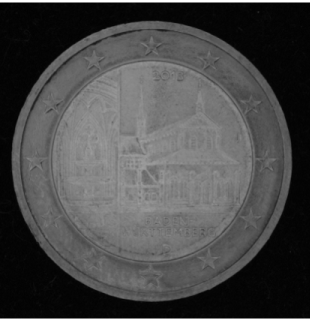
A greyscale image factors out the shape of the surface to enhance the surface texture. A greyscale image can highlight contamination or discoloration.
The depth image:
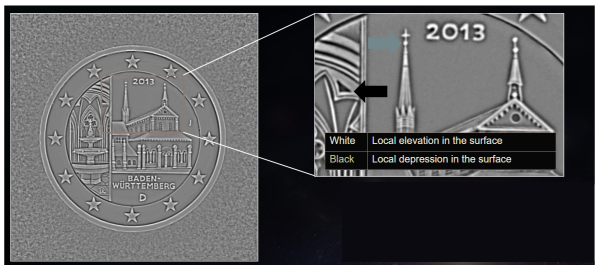
A depth image can allow your vision application to detect surface defects.
The contour image:
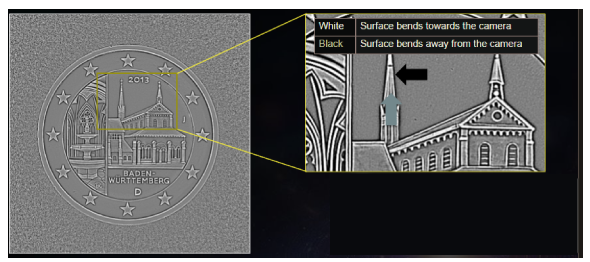
A contour image can allow your vision application evaluate the curvature of a surface, spotting small, local defects.
The shape-horizontal image:
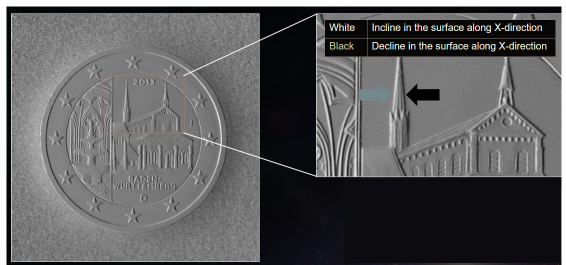
A shape-horizontal image can highlight defects along the x-axis of your image.
The shape-vertical image:
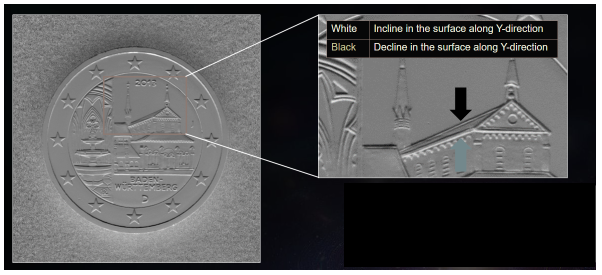
A shape-vertical image can highlight defects along the y-axis of your image.
QuickBuild supports a user interface to the Trevista tool:
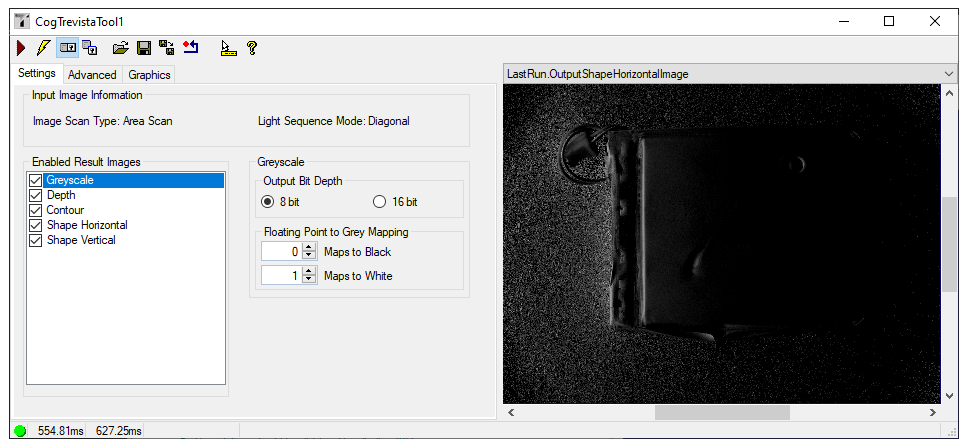
See the topic Trevista Edit Control for more information on using the Trevista tool edit control.