Command Line Arguments
The topics in this section cover the various command line arguments that can be supplied to the ViDi application when it is invoked.
The name of the service application you will be issuing the commands to is ViDi Suite GUI or ViDi Suite Service.exe
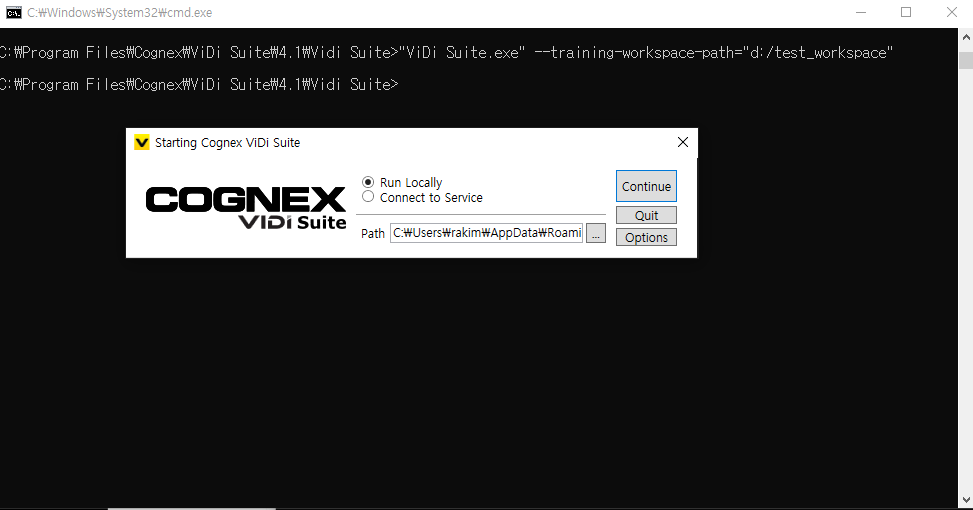
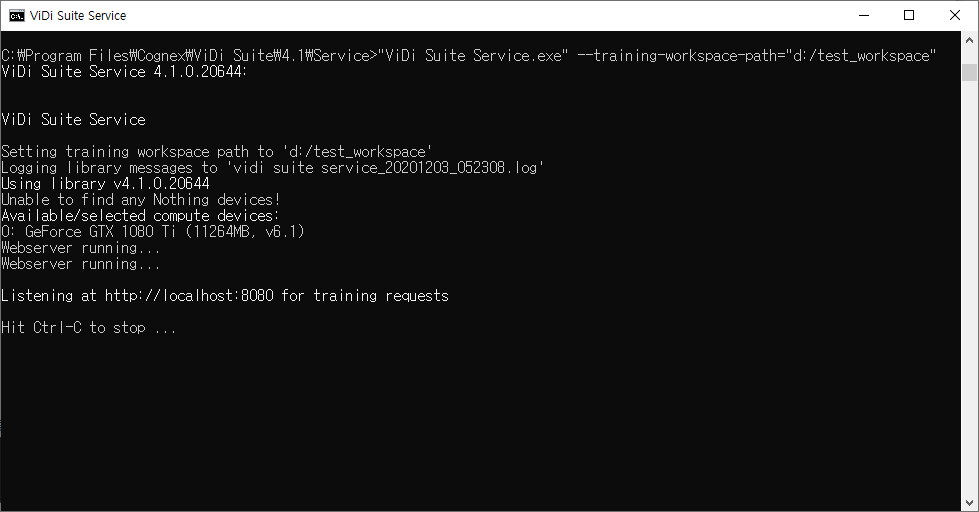
You issue the commands by first specifying the name of the application, followed by the command line arguments. For example, if you wanted to change the default training workspace path, after opening a Windows Command Prompt and changing directories to the Program Files directory, you would issue the following command: C:\Program Files\Cognex\ViDi Suite\3.3>"ViDi Suite Service.exe" --training-workspace-path=c:\users\username\workspace_store
When issuing commands to the ViDi Suite GUI, after initializing the command, the GUI launcher screen will appear, and you will not receive acknowledgment of the command.