Role Mapping
The Role Mapping page of the Single Sign-On app allows you to create external roles and map them to the internal roles.
To create role mapping:
-
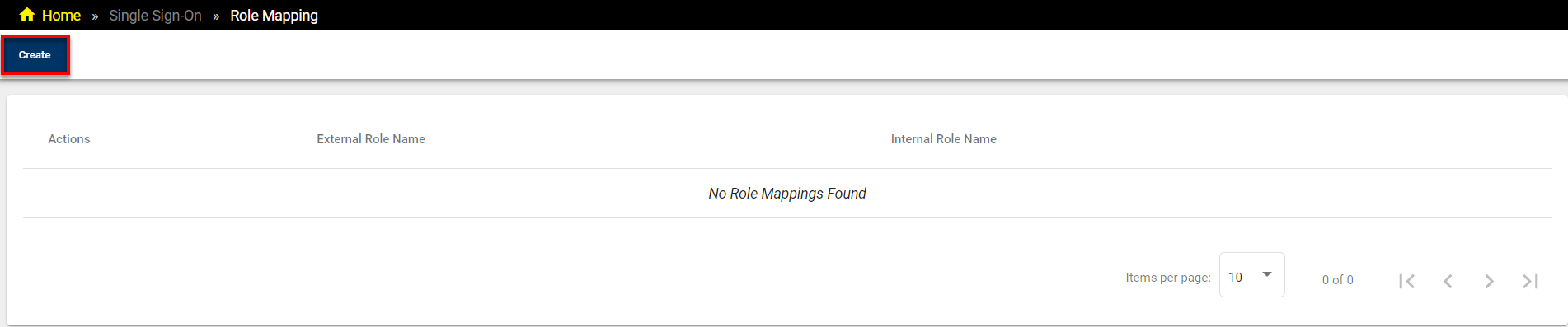
Click on Create on the top left corner of the Role Mapping page.
-
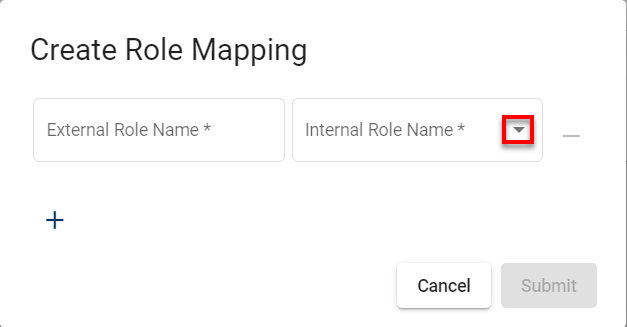
The Create Role Mapping pop-up appears.
-
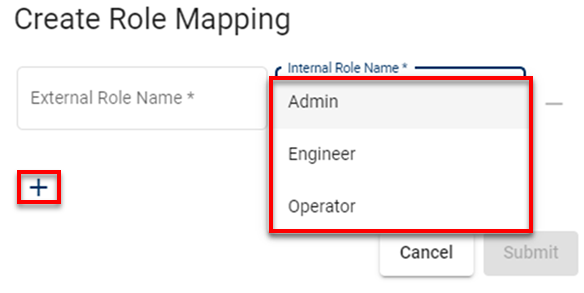
Fill in any external role name in the External Role Name field and select an Internal Role Name from the default options.
-
Click on the + to add more role mappings.
-
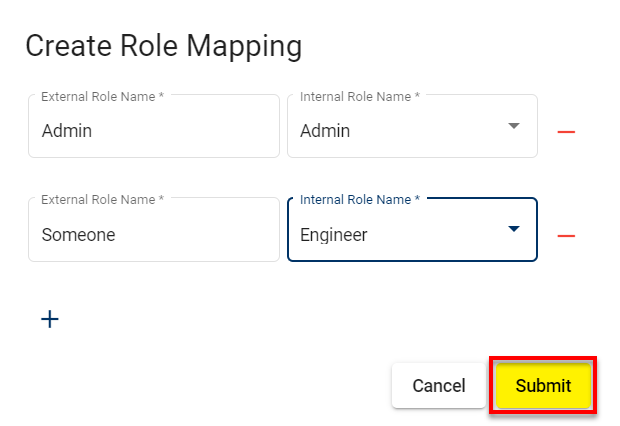
After filling in the given fields, click Submit to create the role mappings.
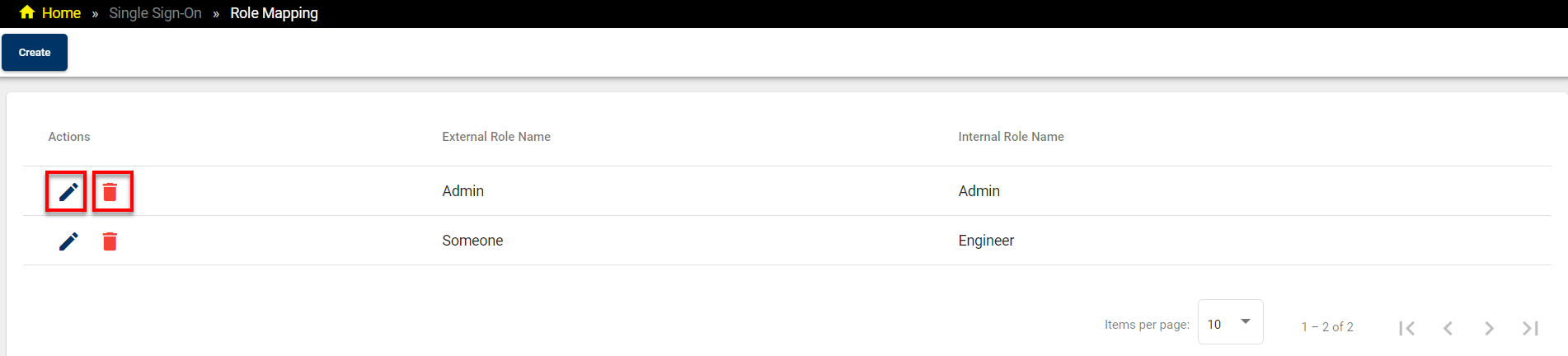
You can edit or delete any role mapping from the list by clicking on the corresponding button icons.
If you click on the Pencil icon, the Edit Role Mapping pop-up appears.
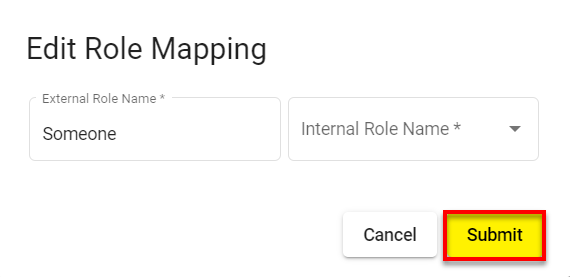
To save your changes after editing, click on Submit.