Setting up the NAT
Network address translation (NAT) remaps IP address spaces into other IP address spaces by modifying network address information in the IP header of information packets. Scroll down for the NAT option.
To set up the NAT:
-
Make sure that the Default Gateway of the DataMan readers is the IP address of the TM network port they are connected to.
-
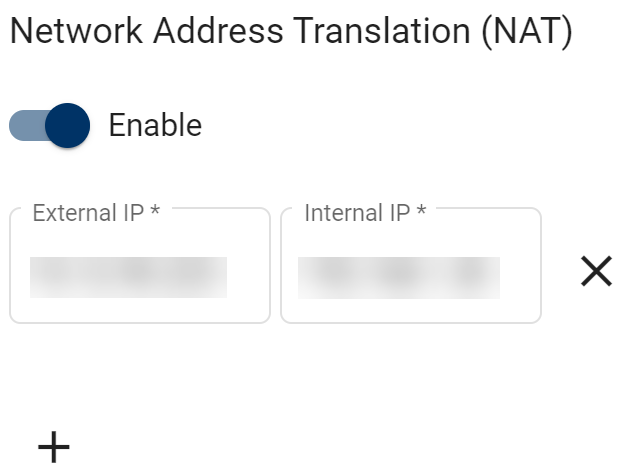
Set the switch to enable NAT Settings.
-
Click the + symbol to Add New Mapping.
-
Set the reader IP address as the Internal IP.
-
For the External IP, enter an available IP address you want to map to the reader.
-
Click Save.