Remote Subnets
The Remote Subnets page provides a list of remote subnets, and allows you to add additional subnets.
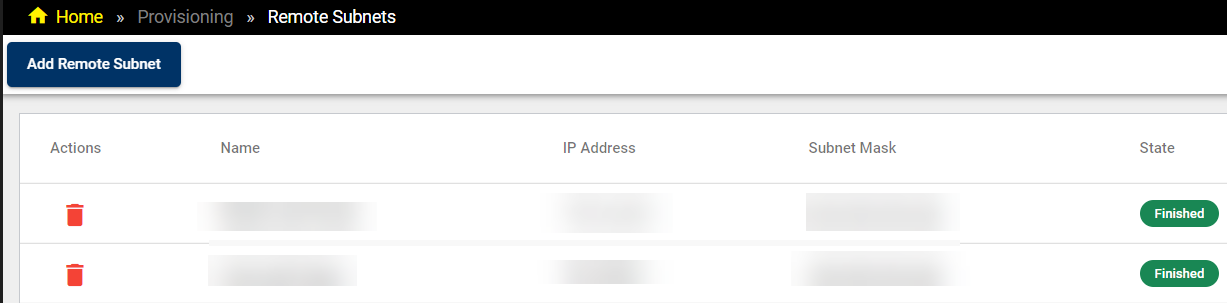
To remove a remote subnet from the list, click on the Bin icon in the Actions column of the row for the selected subnet.
Click on Add Remote Subnet to open the Add Remote Subnet pop-up dialog:
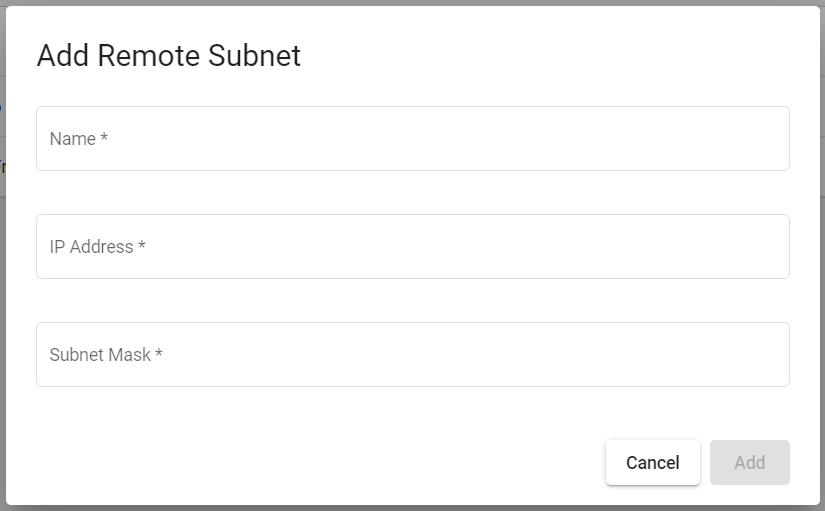
Enter the name, IP address, and subnet mask for the remote subnet you want to add, and then click Add.