Factory Reset
You can reset the vision sensor to the factory settings in the following ways:
-
Cognex Device Discovery
-
Buttons on the vision sensor
-
Factory Reset tab in the Settings of the vision sensor
See In-Sight SnAPP Software Help.
Perform Factory Reset through Cognex Device Discovery Utility
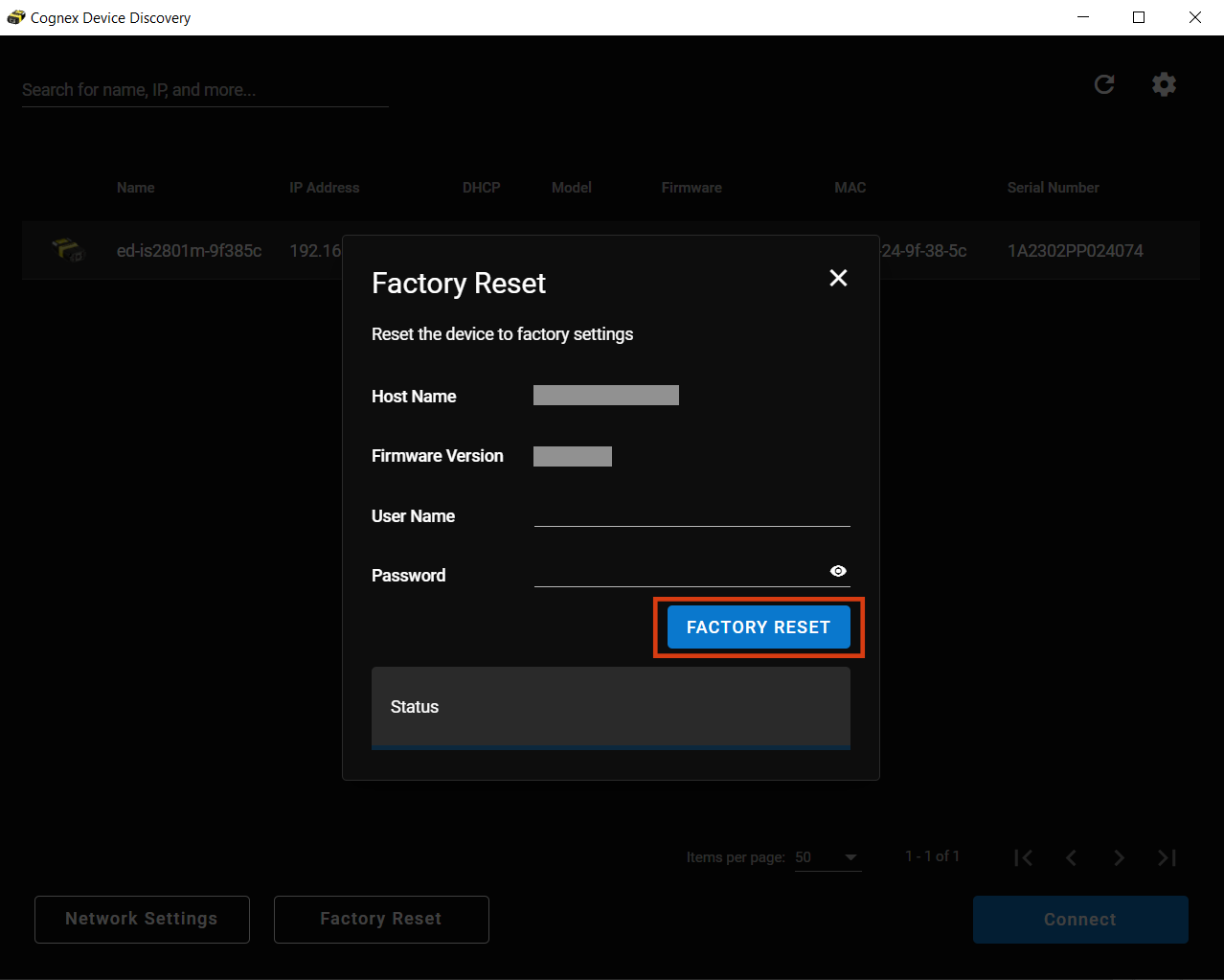
You can reset your vision sensor through Cognex Device Discovery Utility by clicking Factory Reset.
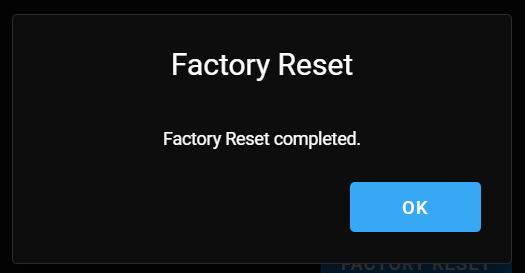
A dialog confirms the completion of the factory reset. Click OK to proceed.
Perform Factory Reset Manually with the Vision Sensor Buttons
You can reset the vision sensor manually during power on.
-
Press and hold the Tune button from initial power on.
-
Wait for the indicator LEDs to start flashing green and red, and you hear a beep.
-
Press the Trigger button once within the next 10 seconds. You hear another beep.
-
You can now let go of the Tune button.
-
The vision sensor performs factory reset and reboots.
The procedure is aborted and the device boots normally in the following cases:
-
If you press or hold the Trigger button before step 2 is completed.
-
If you release the Tune button before steps 2 or 3 are completed.
-
If you do not press the Trigger button within the allotted 10 seconds.