User Settings
The User Settings utility allows you to configure users and their access capabilities on an In-Sight vision system. You can determine which users may log onto the device, use the adapter of the product, as well as the changes they can make through the device's web-based HMI. Open the utility as follows:
- Launch In-Sight Vision Suite if it is not running yet.
-
Left-click the device you want to configure on the In-Sight® Device Pane on the left. The list of Utilities applicable to the selected vision system then appears at the bottom of the window.
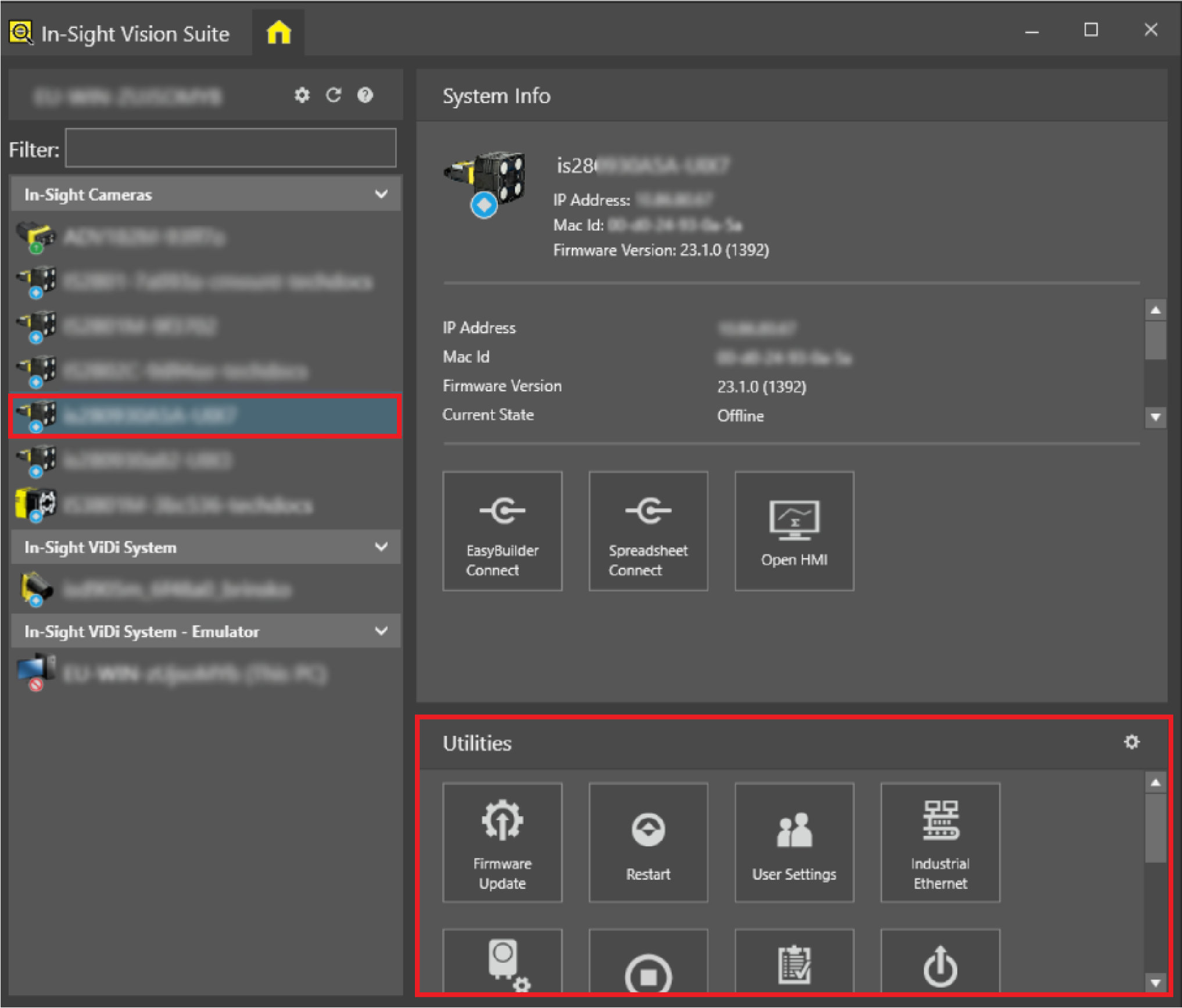
-
Click the User Settings button in the list of utilities. The User Configuration dialog launches, as shown below.
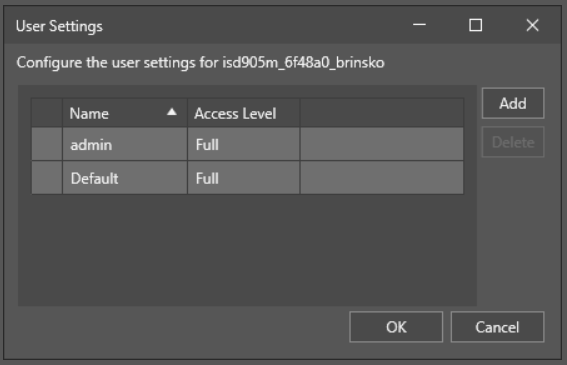
See the Configuring Users topic for more information on how In-Sight devices handle users, and the Add, Modify, or Delete Users with the User Configuration Utility topic on how to use the User Configuration utility.