EditPolylinePath
Inserts an interactive composite, one-dimensional polyline region control into the spreadsheet. When first inserted into a cell, the property sheet of the function Functions are tools that are available in Spreadsheet for processing and analyzing acquisitions or other results. You can add functions to your Spreadsheet job to create tool chains and produce results for specific applications. is displayed. Select the Edit Graphics menu option to enter Interactive Graphics Mode, where you can modify the polyline path.
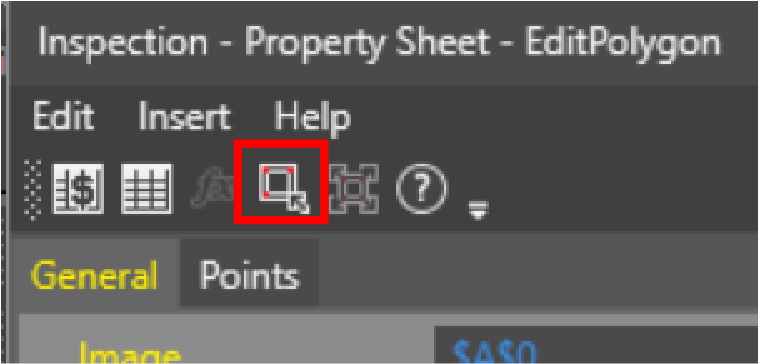
- To access the
- A right-click menu is available during graphical editing, which allows you to add a path segment or delete a path segment.
- The InspectEdgeForDefect function can not be used in conjunction with an InspectEdge function that utilizes an EditPolylinePath function as an external region.
- The button is disabled for EditPolylinePath.
 Inputs
The EditPolylinePath function has the following syntax:
EditPolylinePath(Image, X, Y, Theta, AddPoints, RemovePoints, MovePoints, MoveEntirePolyline, Scale, Rotate, Name, Show)
See the table for a description of the available parameters:
| Parameter | Description | ||||||
| Image |
This parameter must reference
a spreadsheet cell that contains an Image data structure. By default, this parameter references cell |
||||||
|
Specifies the image coordinate system in which the input composite region is defined.
|
|||||||
|
Add Points |
If checked (default), a point can be added to the polyline while in the Interactive Graphics Mode. |
||||||
|
Remove Points |
If checked (default), points can be removed while in the Interactive Graphics Mode. |
||||||
| Move Points | If checked (default), points can be moved while in the Interactive Graphics Mode. | ||||||
|
Move Entire Polyline |
If checked (default), the entire polyline path can be moved while in the Interactive Graphics Mode. |
||||||
|
Scale |
If checked (default), the entire polyline path can be scaled while in the Interactive Graphics Mode. |
||||||
| Rotate | If checked (default), the entire polyline path can be rotated in the Interactive Graphics Mode. | ||||||
|
Name |
Specifies a text label for the EditPolylinePath control element in the spreadsheet. |
||||||
|
Show |
Specifies the display mode for the EditPolylinePath graphics overlay on the image.
|
Outputs
|
Results |
An EditPolylinePath control. |