Enabling Time Synchronization
You can configure an In-Sight 3800 series vision system to use Common Industrial Protocol Synchronization (CIP-Sync) and the Precision Time Protocol (PTP). CIP-Sync and PTP are protocols defined by the IEEE 1588 (version 2) standard. These protocols enable the vision system to synchronize events with an external device, such as a PLC, over non-deterministic Ethernet.
Before enabling CIP-Sync and PTP:
-
Ensure that the environment where the vision system is installed already has PTP implemented.
Note: Enabling time synchronization disables any currently configured NTP service.
To configure time synchronization:
-
Launch In-Sight Vision Suite if it is not already running.
-
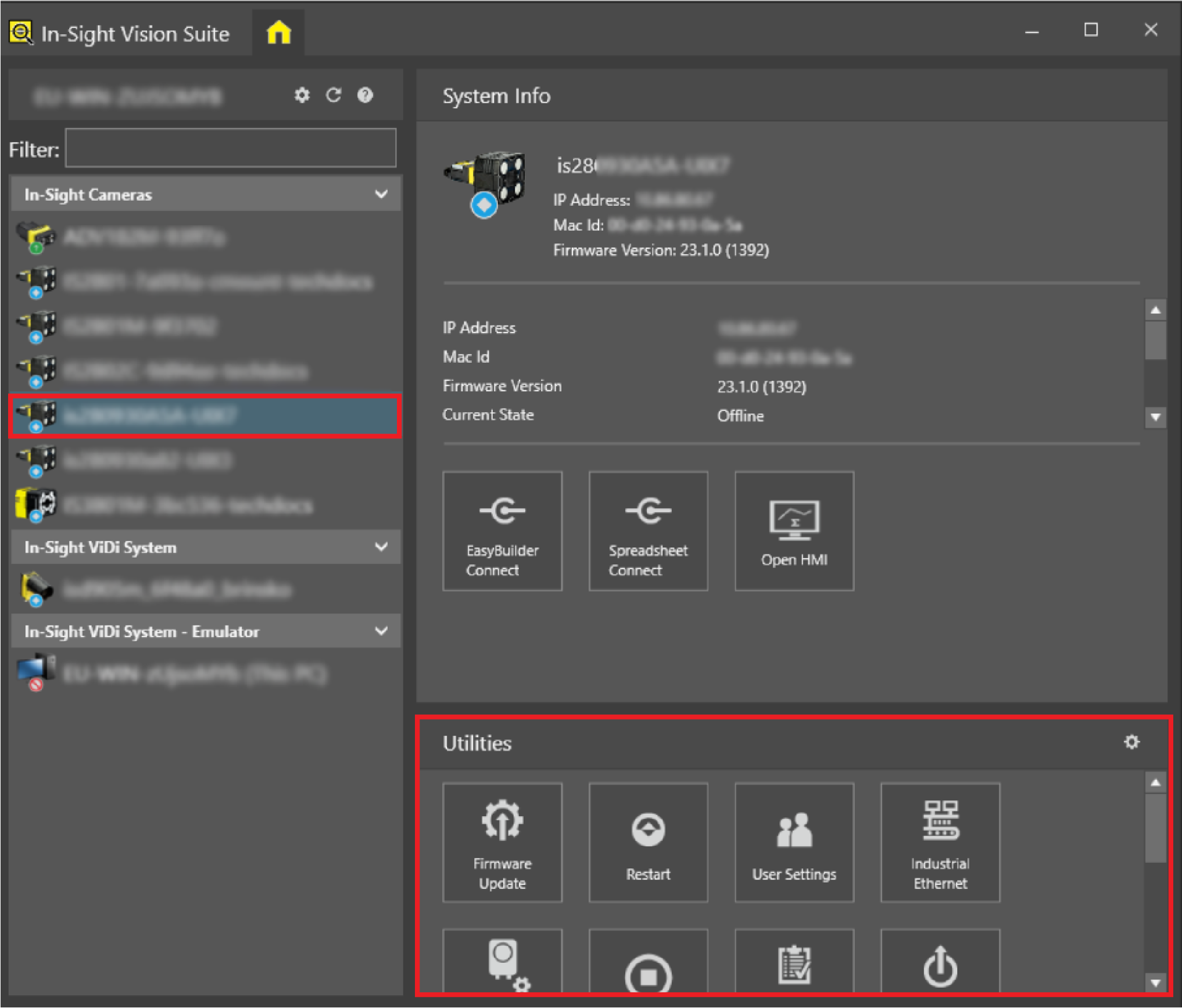
Left-click the device you want to configure on the In-Sight® Device Pane on the left. The list of Utilities applicable to the selected vision system then appears at the bottom of the window.
-
Click the Time Settings button to open the utility dialog.
-
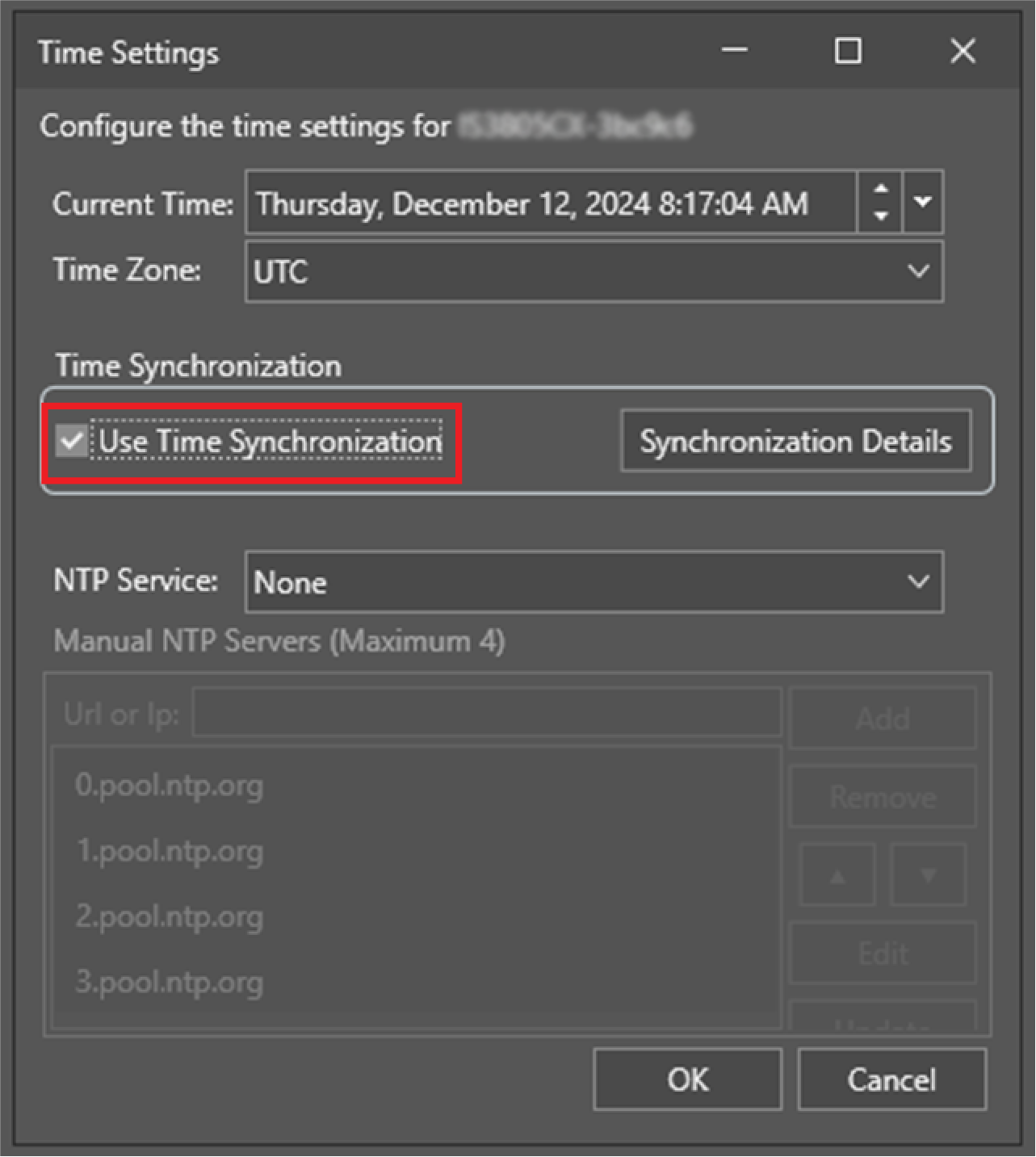
Check the Use Time Synchronization checkbox in the dialog then click OK.
-
To display information about the current status of the PTP stack, click Synchronization Details.