File Server
In-Sight Vision Suite allows you to connect to third-party file servers.
Note: You can connect to both an FTP and SFTP server at the same time. To achieve this, go through the steps with one of the server type and then do the process again with the other server type.
To connect to a file server, do the following:
-
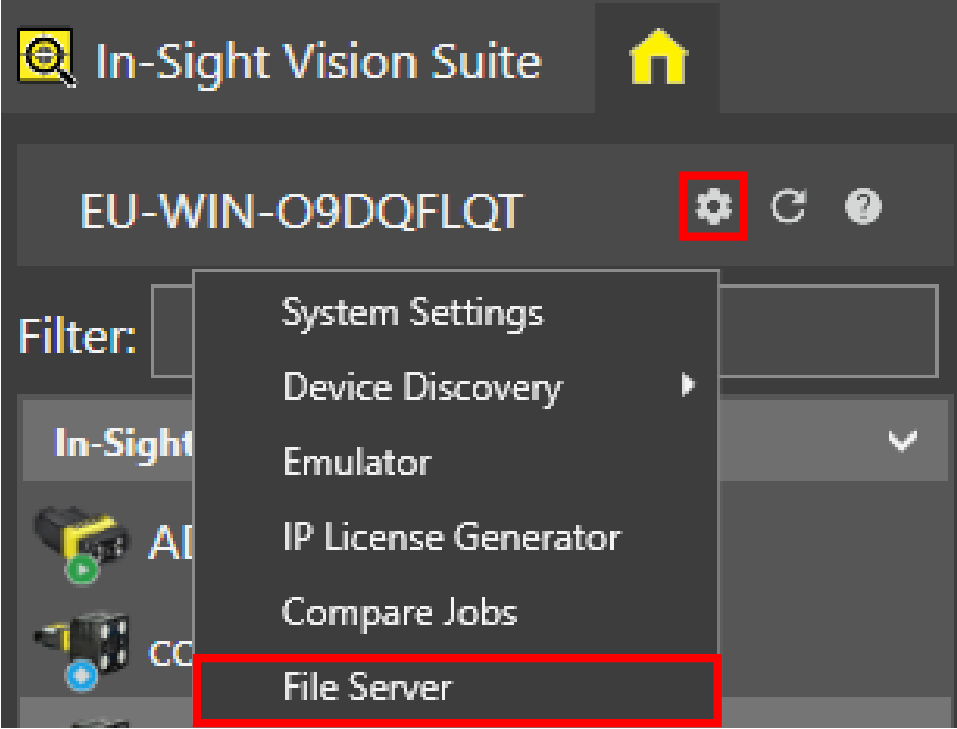
Open the System Settings dropdown menu by clicking on the cogwheel icon at the top of the device list, and click File Server.
-
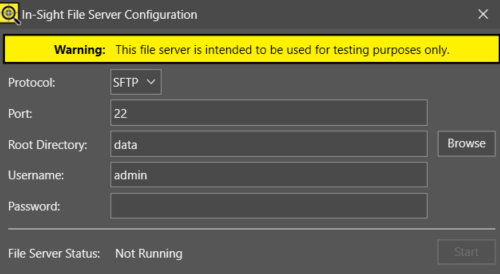
The configuration dialog pops up. Configure your file server connection by providing the required details:
-
Click Start.