Install the Add-On Profile
The Add-On Profile (AOP) simplifies the integration between In-Sight vision systems and RSLogix 5000. The AOP achieves this by setting certain default parameters and communicating the modules in use to the RSLogix 5000.
To install the AOP:
- Download the Add-On Profile (AOP) installer from the In-Sight support site: support.cognex.com/downloads/in-sight.
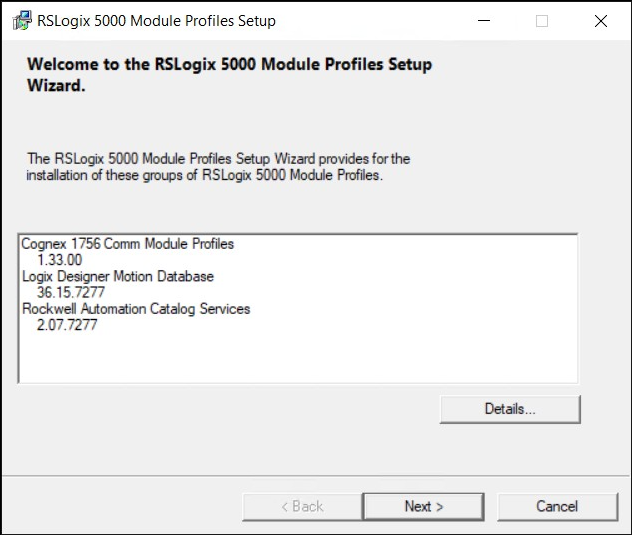
- Extract the installation files and double-click the MPSetup.exe file to launch the RSLogix 5000 Module Profiles Setup.
-
Click Next several times. You can accept the default selections in most cases.
-
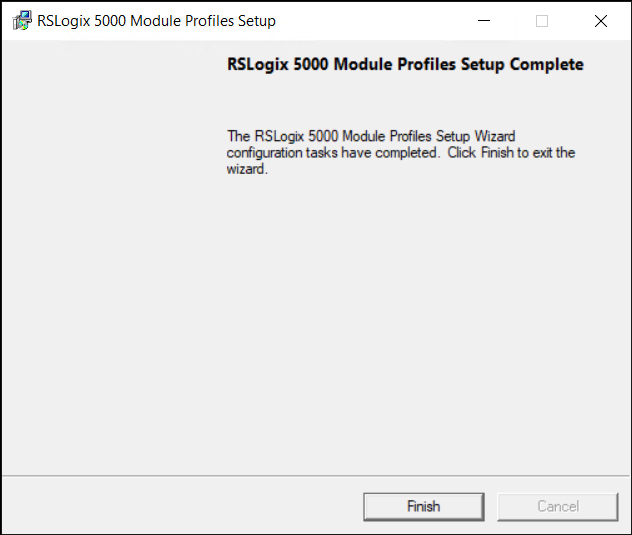
Click Finish.