Camera Configuration
The Camera Configuration utility allows you to configure the resolution for the vision system.
To use the Camera Configuration utility:
-
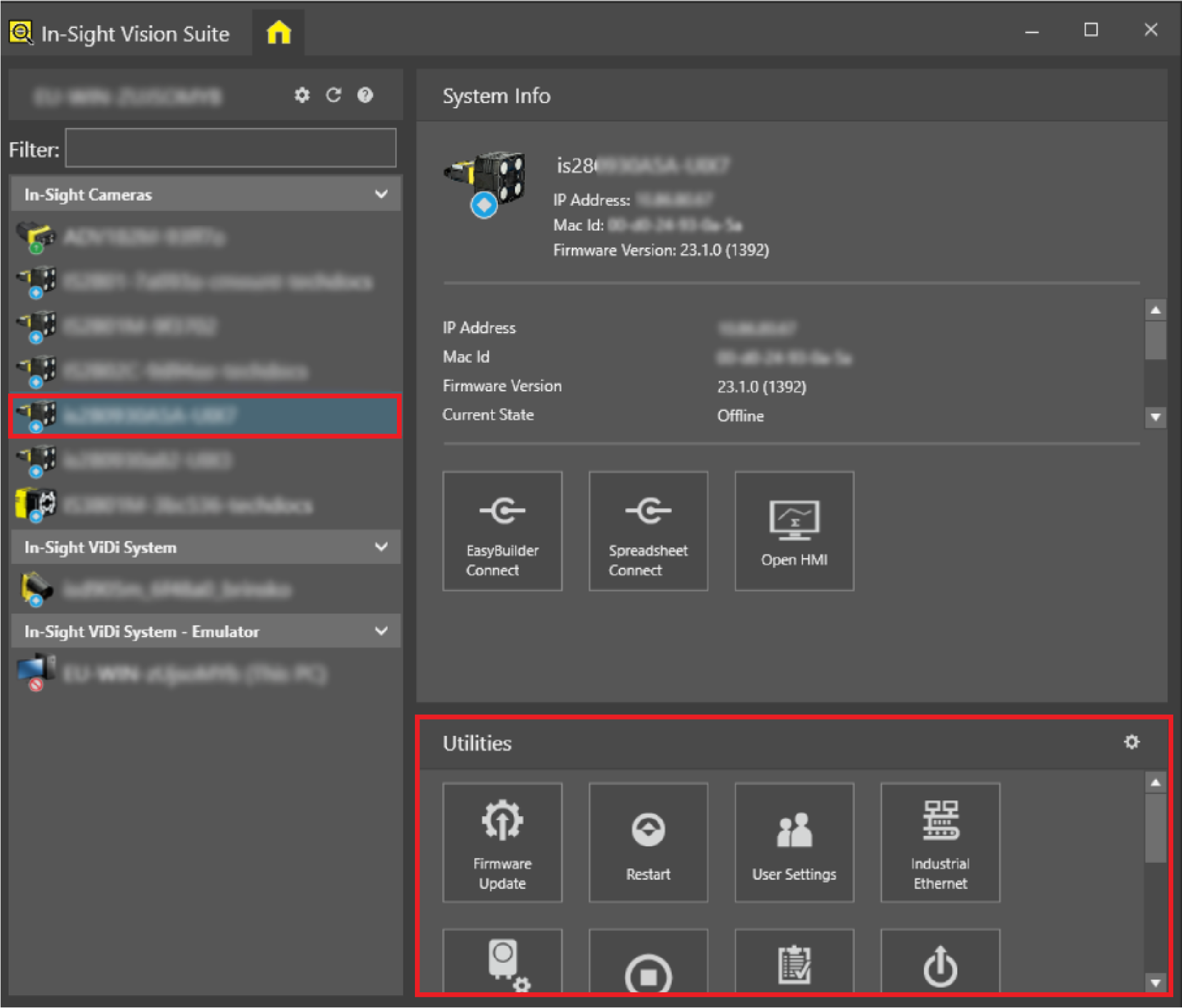
Launch In-Sight Vision Suite if it is not already running.
-
Left-click the device you want to configure on the In-Sight® Device Pane on the left.
- The list of Utilities applicable to the selected vision system appears at the bottom of the window. Click Camera Configuration.
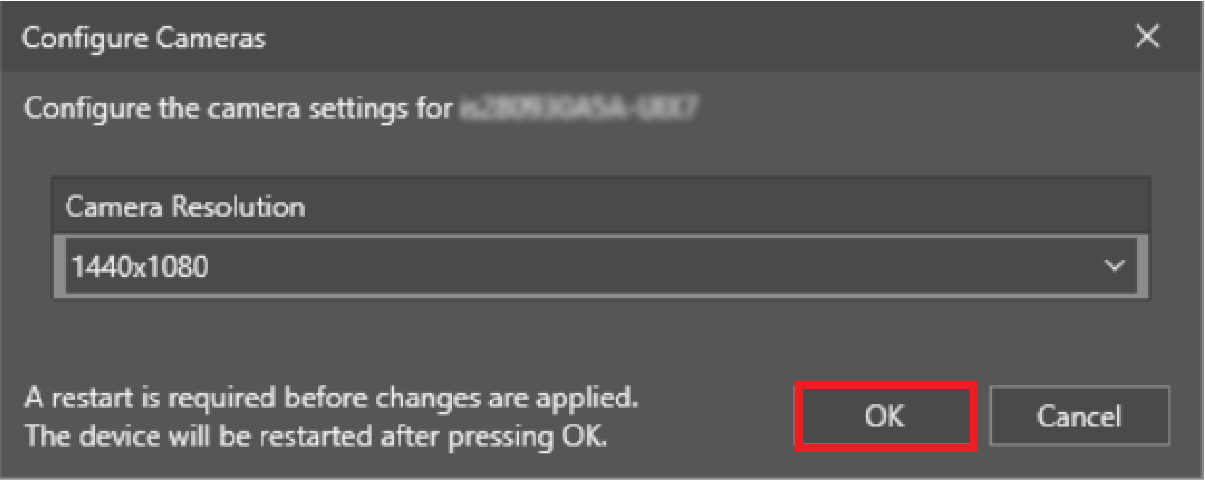
Configure Cameras utility dialog of Camera Configuration opens.
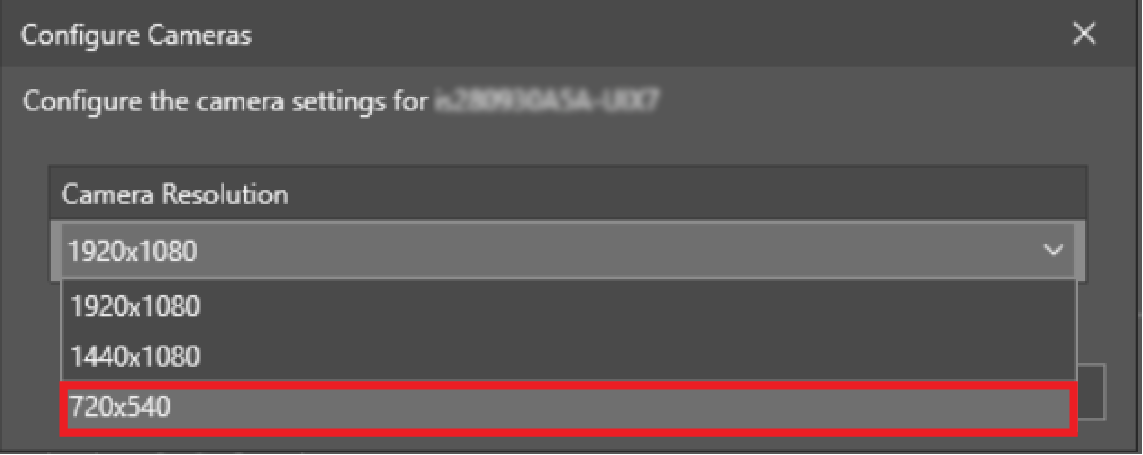
- Select the resolution that you want to configure from the dropdown list.
- Click OK.
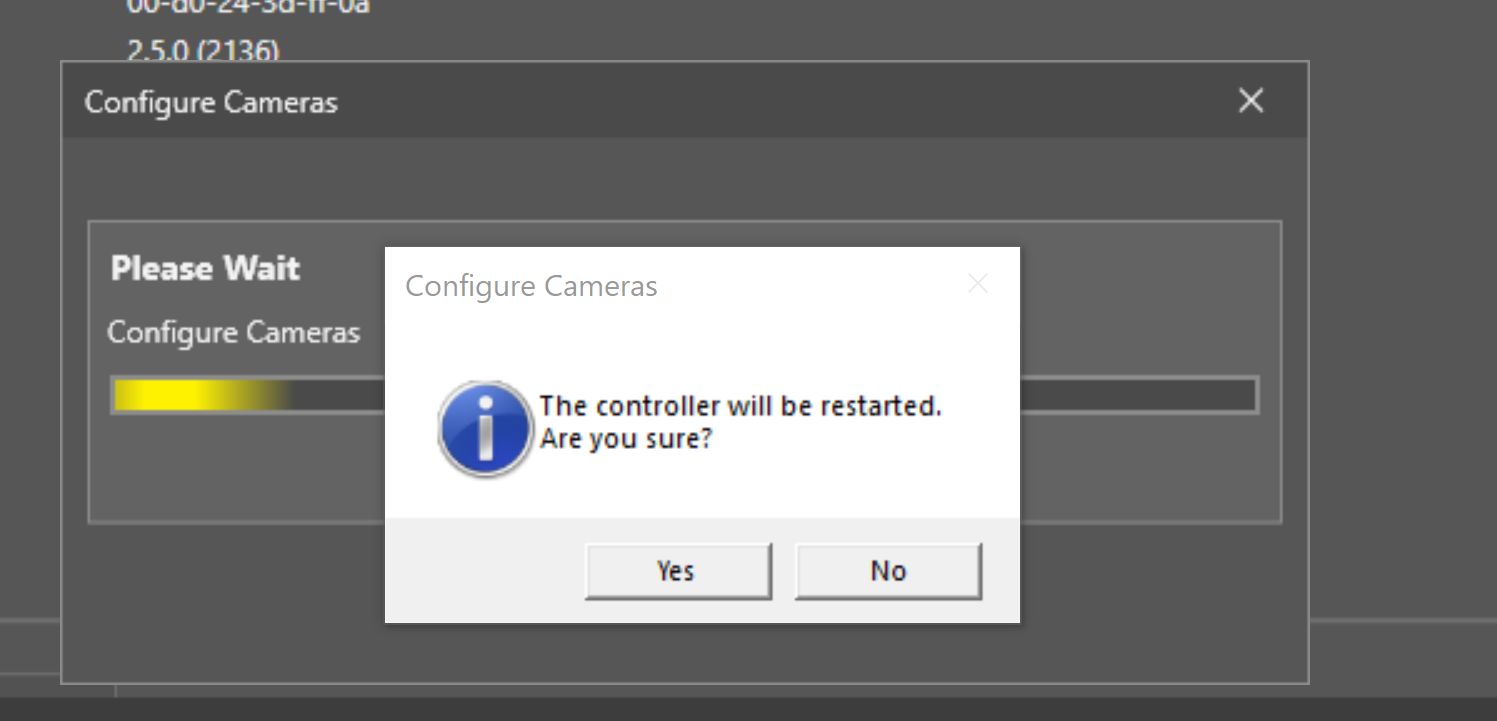
- Click Yes to confirm the restart of the device.