Job View
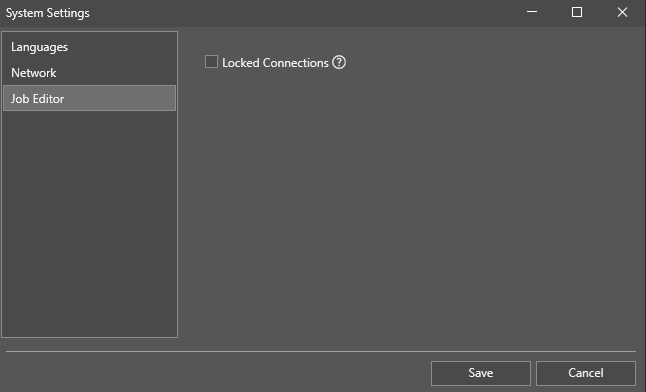
The Job View pane of the System Settings dialog allows you to force a log off of other users at the same or lower Access Level in In-Sight Vision Suite.
Check the Locked Connections checkbox to restrict other users from forcibly terminating your connection when they connect to your vision system.
You get different system messages, depending on if you are trying to force out another user, or you are forced out by a user:
-
The following dialog pops up when you try to force another user out:
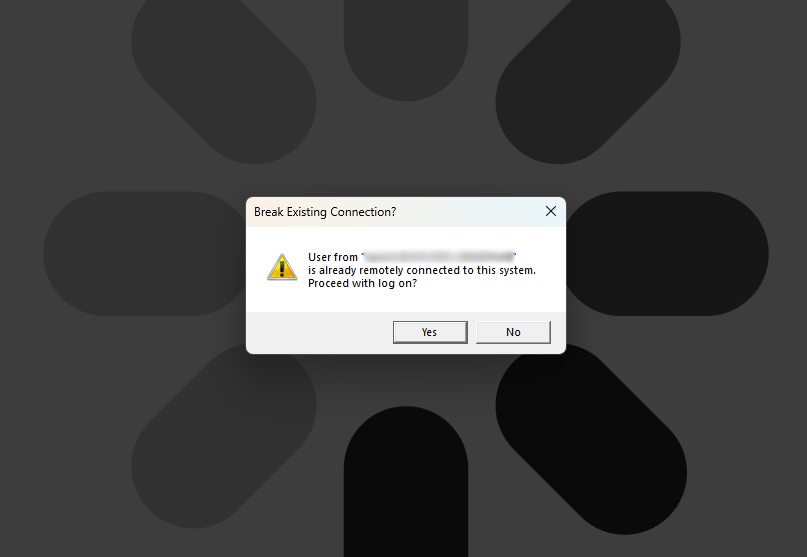
Click Yes to proceed with the log on.
-
The following message pops up at the bottom of the screen when you decide not to proceed with the logon:

-
The following message pops up at the bottom of the screen when you try to connect to the vision system used by a user with a higher Access Level:

-
The following message pops up at the bottom of the screen when you try to connect to a vision system with a locked connection:

-
The following message pops up at the bottom of the screen when another user forced you out of the vision system:
