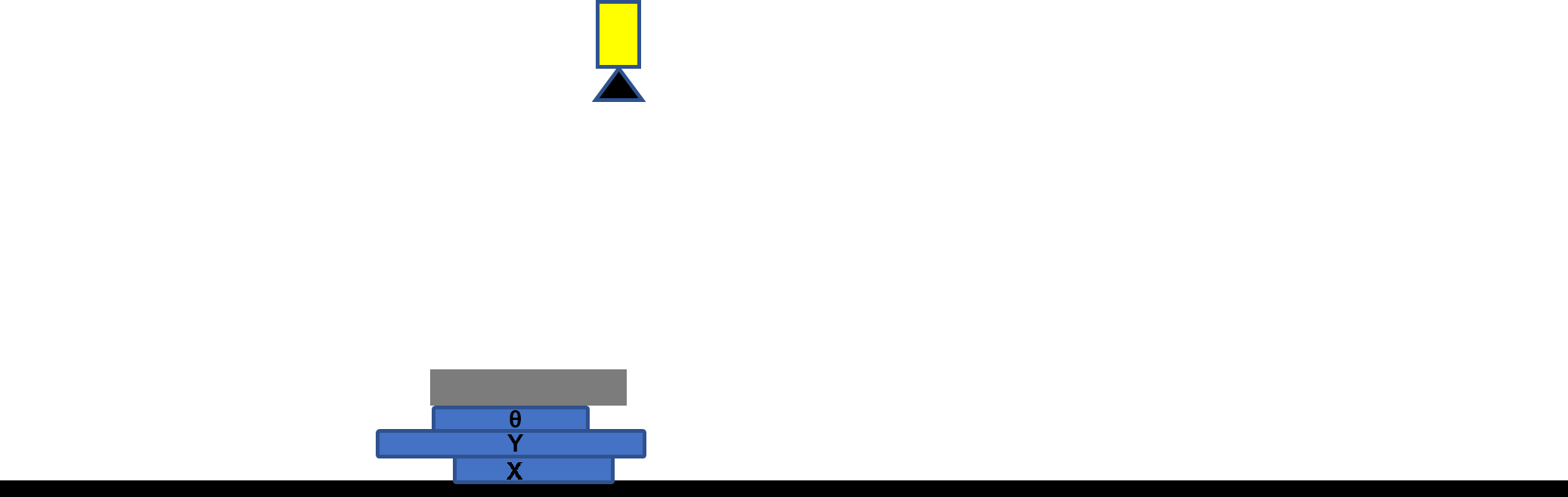
Stationary Part and Shuttling Vision System
System Configuration
|
|
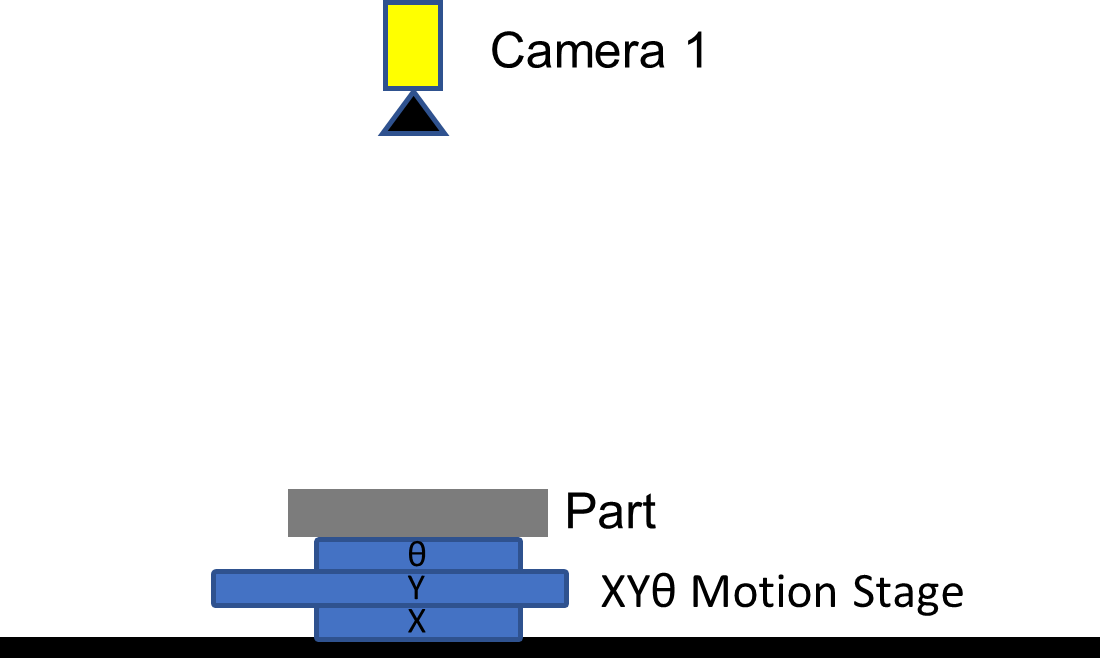
Application: Part is arbitrarily placed in golden pose on a X-Y-Theta motion stage at run time. |
|
Camera 1: Travels between camera shuttling pose 1 and pose 2. |
|
|
PartID 1: Locate the Part. |
|
|
StepID 1: Locate the first feature of the part at shuttling camera pose 1 (acquisition pose 1). |
|
|
StepID 2: Locate the second feature of the Part at shuttling camera pose 2 (acquisition pose 2). |
|
|
CalibID 1: Hand-Eye Calibration at shuttling camera pose 1. |
|
|
CalibID 2: Hand-Eye Calibration at shuttling camera pose 2. |
|
|
Prerequisites:
|
Training
-
Place the Part on the stage in the golden pose, or move the stage to align the Part pose with the golden pose.
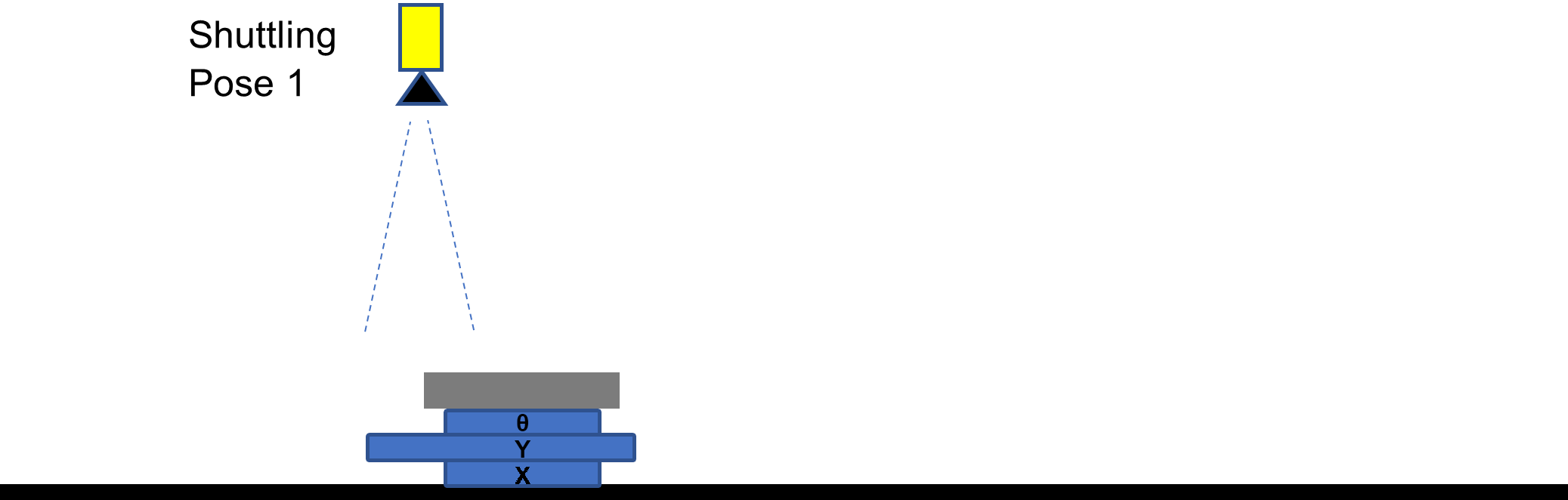
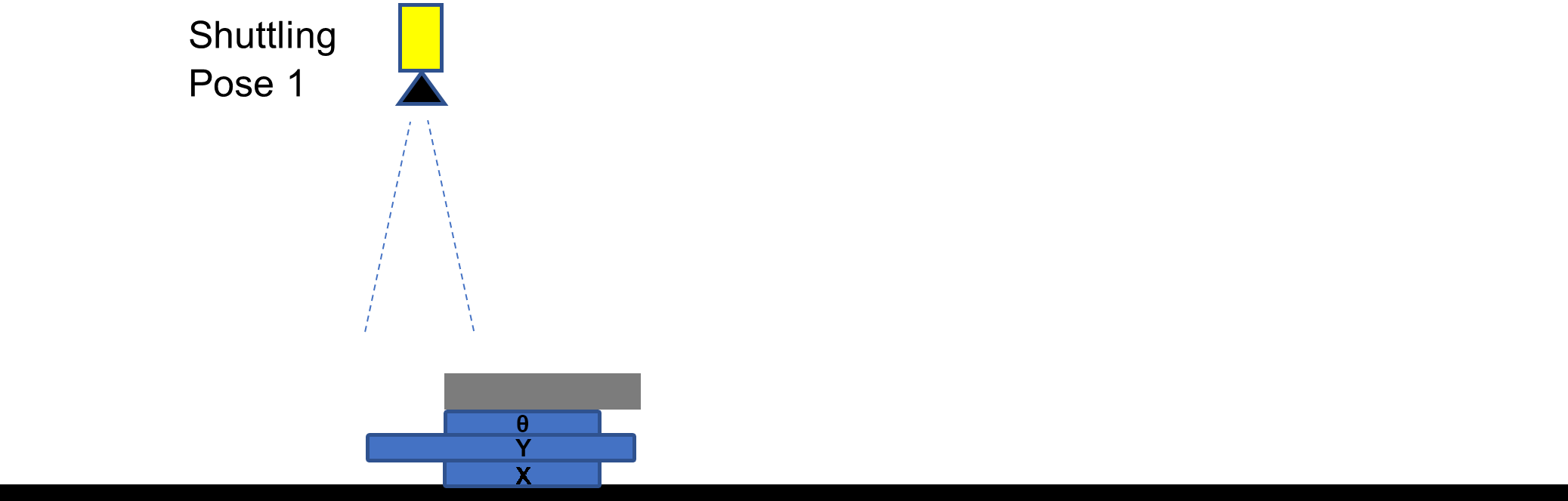
Move the camera to Shuttling Pose 1 to bring the first feature into the FOV of the camera and locate the first feature.
Command: LF,1,0,<current stage pose>
-
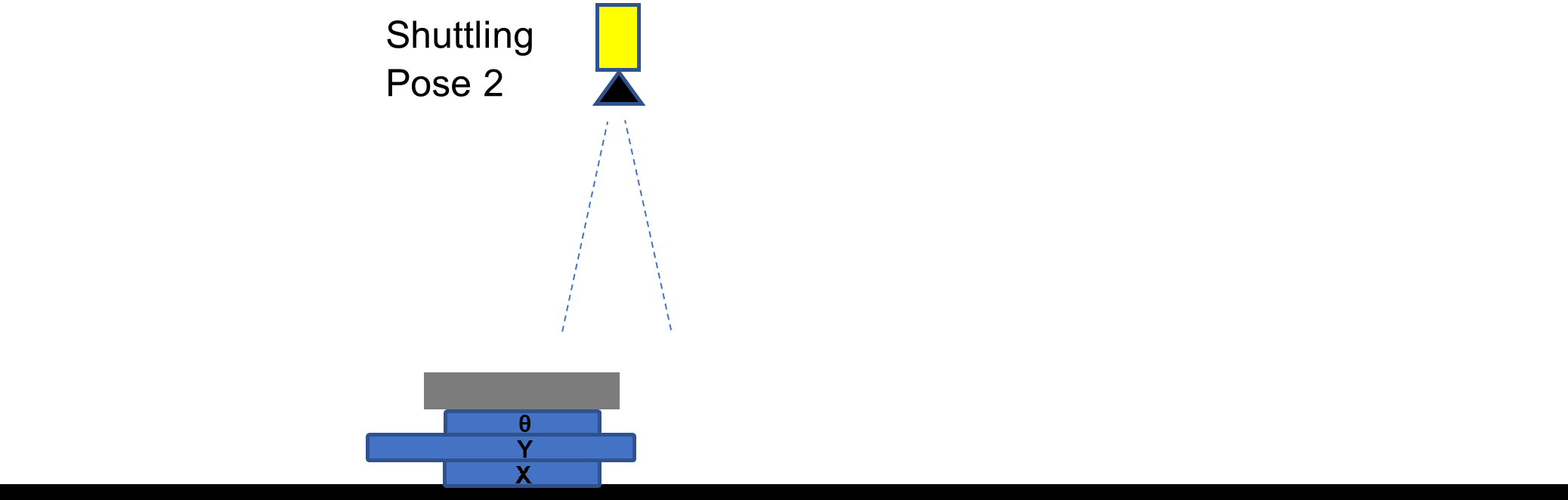
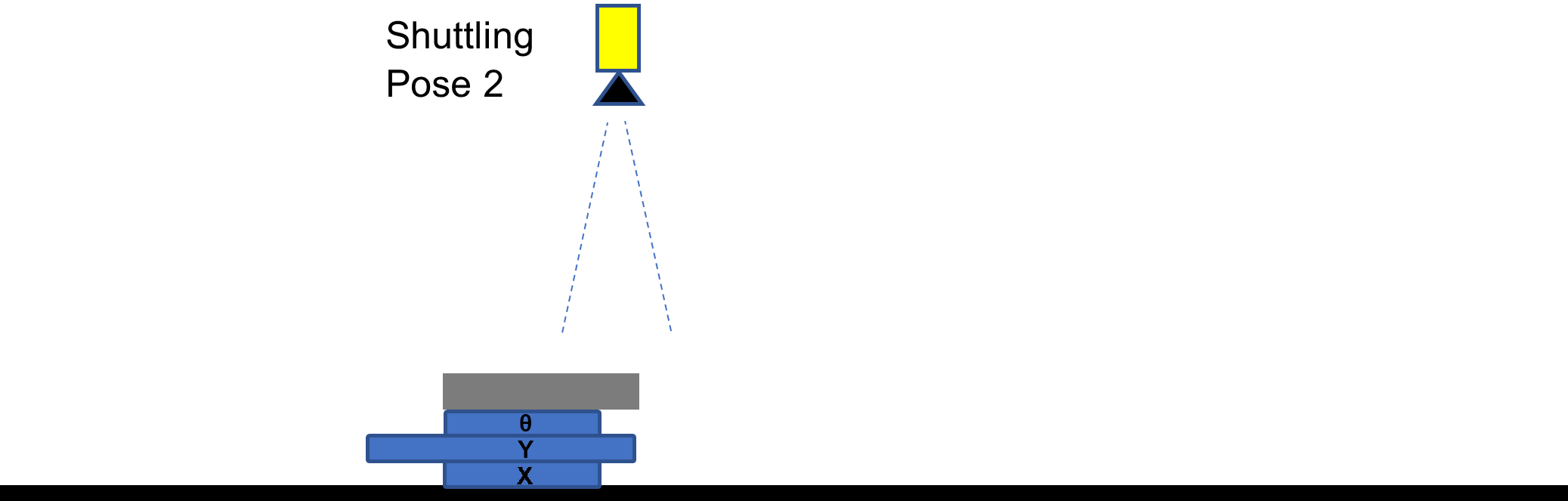
Move the camera to Shuttling Pose 2 to bring the second feature into the FOV of the camera and locate the second feature.
Command: LF,2,0,<current stage pose>
-
Register the previously located feature poses as golden pose.
Command: TP,1,1
Run time
Part is in arbitrary run-time pose.
-
Move the camera to Shuttling Pose 1 and locate the first feature.
Command: LF,1,0,<current stage pose>
-
Move the camera to Shuttling Pose 2 and locate the second feature.
Command: LF,2,0,<current stage pose>
-
Get the stage pose to bring the Part to golden pose.
Command: GP,1,1,ABS,<current stage pose>
Return String: GP,1,<run-time stage pose>
-
Move the stage to the returned pose.