Install the Cognex In-Sight 2D Robot Guidance Plugin
- Go to cognex.com/urcaps and download the Cognex URCaps v1.3.0.urcap file.
- Transfer the file to a USB stick.
-
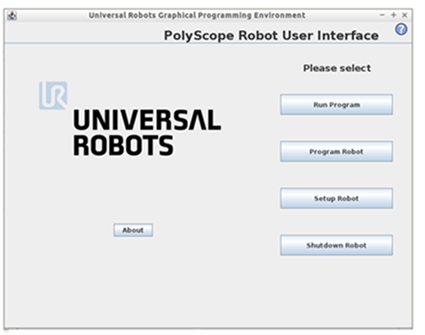
Launch the PolyScope program. The main menu displays:
- Insert the USB stick into the right side of the Universal Robot teach pendant.
-
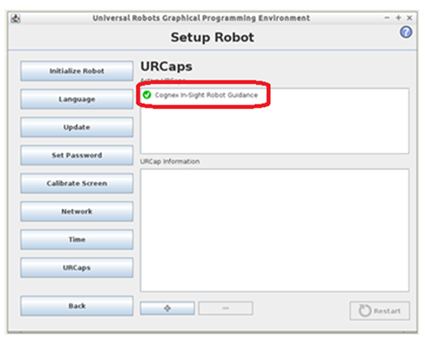
On the main menu, select Setup Robot > URCaps. Click the plus button (+) to add the URCap Cognex plugin file, which displays as Cognex In-Sight Robot Guidance.
The Cognex In-Sight 2D Robot Guidance plugin adds the following to the PolyScope software:
- A Cognex menu item on the Program tab (Program > Structure > URCaps > Cognex Camera Pose).
- A Cognex menu item on the Installation tab.
- A node in the Robot Program tree called CGX_result:=CameraPose.
- A new variable called CGX_result is added to the Program > Command tab. This variable is used to store the vision system pose information that is sent from the vision system during triggering.