Query-Controlled Web HMI Display
When connecting to the Web HMI, you can optionally append URL query parameters to the vision system or sensor's web address to control the appearance of the display and to suppress the credentials dialog.
- HTTP Web Address Syntax: http://IPAddress:HttpPort/?Query&Query[&Query...]
- HTTPS Web Address Syntax: https://IPAddress:HttpsPort/?Query&Query[&Query...]
| Query Type | Queries | Example URLs |
|---|---|---|
|
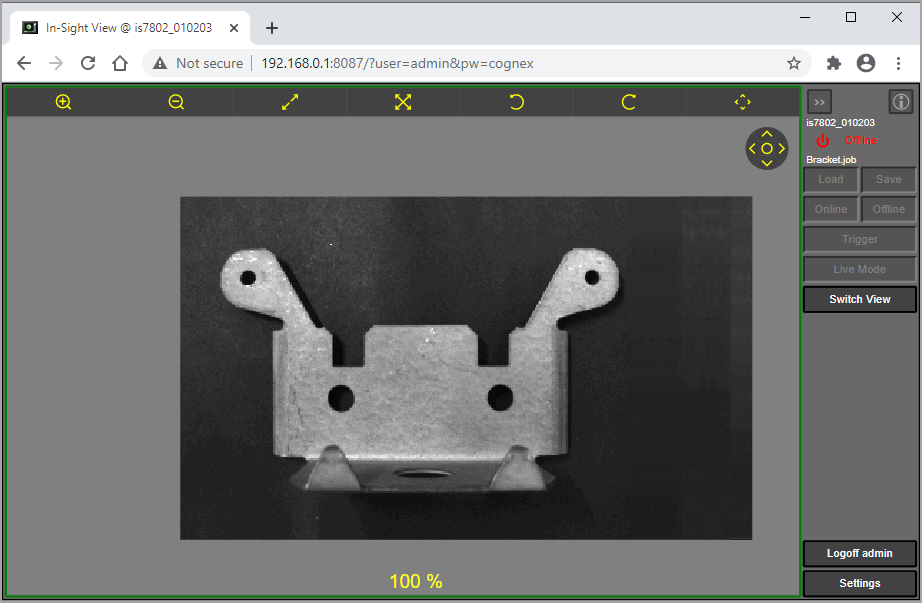
Credentials: Automatically log on to the vision system and suppress the credentials dialog. Note: If the default admin user name does not have a password assigned, the credentials queries are ignored, you are automatically logged on as the admin user and the Logoff button is not displayed.
|
user=[username]&pw=[password] |
|
|
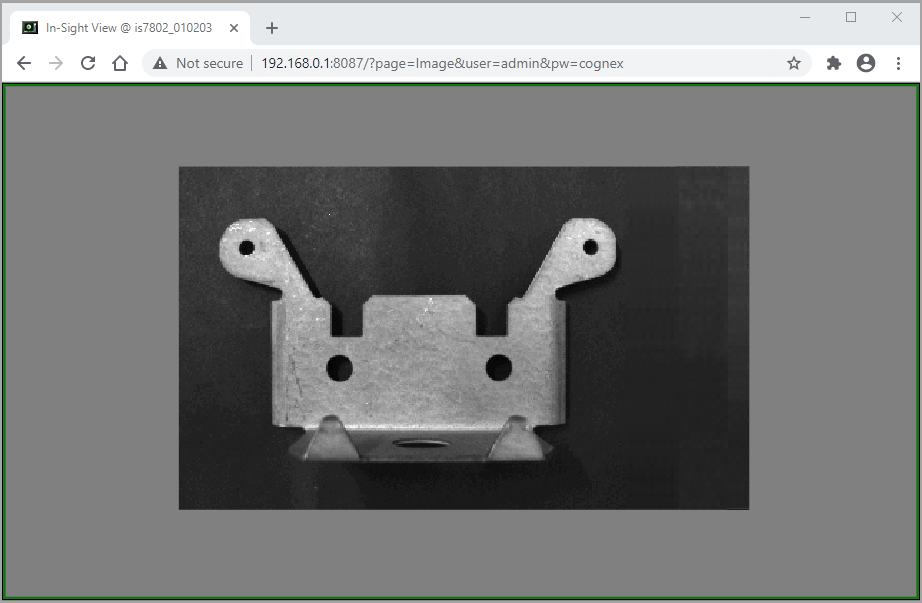
Image Only: Image-only display.
|
page=Image |
|
|
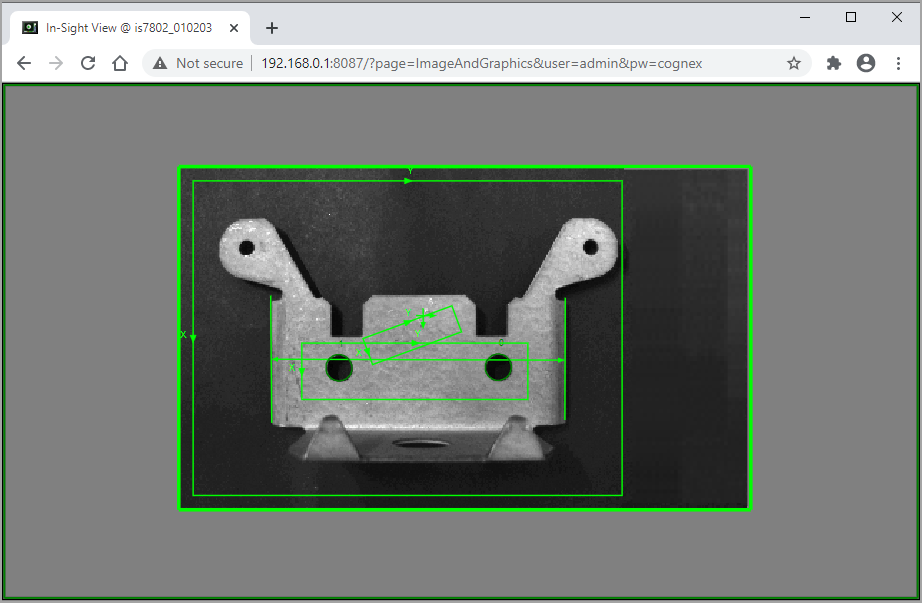
Image and Graphics Only: Image-only display and overlay graphics.
|
page=ImageAndGraphics |
|
|
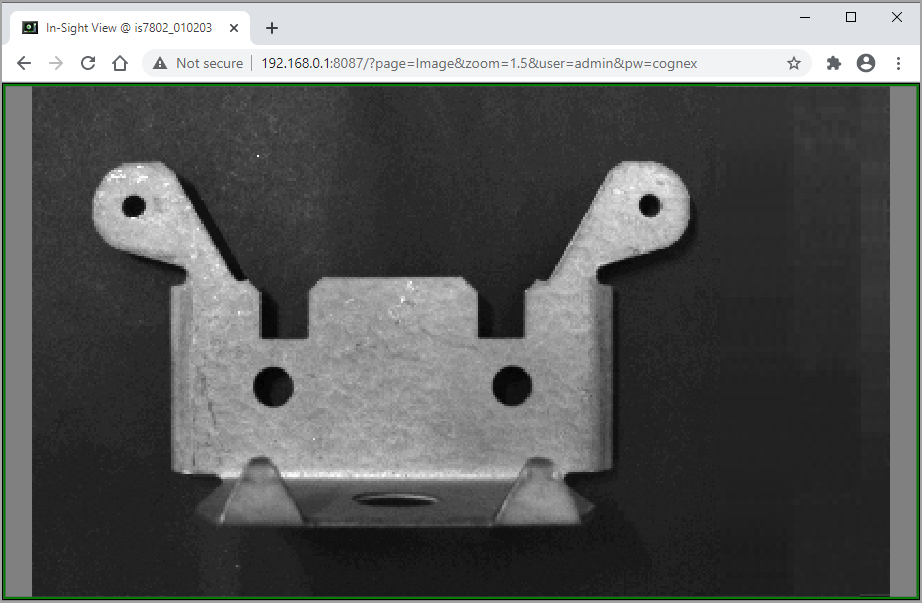
Zoom: Increase or decrease the magnification of the image. Supported levels are: 0.1, 0.2, 0.3, 0.4, 0.5, 0.6, 0.7, 0.8, 0.9, 1, 1.25, 1.5, 1.75, 2, 2.25, 2.5, 2.75, 3, 3.5, 4, 4.5, 5, 5.5, 6, 8, 16 and 32. Note: Zoom values take precedence over Fit or Fill if both are used.
|
zoom=[zoom level] |
|
|
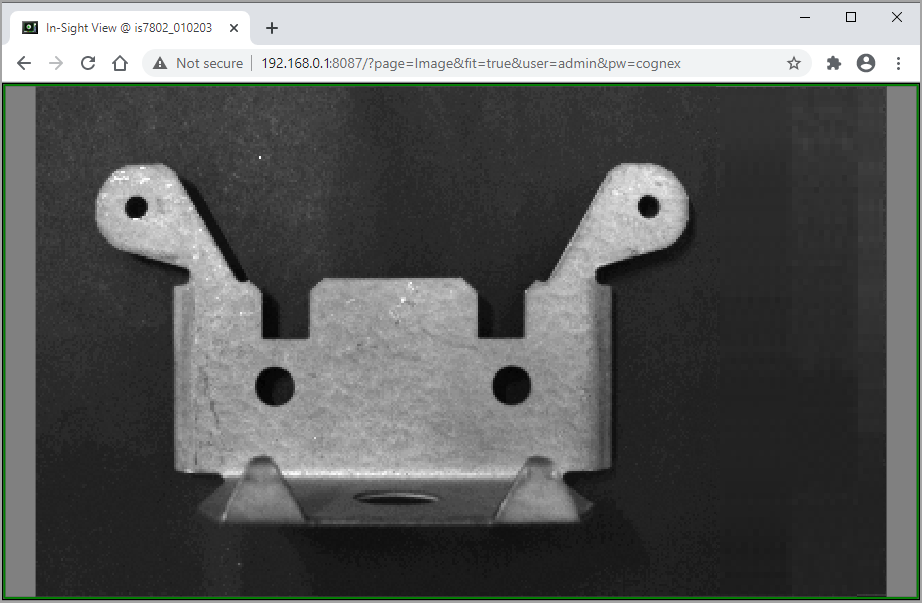
Fit: Fit the image to the display. The image's original aspect ratio is maintained; some empty (grey) space may exist around the image.
|
fit=true |
|
|
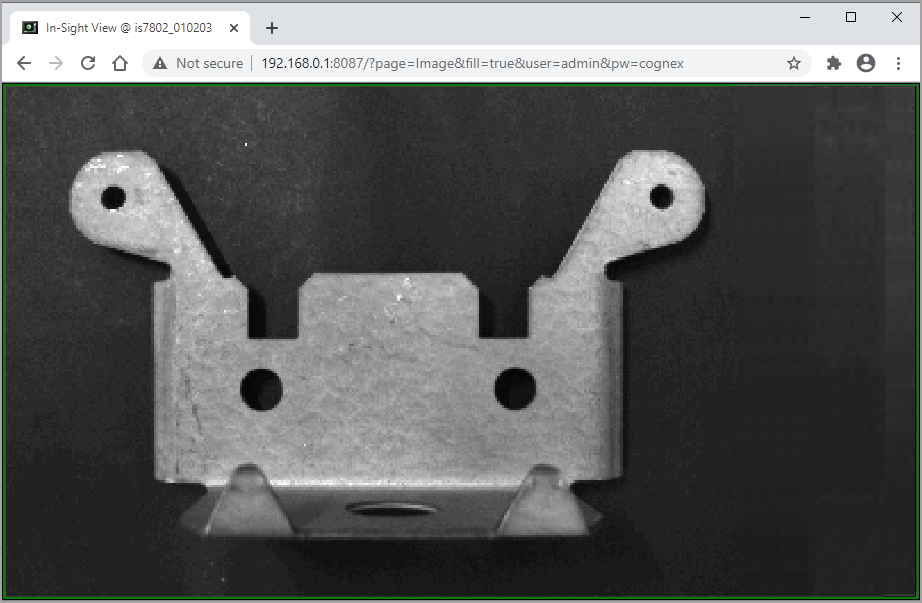
Fill: Fill the entire display with the image. Note: Fill takes precedence over Fit if both are used.
|
fill=true |
|
|
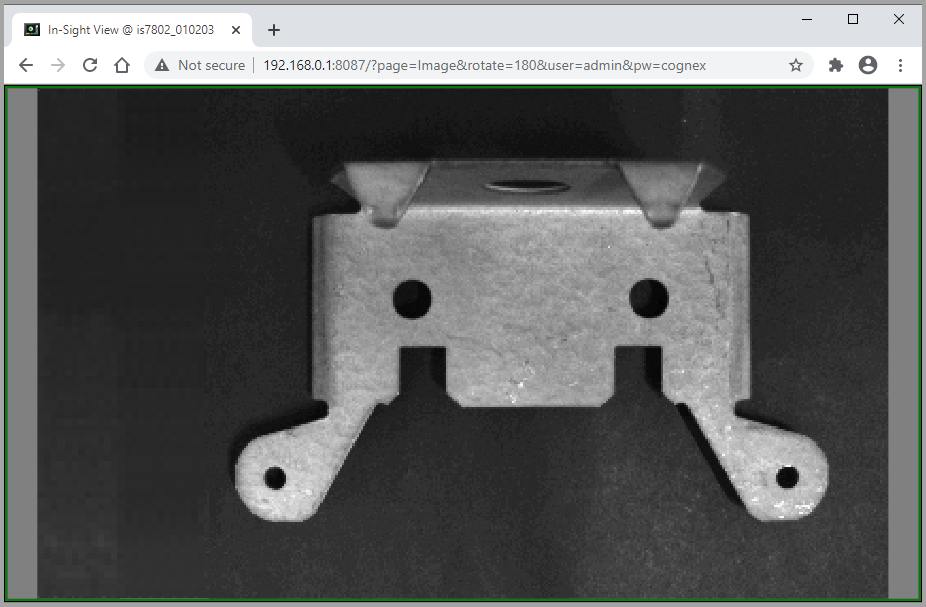
Rotate: Rotate the image.
|
rotate=[angle] |
|
|
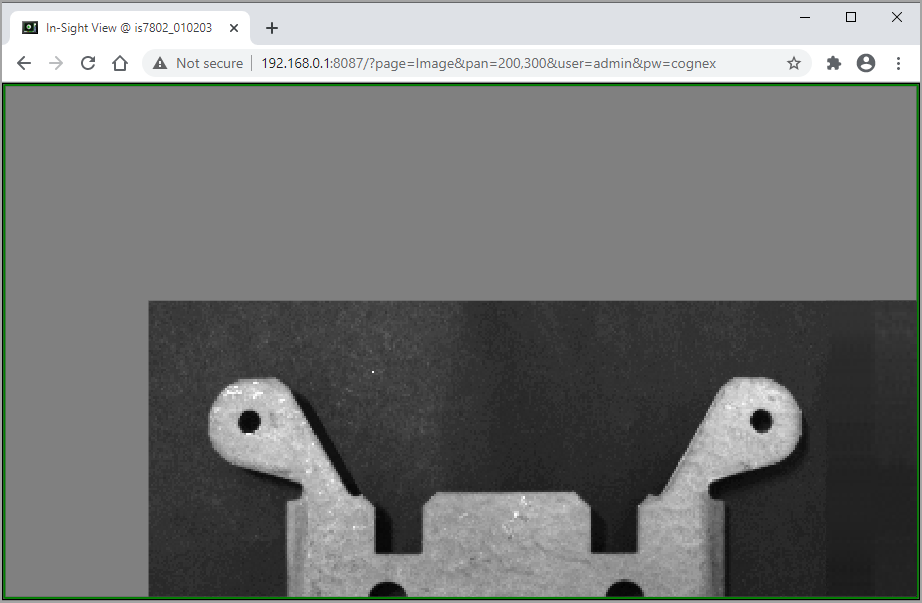
Pan: Specify the x and y values of the image offset. Note: Pan takes precedence over panX and panY if both are used.
|
pan=[x,y] |
|
|
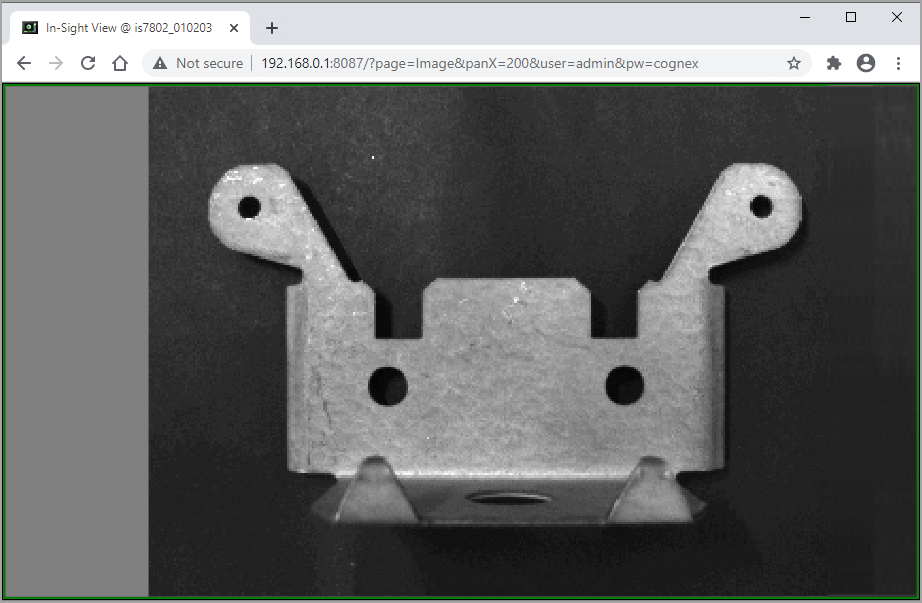
PanX: Specifies the x value of the offset. The current y value is maintained.
|
panX=[x] |
|
|
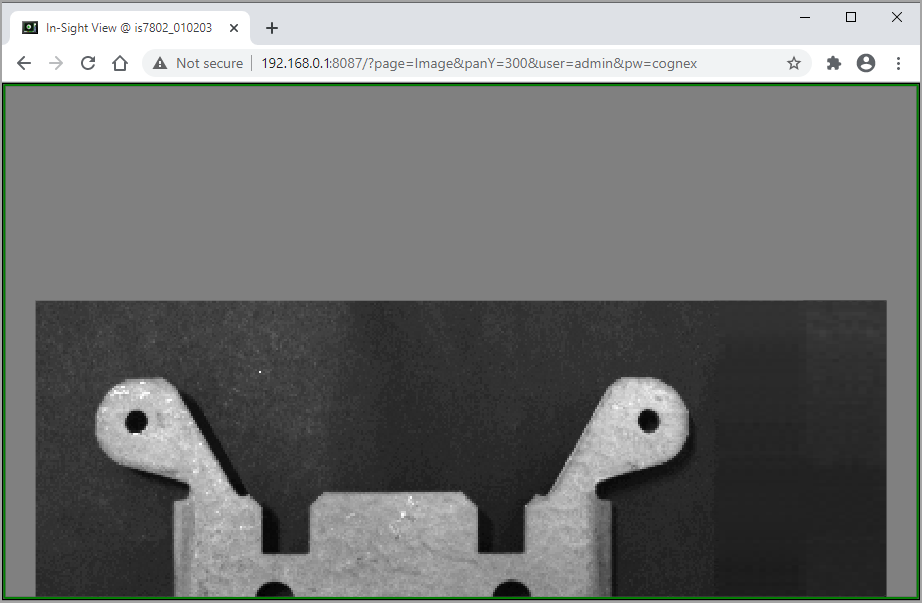
PanY: Specifies the y value of the offset. The current x value is maintained.
|
panY=[y] |
|
|
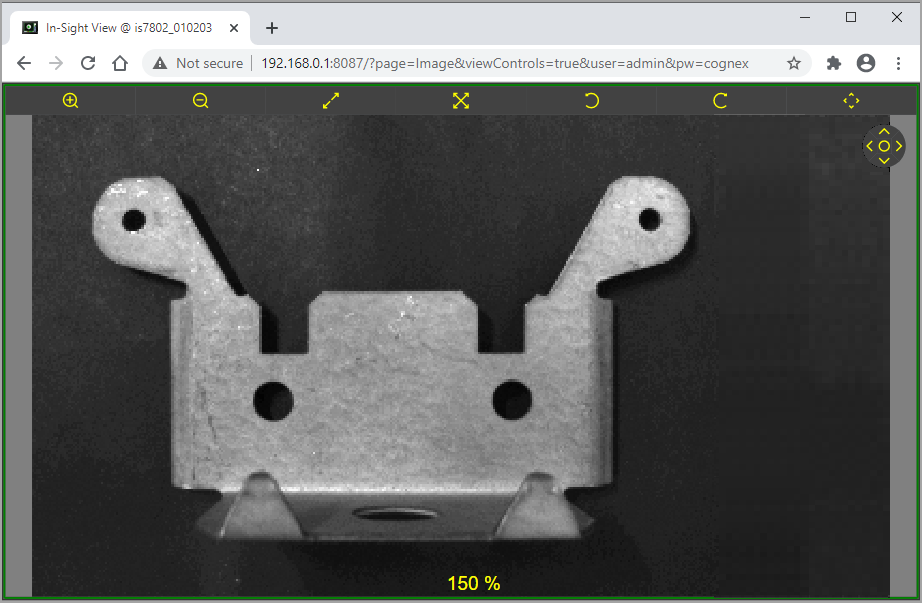
View Controls: Displays the Image Toolbar. For more information, see Image Toolbar.
|
viewControls=true |
|