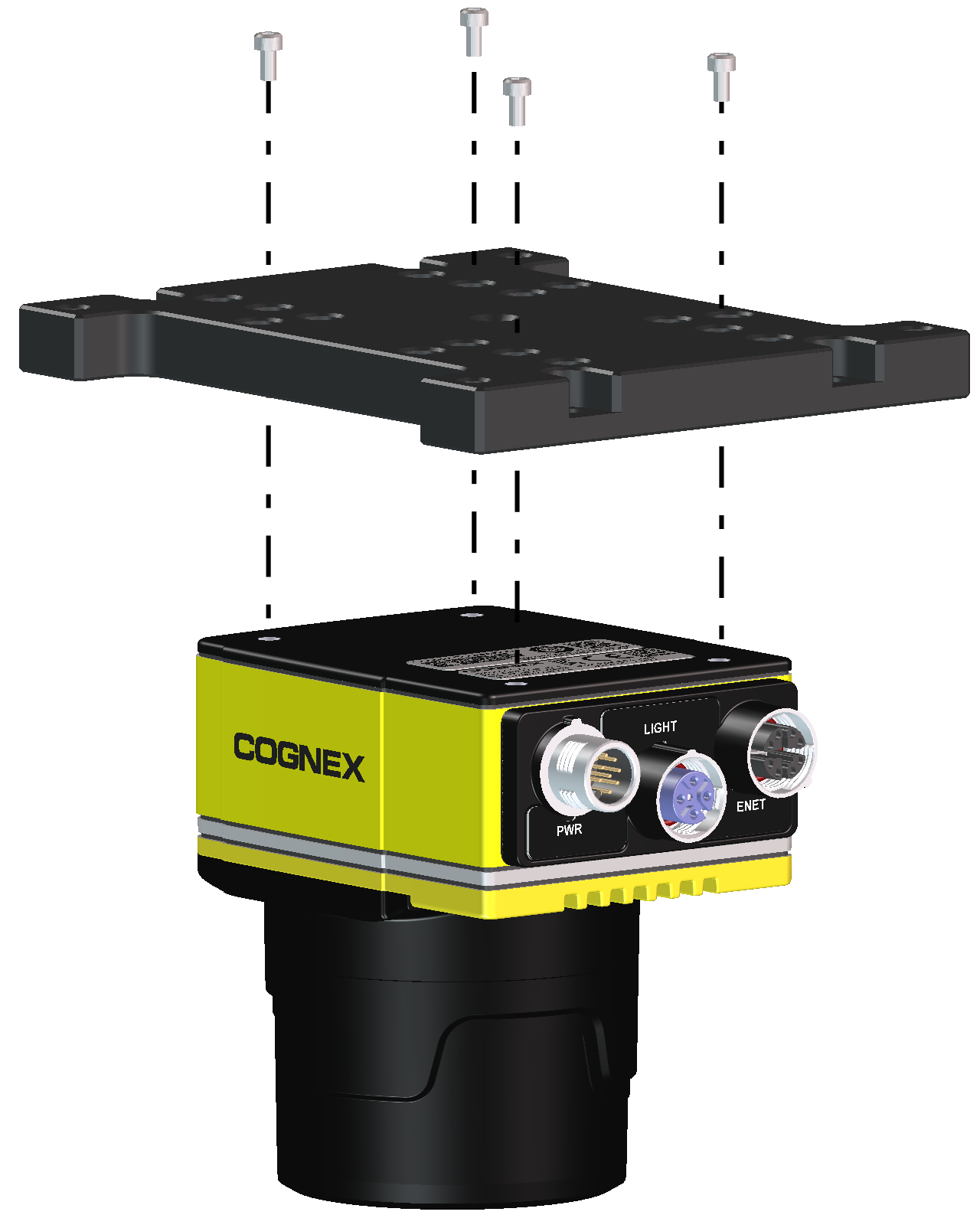
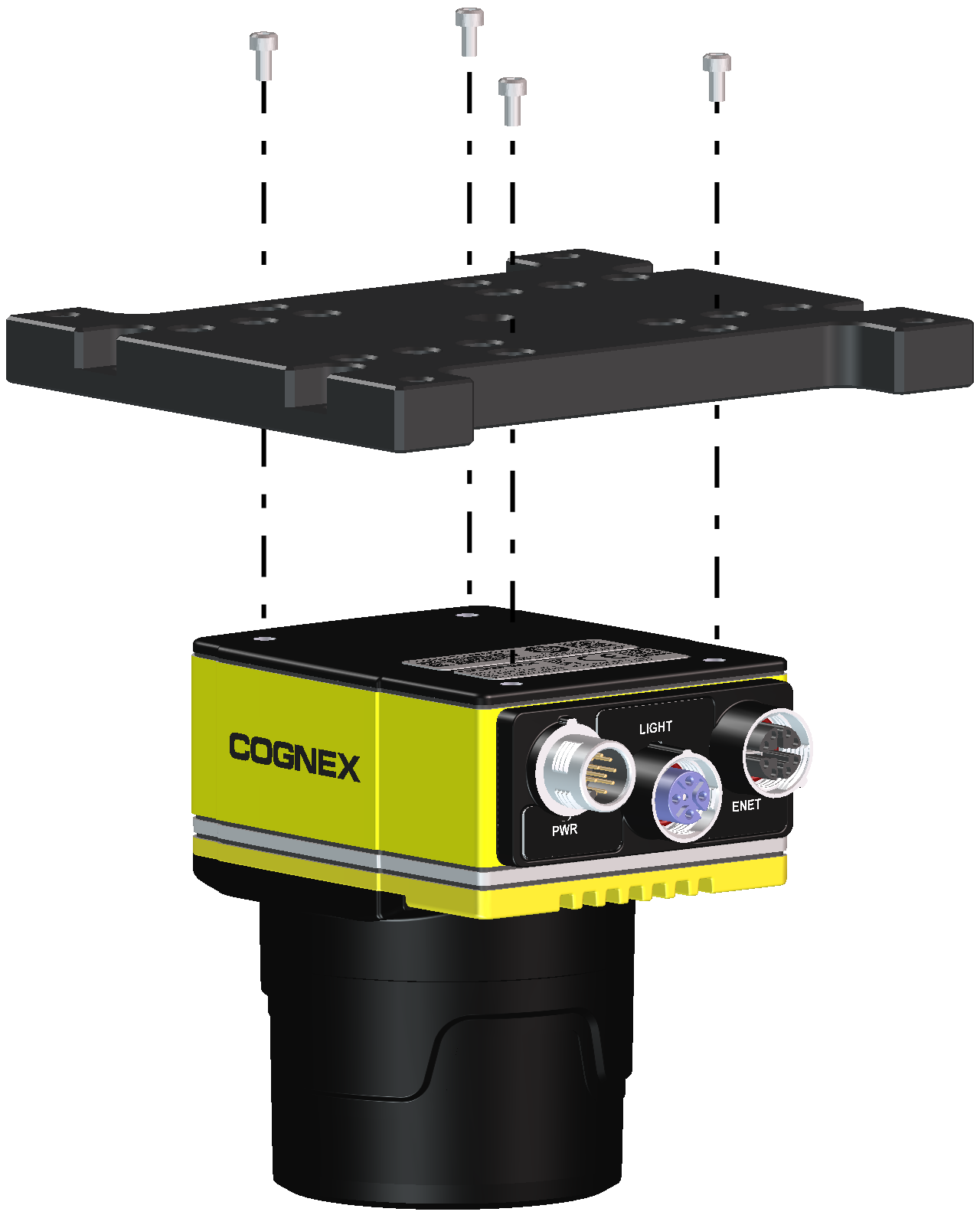
Install the Mounting Bracket (BKT-INS-01)
Complete the following steps to attach the accessory mounting bracket (BKT-INS-01) to the vision system.
Note:
- When attaching the vision system to the mounting bracket:
- If using the M3 screw holes, the thread length of the M3 screw should not exceed 7mm.
If using the 1/4 - 20 screw holes, the thread length of the screw should not exceed 10mm.
CAUTION: The vision system should be grounded, either by mounting the vision system to a fixture that is electrically grounded or by attaching a wire from the vision system’s mounting fixture to frame ground or Earth ground. If a ground wire is used, it should be attached to one of the four mounting points on the back plate of the vision system and not to the mounting points on the front of the vision system.
- Align the mounting bracket with the mounting holes on the vision system.
-
Insert the