Settings Pane
The settings pane automatically updates to display the parameters for the selected application step. Most of the steps require that the parameters be configured in a specific order.
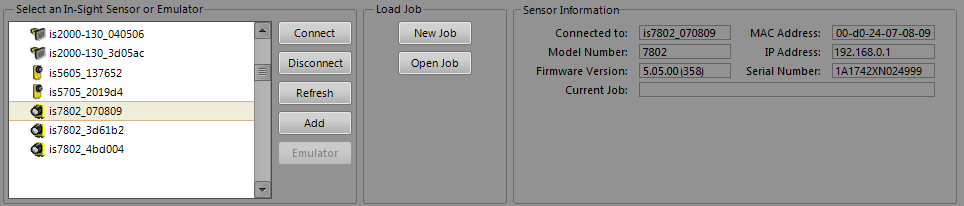
The settings pane is designed to guide you through the step by presenting general parameters on the left side, and increasingly more specific parameters as you proceed to the right.
When possible, the pane displays only the controls available at that time. For example, in the Communication step, the Manufacturer and Protocol drop-down lists are hidden until a selection is made from the Device drop-down list. Likewise, the parameters of a Location or Inspect Part Tool are hidden until the tool is added to the job.
In addition, depending on the tool added, the pane for the Locate Part and Inspect Part steps might also display visual aids, such as a feedback table or graph (to help configure the parameters for the application) and a Range Limits tab (for setting pass/fail criteria).
Once a job is built, the steps can be revisited in any order, so that job parameters can be corrected and fine-tuned until the desired result is achieved.