Install the S-Mount/M12 Manual Focus Lens
Complete the following steps to install an In-Sight S-Mount/M12 manual focus lens. The S-Mount accessory kit (ISLN-7000-SMNT) is required when installing In‑Sight S-Mount/M12 manual focus lenses.
- The In-Sight 7905 vision system does not support S-Mount/M12 lenses or any accessories that require S-Mount/M12 lenses.
- The DataMan clear cover accessory (DM300-CLCOV) is supported with In-Sight S-Mount/M12 manual focus lenses and provides an IP65 rating. For more information, refer to DataMan Lenses, Lights and Covers.
- Remove the rubber faceplate covering the image sensor window, if present.
- Remove the protective film covering the threaded lens opening, if present.
-
Place the S-Mount adapter over the image sensor window.
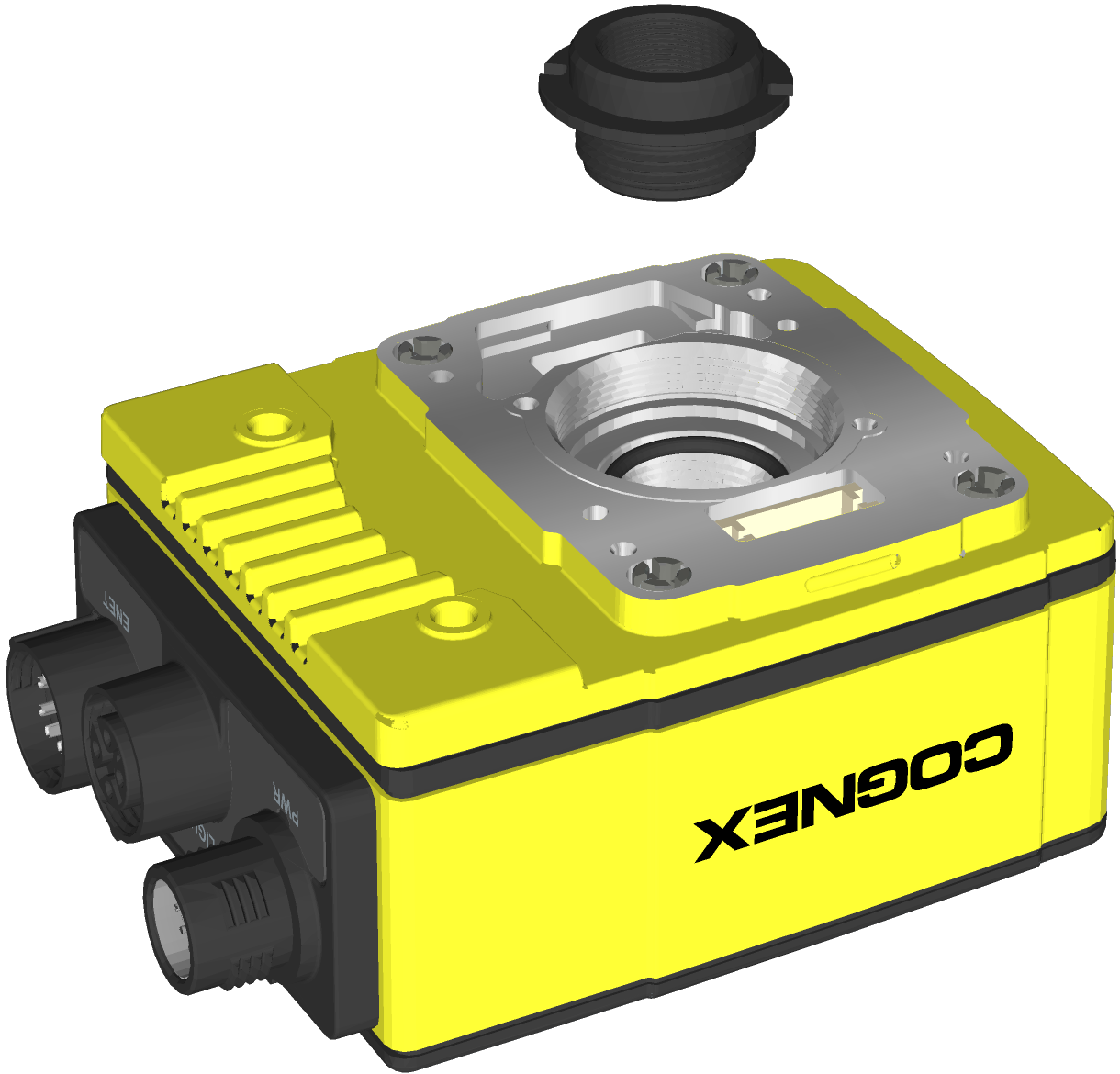
-
Place the "In-Sight" end of the adapter tool on the adapter. Turn clockwise until tight.
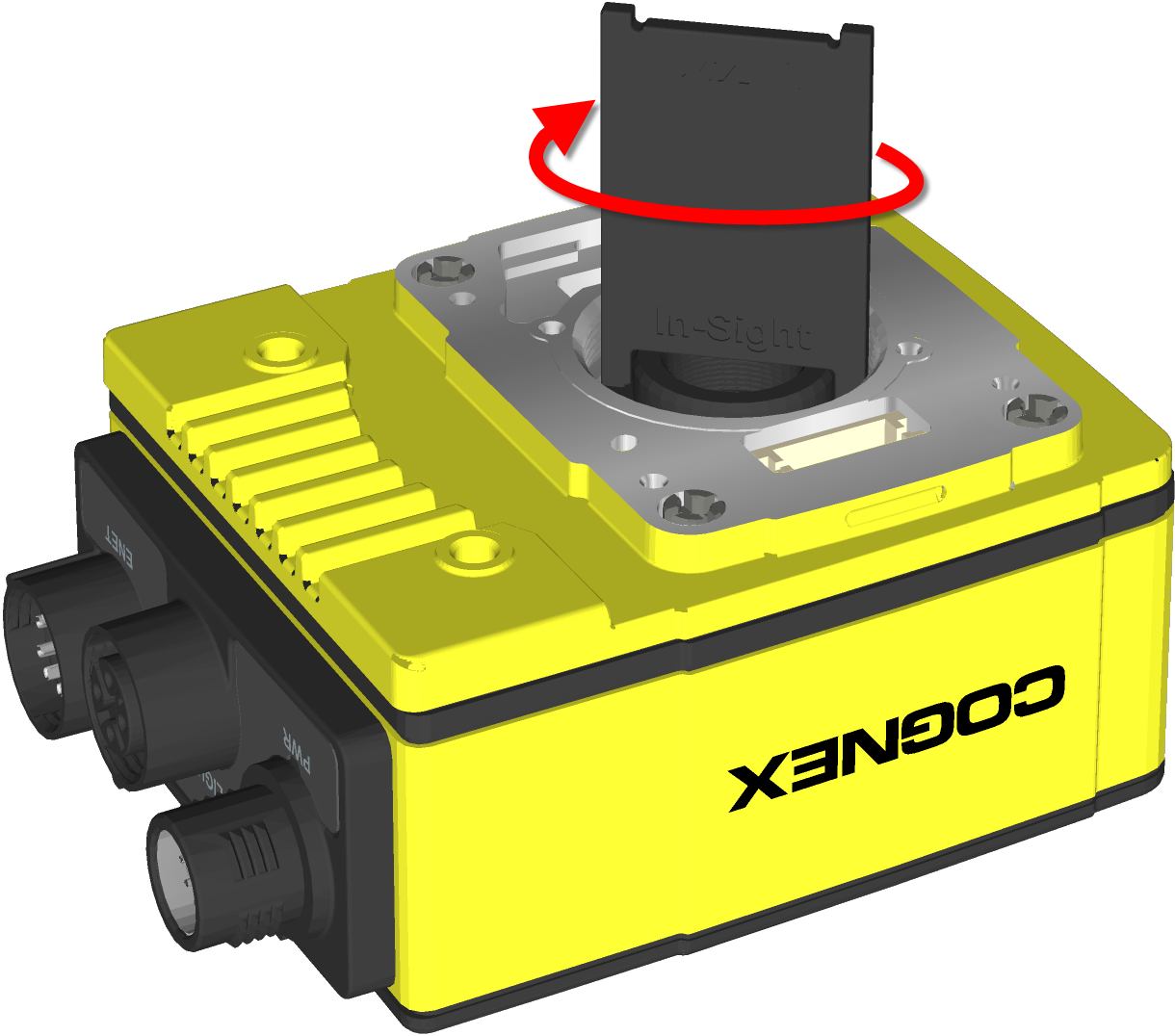
- Remove the adapter tool.
-
Thread the lens into the vision system. Focusing of lens prior to installation of the rubber lens-locking cone is required.
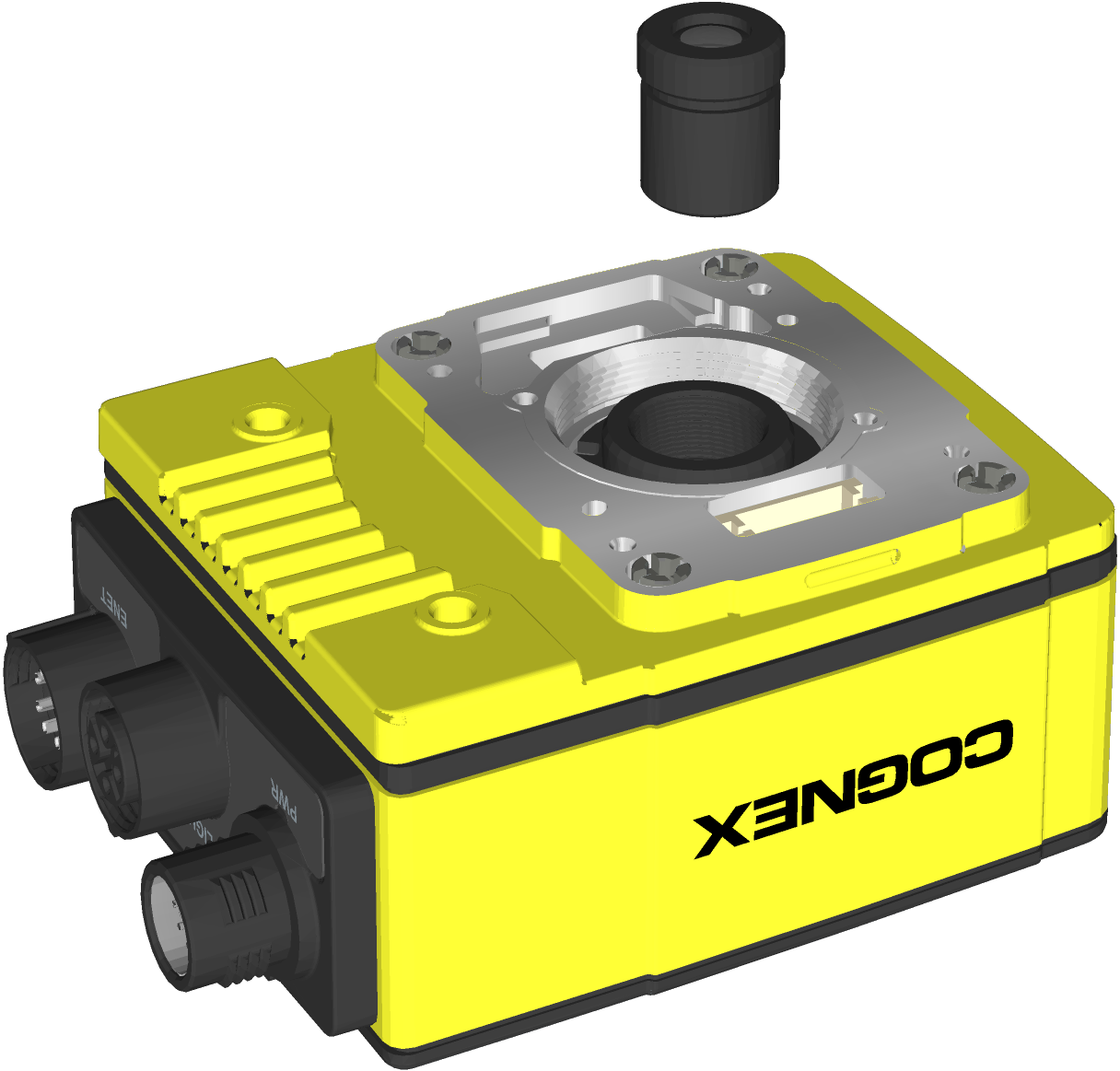
-
Place the 13mm or 14mm rubber lens-locking cone over the M12 lens until it snaps tightly into place around the nose of the lens. When installing, avoid rotating the M12 lens.
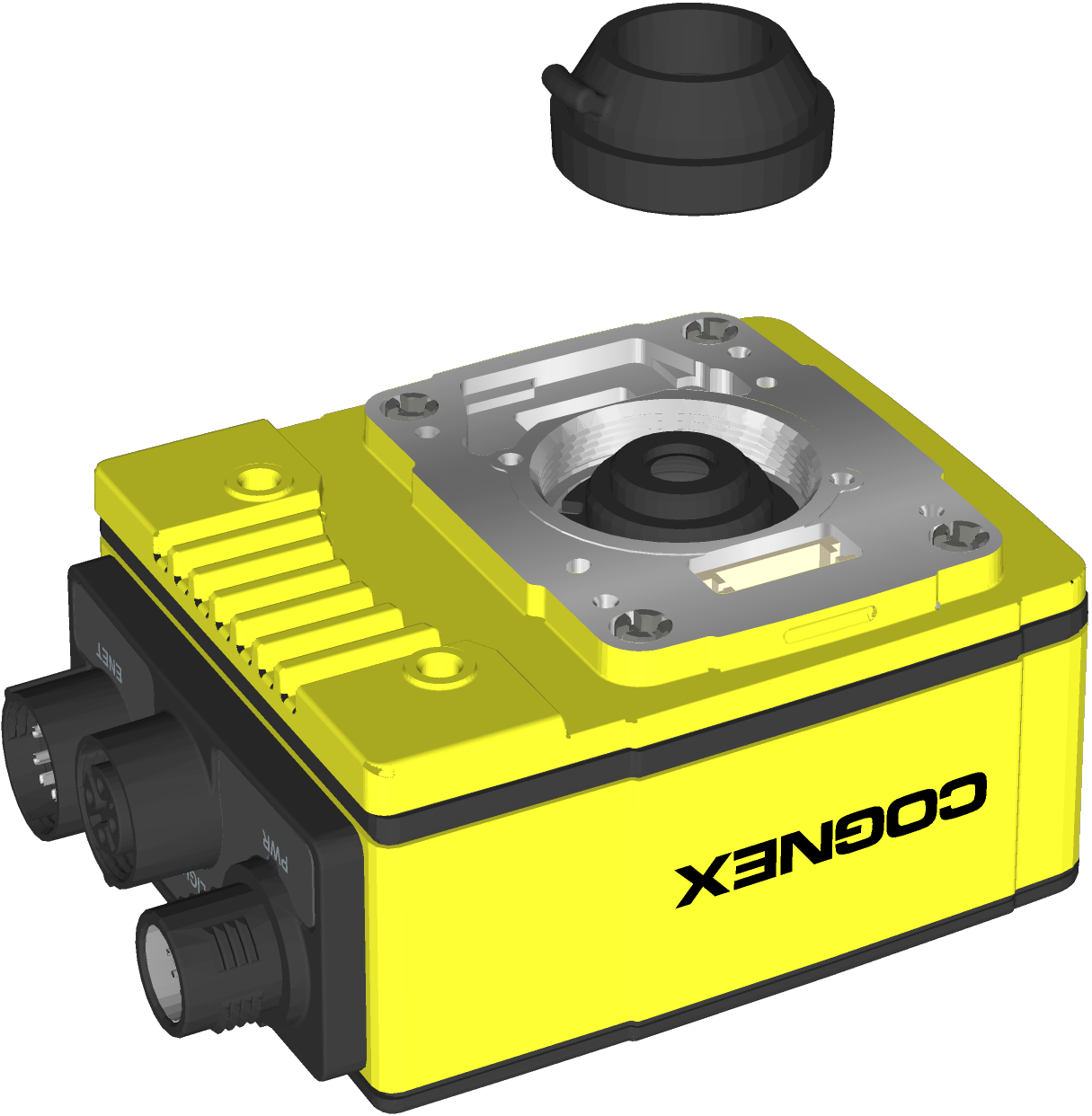
- If using a lens cover accessory, attach the cover to the vision system.