Set Integer
Sets the control contained in a cell to the specified integer value. The control must be of the types EditInt, Checkbox, or ListBox.
Set Integer Inputs
Syntax: SI<TagName|Cell> <Value>
Set Integer Outputs
Returns a status code. The status codes are:
| Status Codes | Description |
|---|---|
| 1 |
The command was executed successfully. |
| 0 |
Unrecognized command. |
| -1 |
Invalid tag name. |
| -2 |
The command could not be executed, or the specified integer value is outside of the control's valid range. For example, the specified cell may not contain a control of the valid type. |
| -3 | Unable to set a read only tag. |
| -4 |
Wrong argument type. |
| -6 |
User does not have Full Access to execute the command. |
Example: Change the Value of an
-
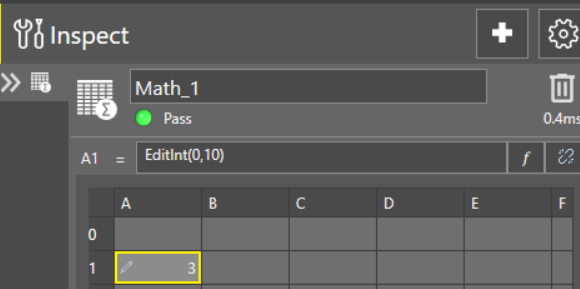
Assume cell A
The cell A1 is named Math_1.A1.
A
-
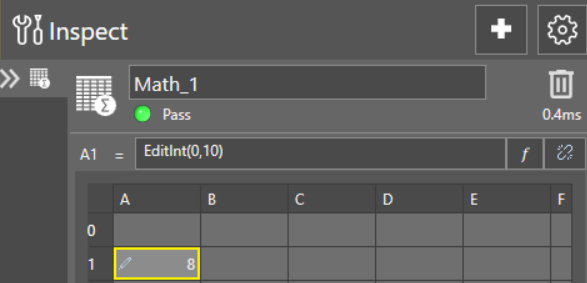
To change the value to 8, issue the SIMath_1.A2 8 command, as shown in the following telnet client window:
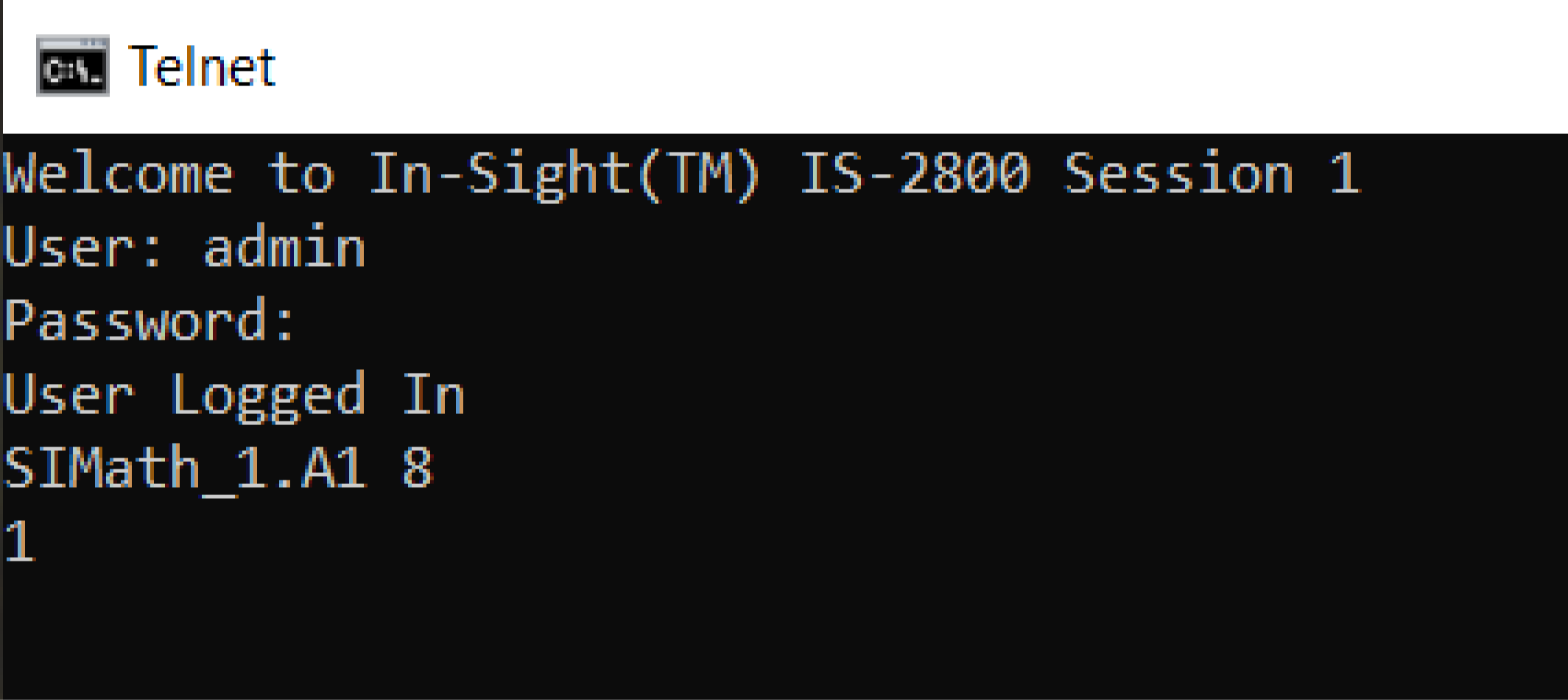
The In-Sight sensor responds with 1, indicating that the command was successfully executed. The EditInt control has been successfully changed from 3 to 8 within the spreadsheet: