Installing High Speed Liquid Lens with Multi Torch
-
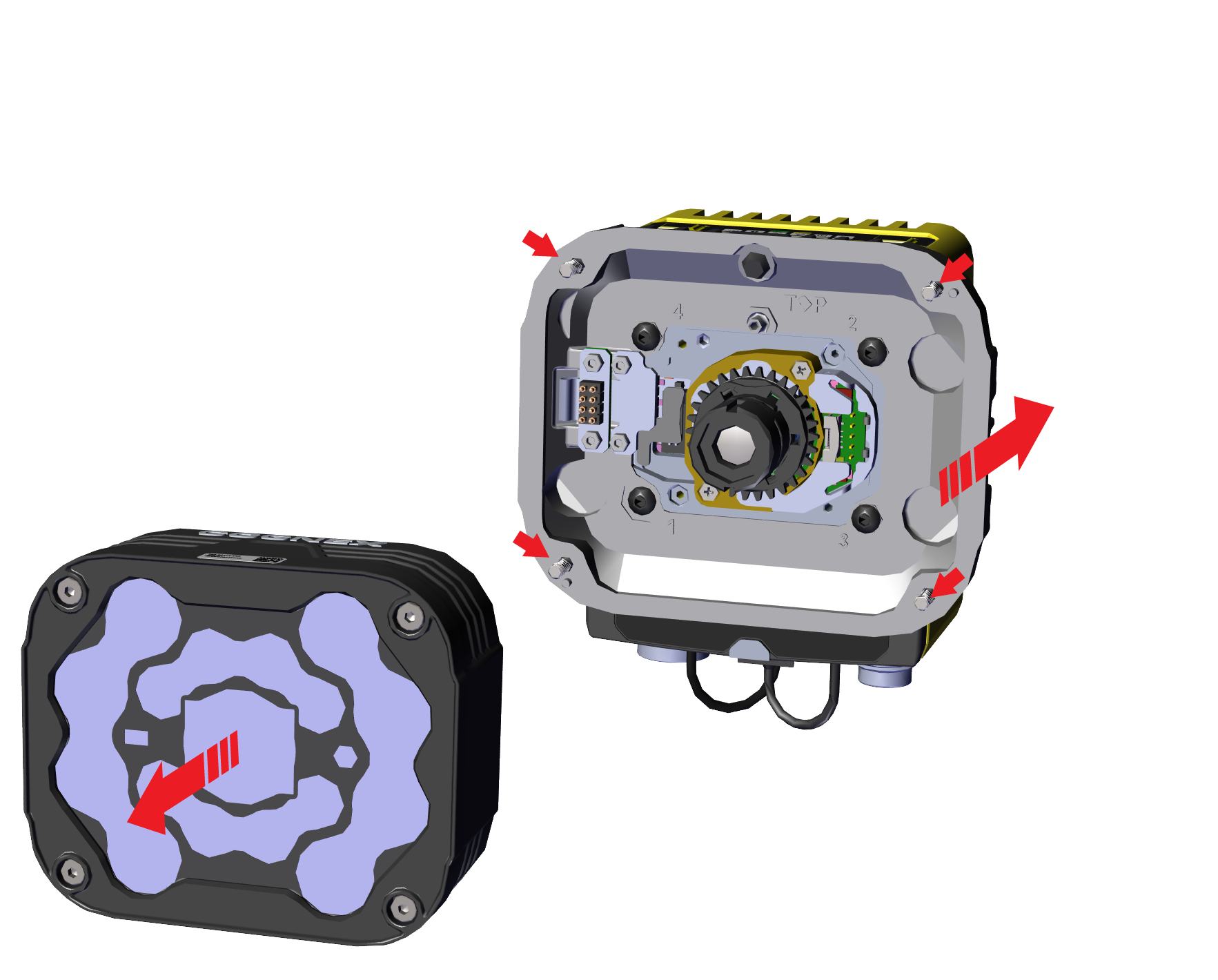
Unscrew the four screws from the adapter. Take off the illumination module from the adapter.
-
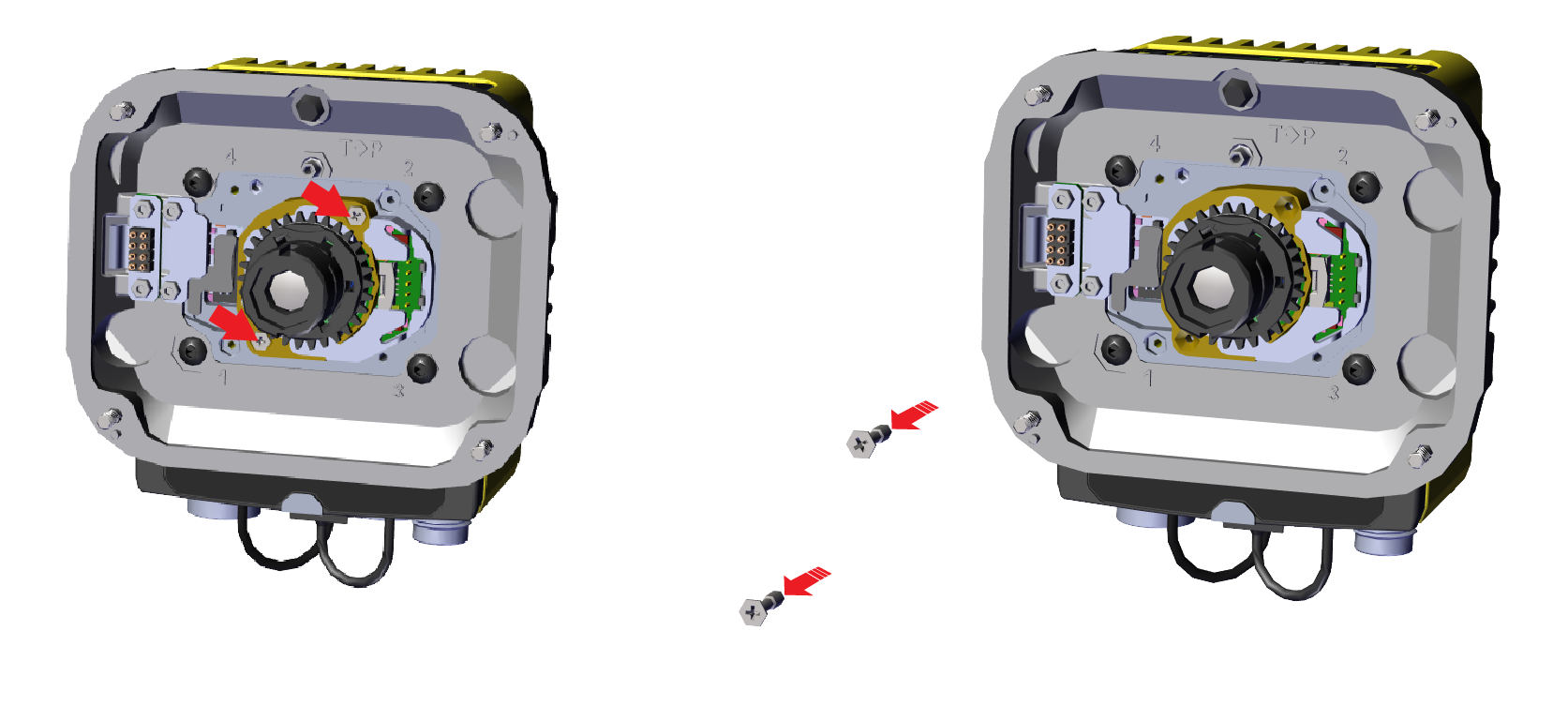
Unscrew the two screws from the lens.
-
Swap out the lens from the sensor.
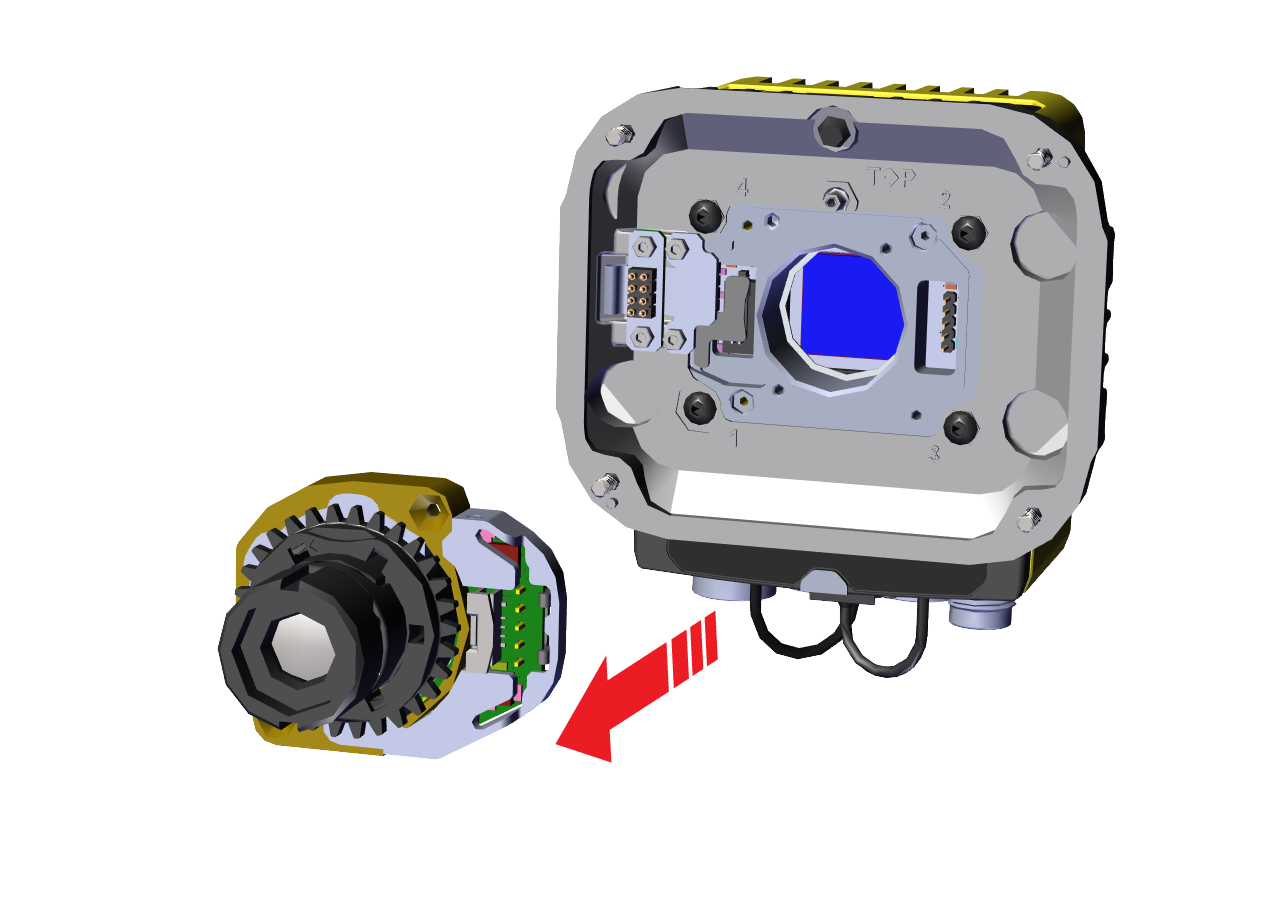 Note: When swapping out the lens, make sure to not pull by the lens itself, but pull by the housing of the lens.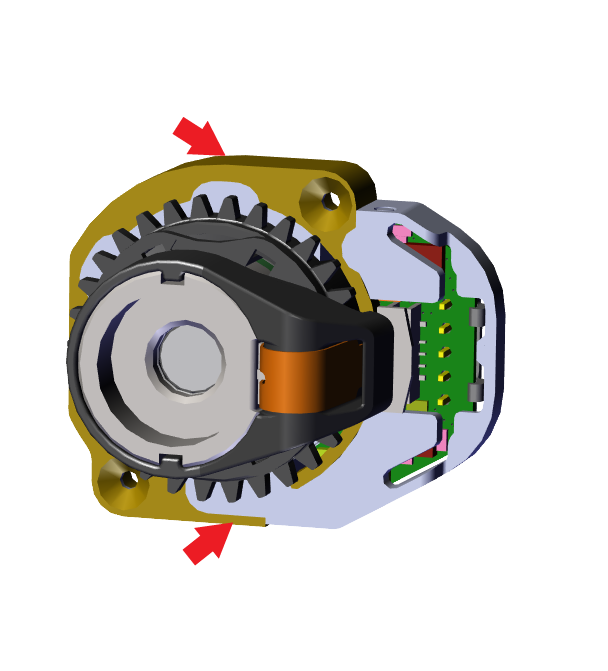
-
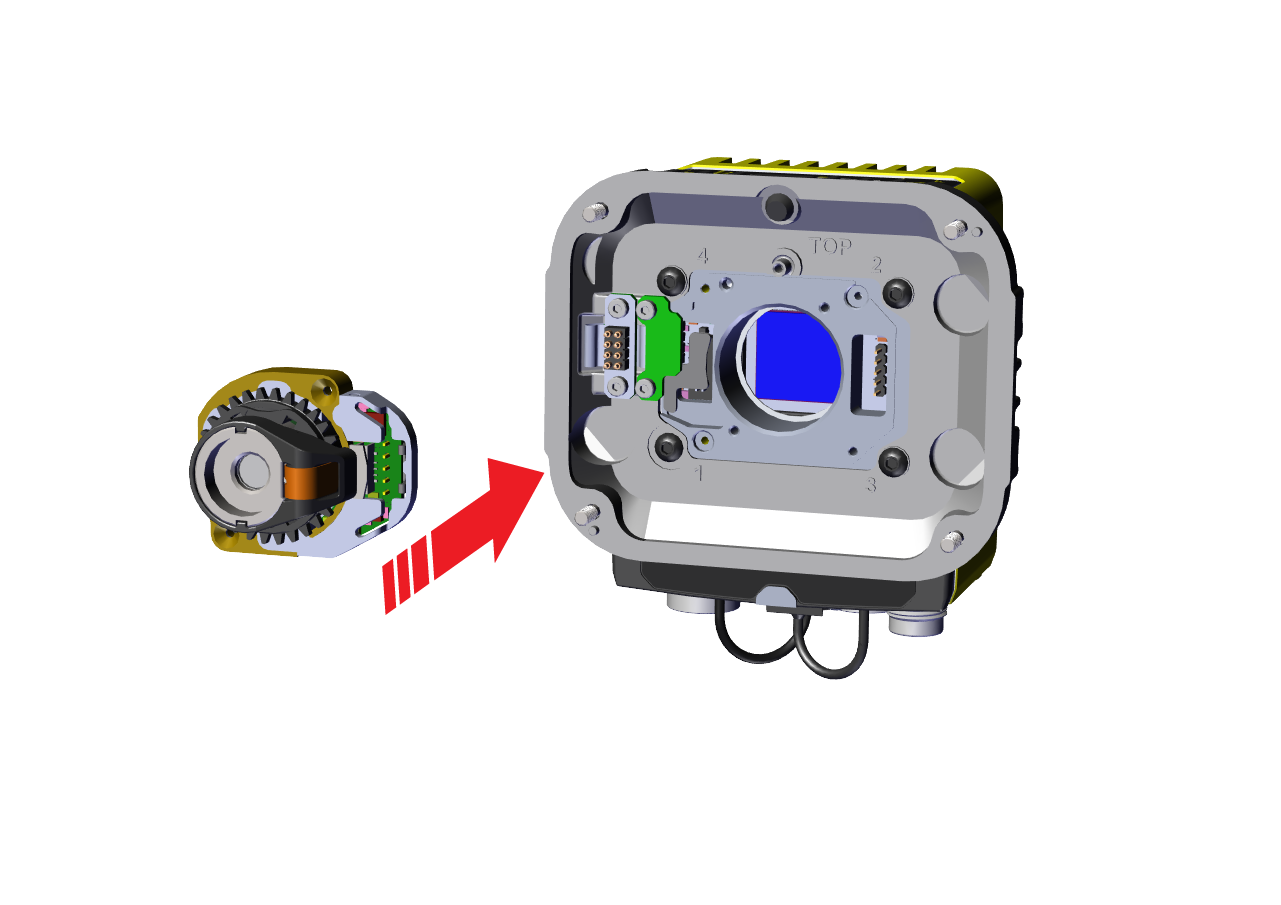
Install the High Speed Liquid Lens to the sensor.
-
Push the lens into the designated holes of the adapter.
-
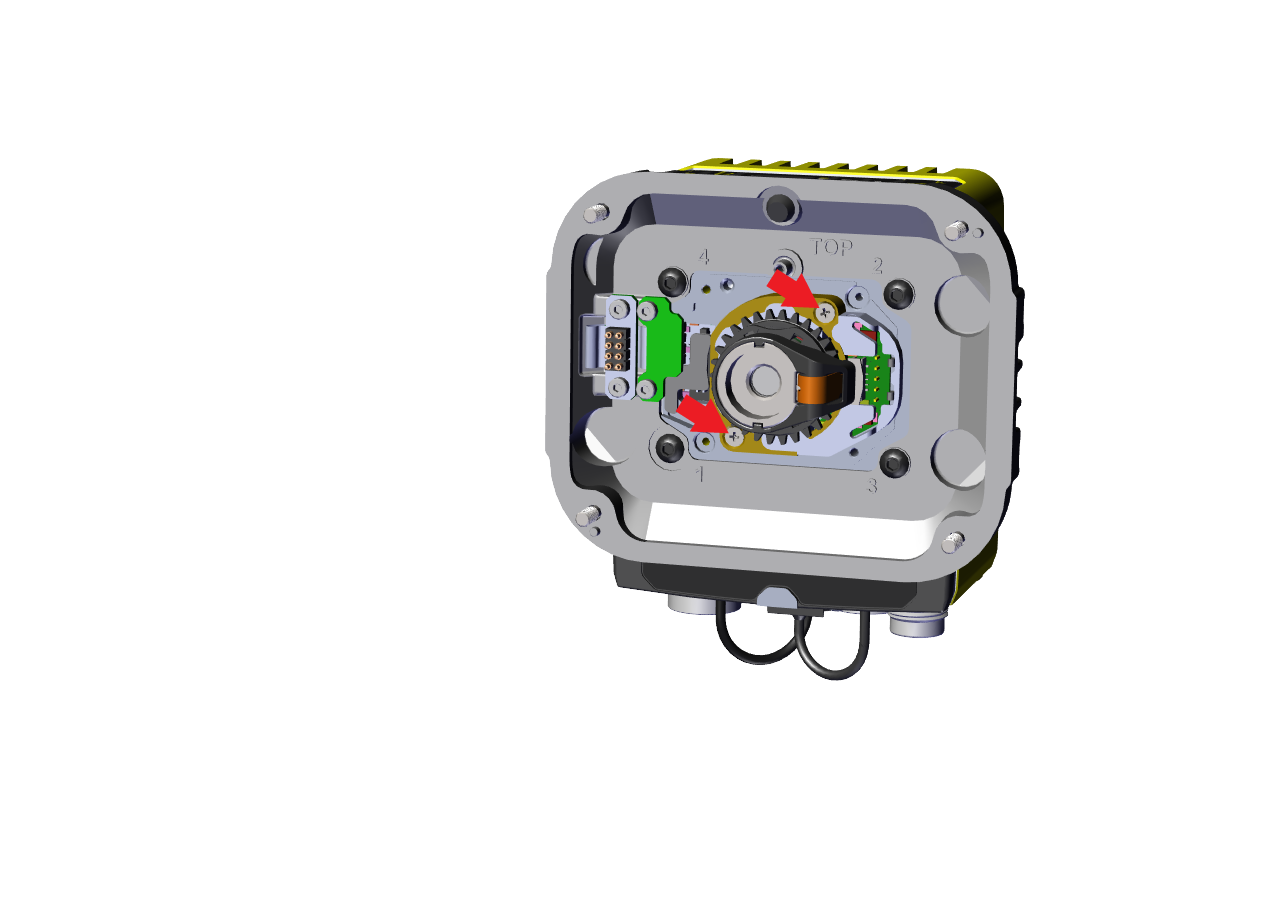
Tighten one of the M2 x 8 mm screw halfway, then tighten the other M2 x 8 mm screw halfway as well. Continue screwing each screw incrementally, tightening them to 0.08 Nm using a torque wrench.
-
-
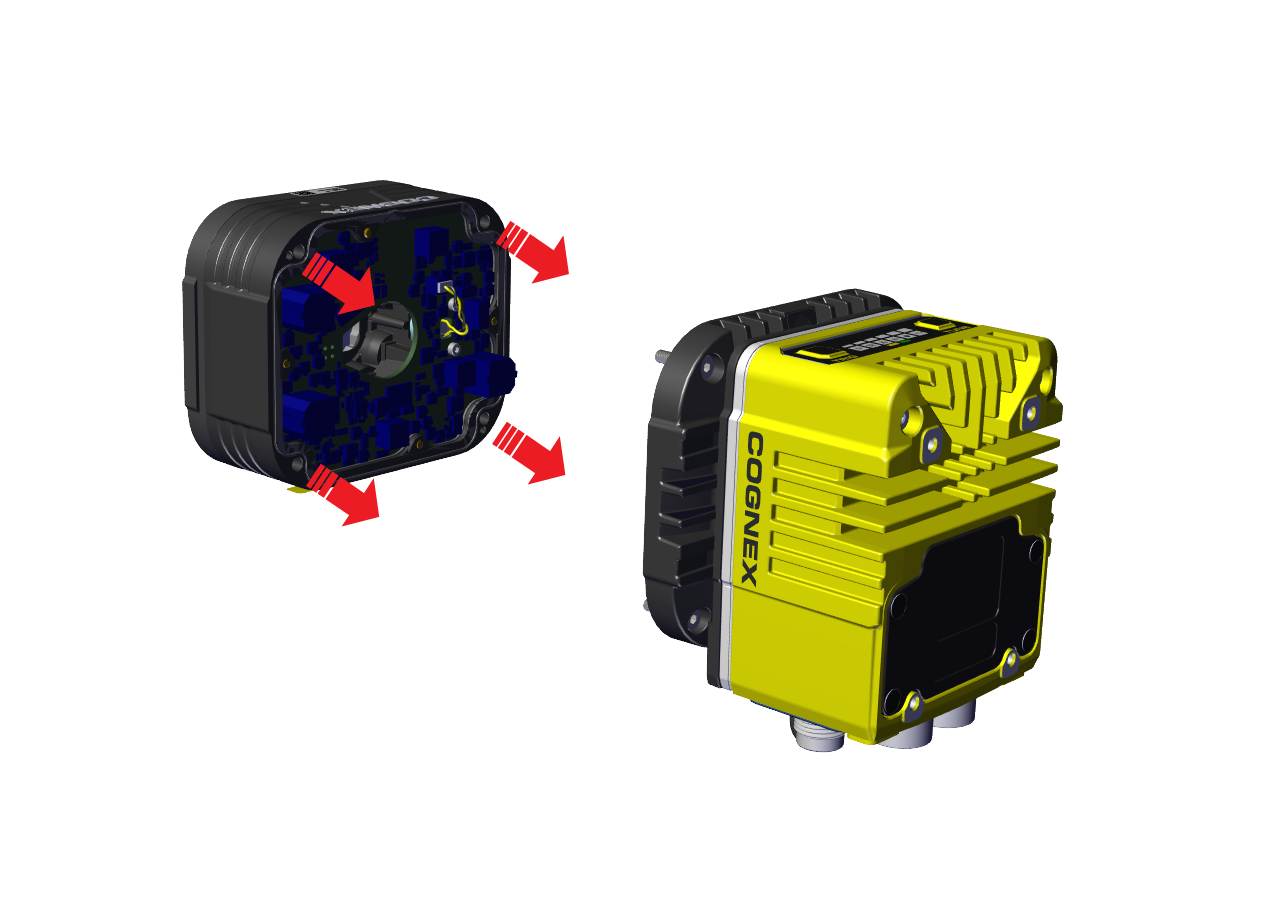
Screw in the four screws from the adapter into the back of the light module housing.
 Note:
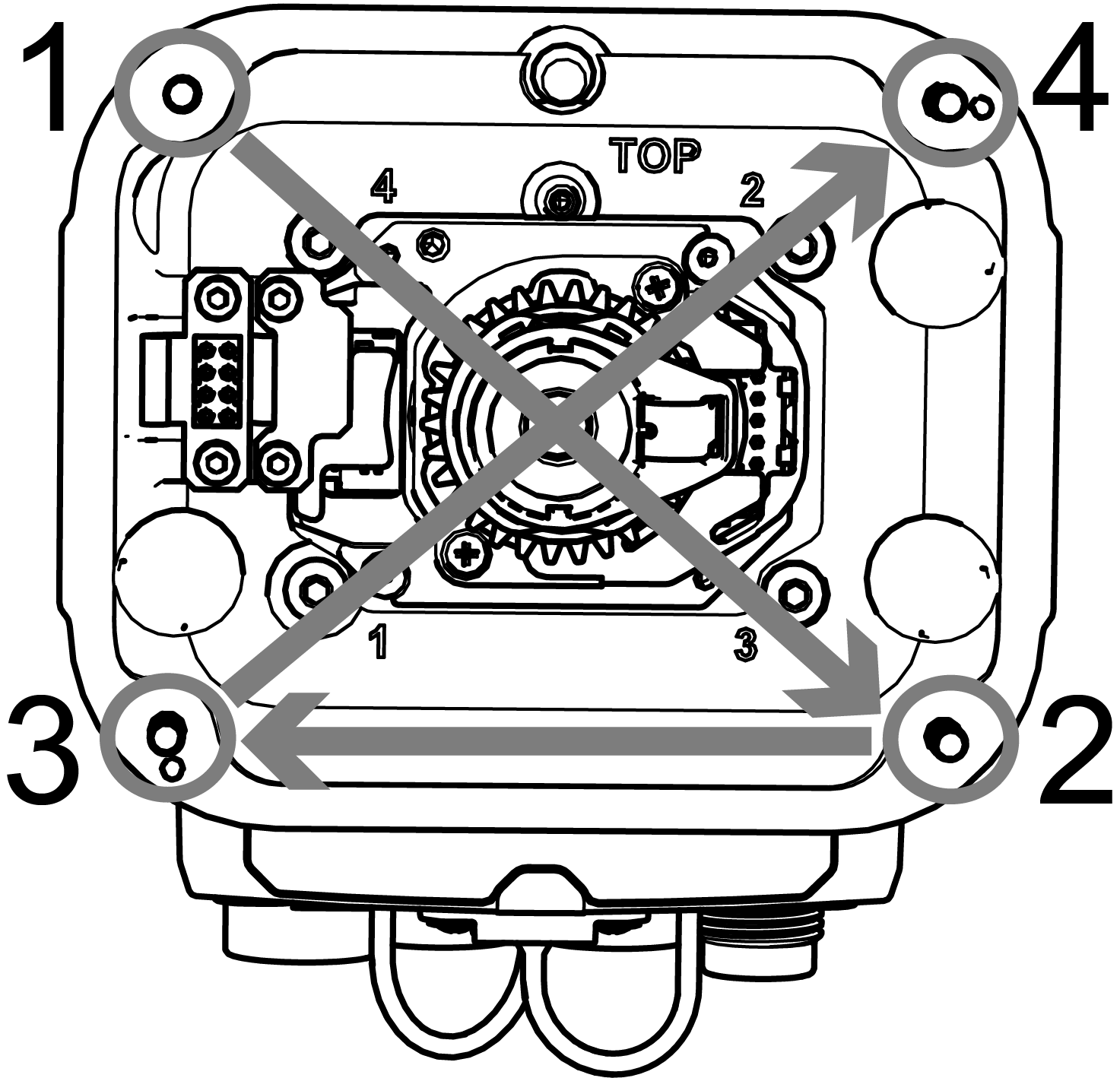
Note:Observing the tightening sequence below, tighten all four screws to 0.5 Nm using a torque wrench.