Train the TrainPatMaxRedLine Function
The TrainPatMaxRedLine function extracts and trains a pattern from a greyscale image using PatMax RedLine algorithms.
This is a sample process. For all available options, see TrainPatMaxRedLine.
- Open your image of the part on which you wish to train the TrainPatMaxRedLine function.
-
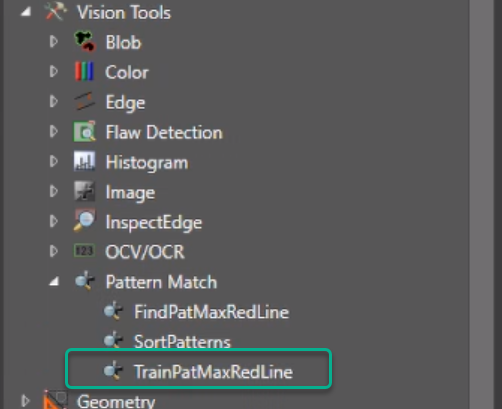
Select TrainPatMaxRedLine from Vision Tools in the Toolbox, on the right side of the screen.
-
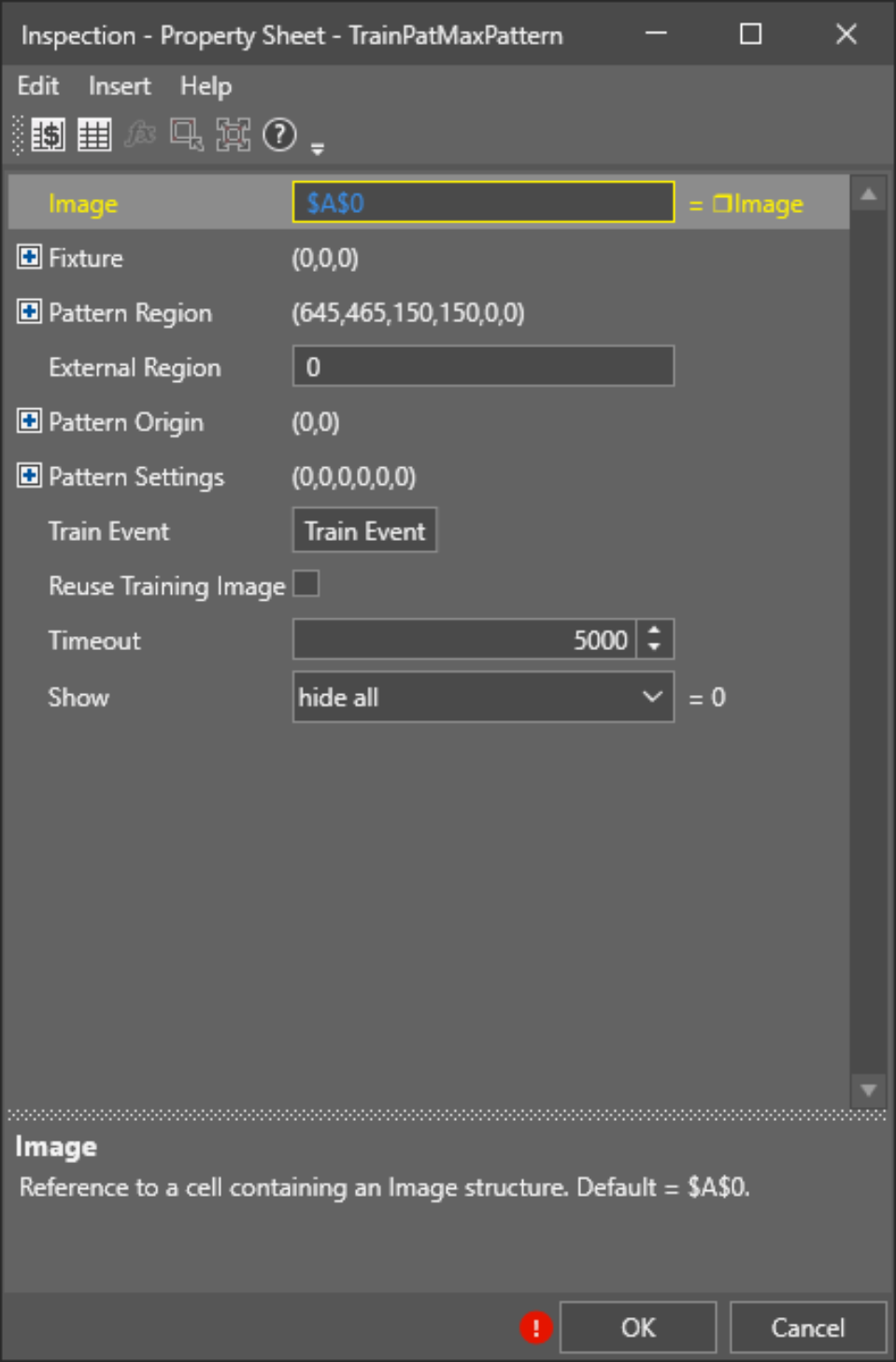
Drag and drop the function to the selected cell of the Spreadsheet. The Property Sheet opens up.
-
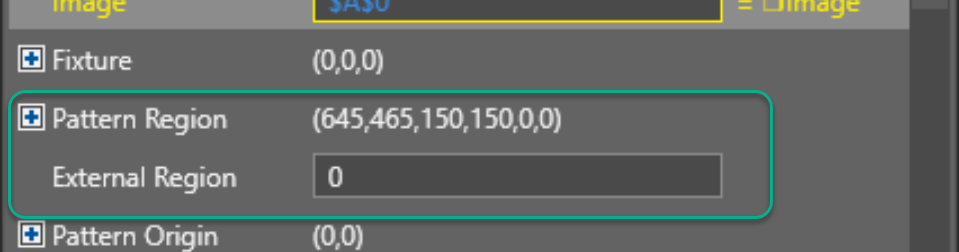
Double-click the Pattern Region option.
-
Select the unique section of the part which you would like to train.
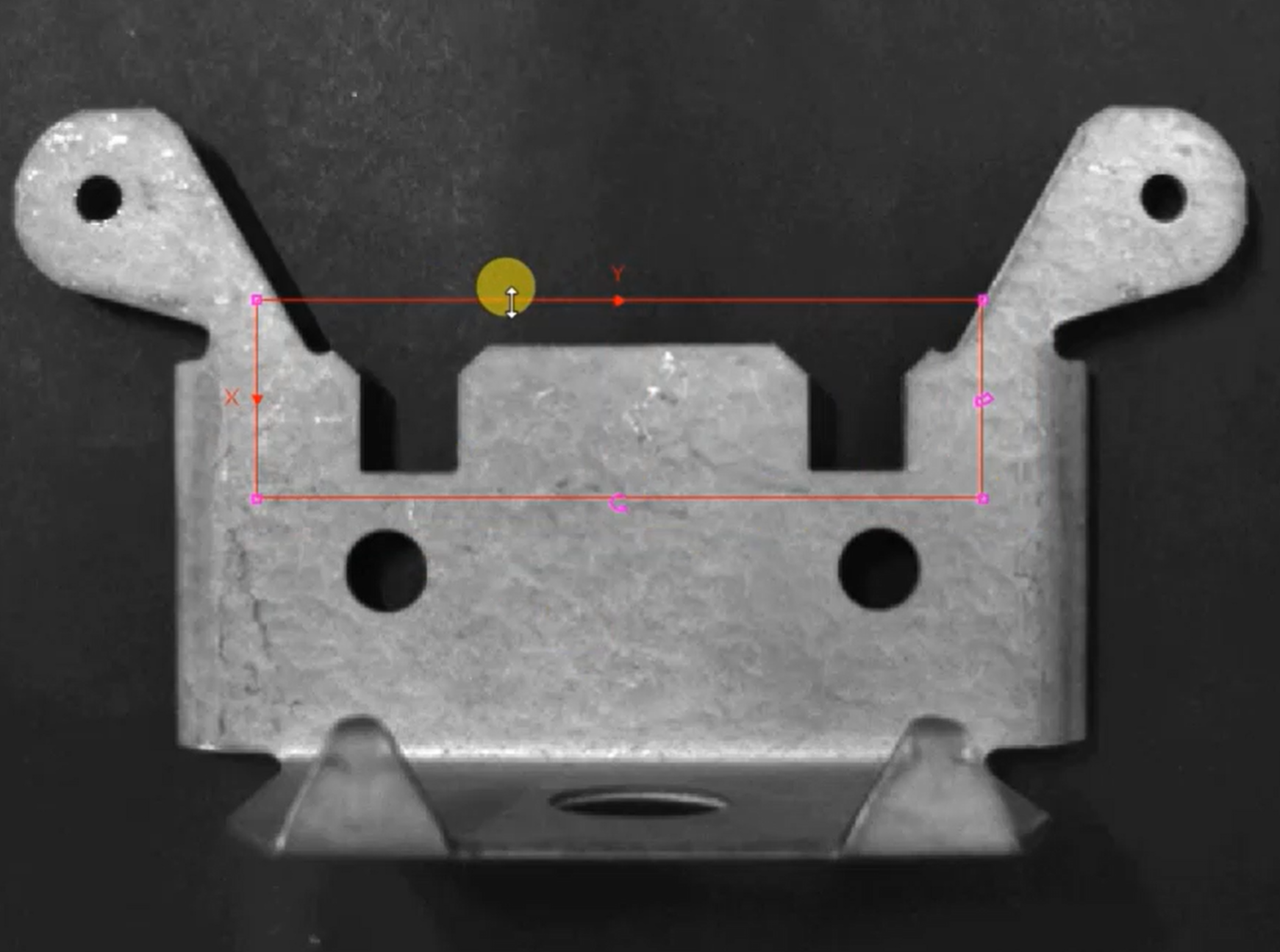 Note: The software indicates the trained part with a green outline.
 - Click OK.
- To re-train the TrainPatMaxRedLine, set the system to Offline state and repeat Steps 4-6.