Find Plane
The Find Plane tool allows you to create your own base plane from three points in an acquisition. Subsequent tools can use the base plane as a reference. You can use the Find Plane tool to increase the accuracy of 3D measurement tools by aligning the base plane to an observed surface, which can compensate for angled parts and imperfect correction.
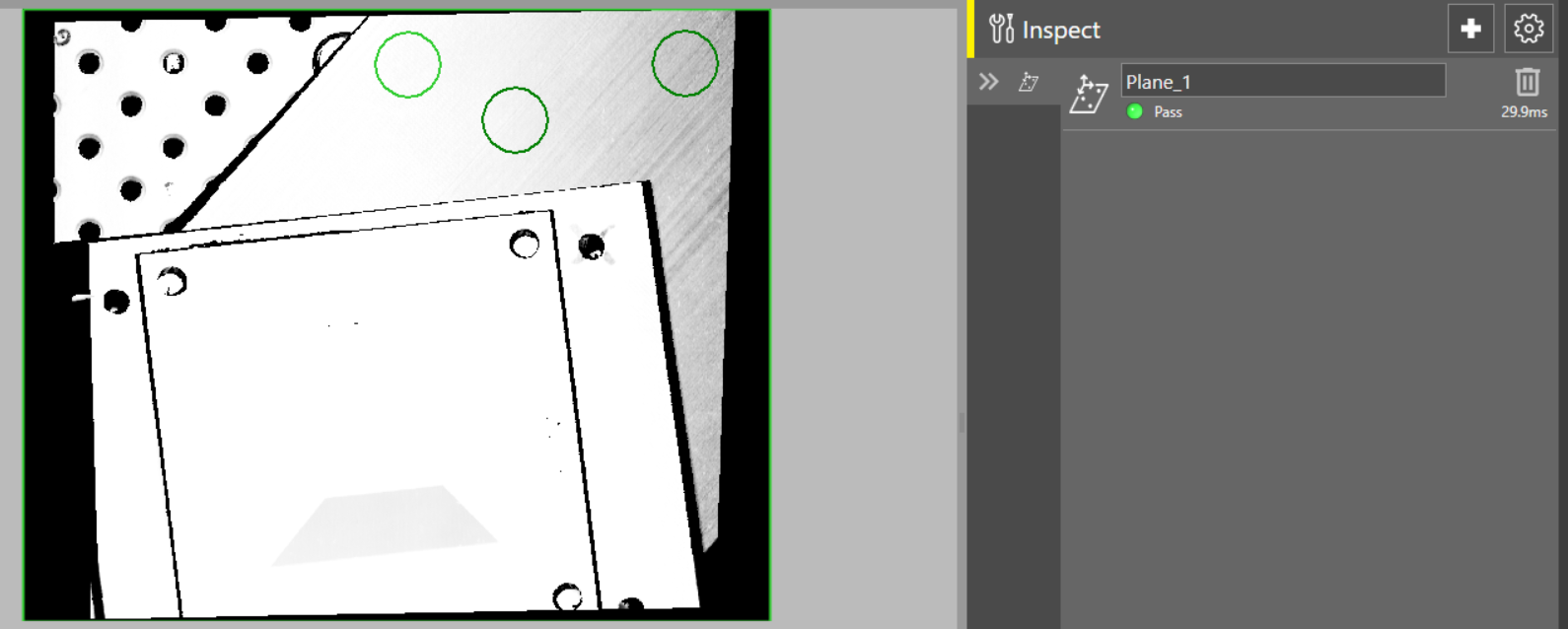
 To use the Find Plane tool:
-
Open the Inspect tool palette, expand the Locate tool group, and select the Find Plane tool.
-
Position the regions over three separate points on the plane.
You can choose the shape of these points. You can choose from circle, rectangle, and annulus. The default setting is circle.
-
Click OK.