Spreadsheet Toolbox
Vision applications are configured by inserting formulas into spreadsheet cells. These formulas are constructed using the functions available in the Spreadsheet Toolbox, which is available on the first tab of the panel on the right side of the user interface.
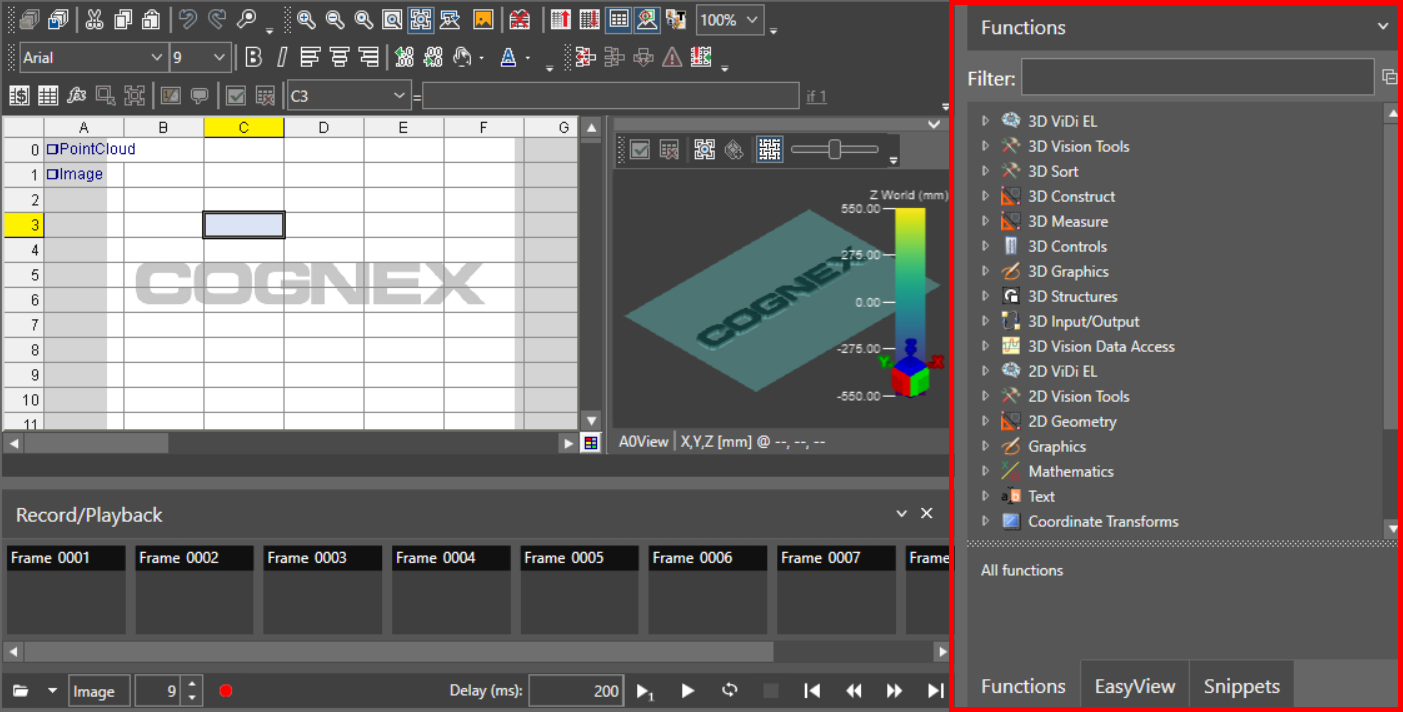
Functions can be inserted into the spreadsheet cells by either dragging and dropping from the Toolbox, selecting a cell and using the Insert Function dialog, or selecting a cell and typing the name of the function, followed by the "(" character.
You can also insert a function by typing tool names, or parts of tool names into a cell or the Insert Function dialog and a pop-up box appears showing the names of the matching tools. For example, typing "patmax" into a cell shows both TrainPatmaxRedline and FindPatmaxRedline functions. If there is no matching tool name, the box disappears.