Calibration Grid
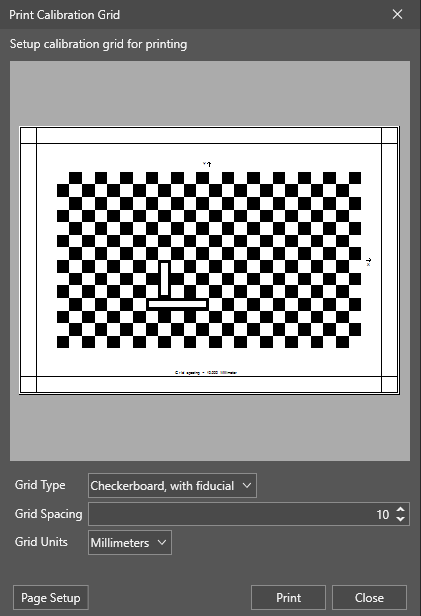
The Calibration Grid utility is for printing out a calibration grid to assist in calibrating between pixel and real-world coordinates.
To print out a calibration grid:
- Launch In-Sight Vision Suite if it is not already running.
-
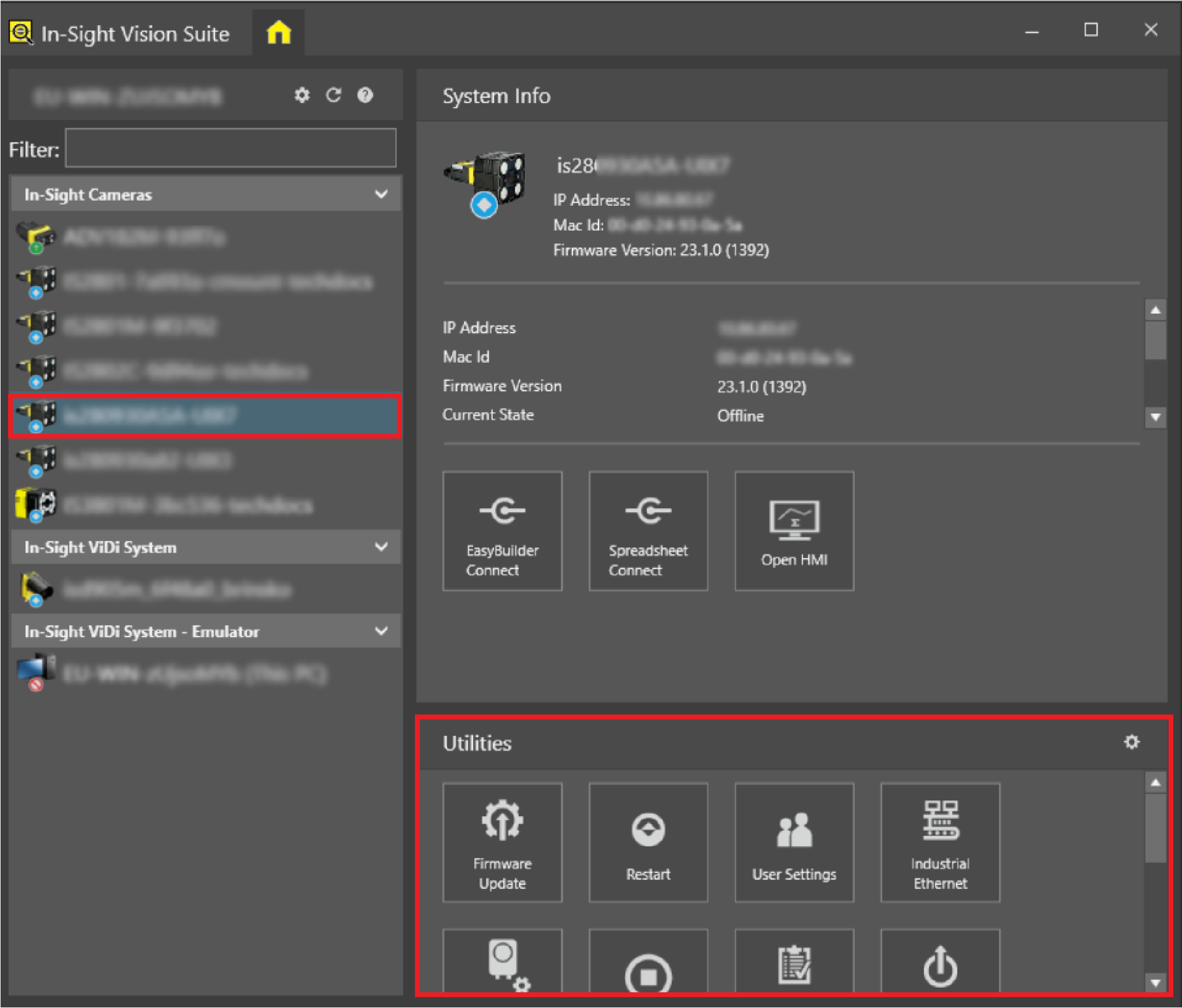
Left-click the device you want to configure on the In-Sight® Device Pane on the left. The list of Utilities applicable to the selected vision system then appears at the bottom of the window.
-
Click the Calibration Grid button.
The Print Calibration Grid window appears.
-
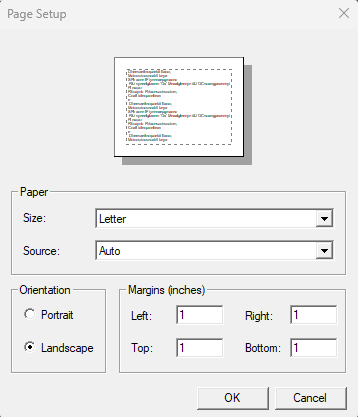
Set up the calibration grid.
-
Click Print.
Calibration Grid Options
|
|
|
| Item | Description |
| Grid Type |
You can choose between two grid types:
|
| Grid Spacing | Sets the density of the squares on the paper. The default value is 10. |
| Grid Units |
Sets the measurement unit. You can choose between the following units:
|
| Page Setup |
Sets the page structure by adjusting the paper size and source, the orientation, and margins.
|
|
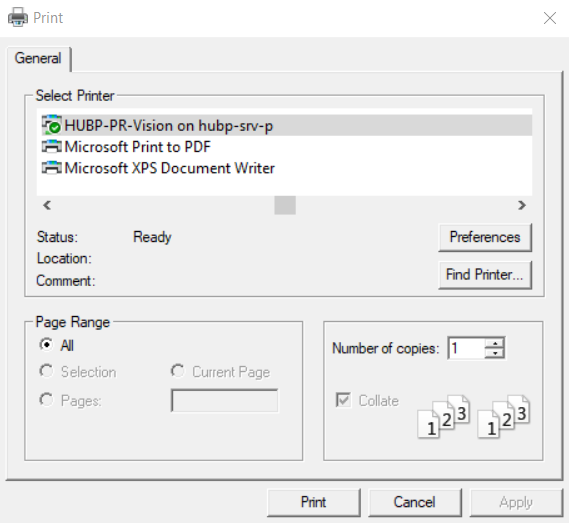
Choose your printer and the number of copies.
|
|