Get Value
Returns the value contained in the specified cell.
Get Value Inputs
Syntax: GV<
Get Value Outputs
Returns a status code, followed by a line terminator, followed by the value contained in the specified cell. The status codes are:
| Status Codes | Description |
|---|---|
| 1 | The command was executed successfully. |
| 0 | Unrecognized command. |
| -1 |
Invalid |
| -2 |
The command could not be executed. |
Note: An In-Sight cell containing any numeric value returns a float value formatted
to 3 decimal places when requested by the Get Value command, regardless
of whether the cell contains an integer or a floating-point value.
Get Value Example
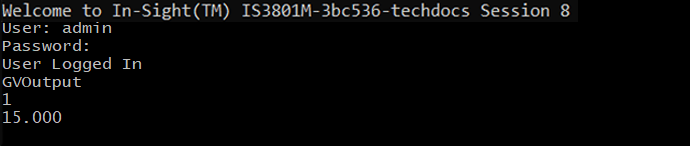
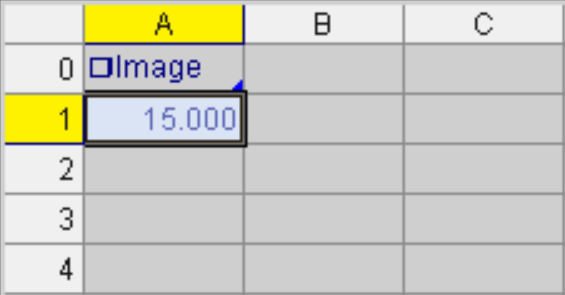
Assume that cell A1 is published with Output as the
A1 currently contains the value
Issuing a GVOutput command produces the following result: