DataMan 50 Service Procedures
DataMan 50 supports three distance ranges. Perform the following steps to set the focus position:
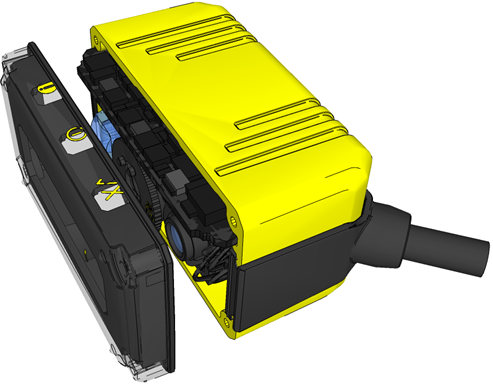
- Remove the screws, washers, lens cover and rubber part.
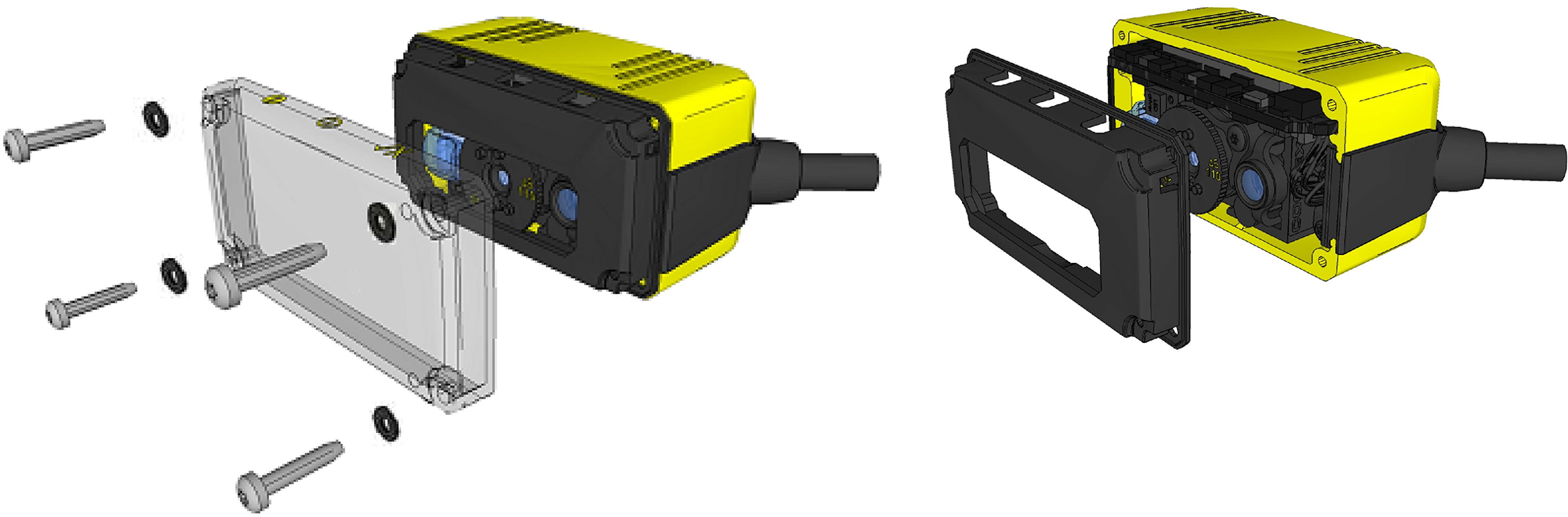
-
Set focus by positioning a coin into the lens cap slit and turning the coin. Do not use a coin thicker than 2 mm. If no coin is available, use the edge of the back cover
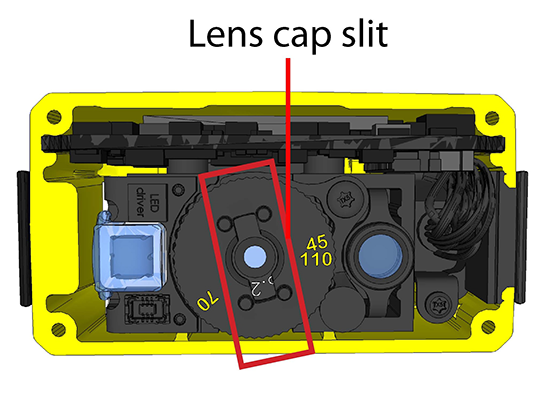
-
Make sure that the sealing and the sealing surface are clean before reassembling the lens cover.
-
Line up the holes with the icons, and attach the rubber part to the front window.
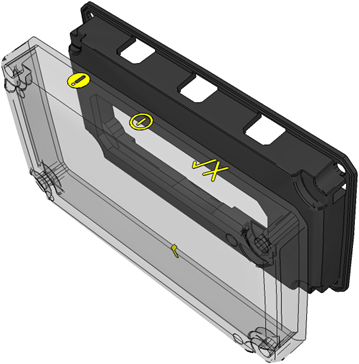
- Attach both to the housing and add the washers and screws.
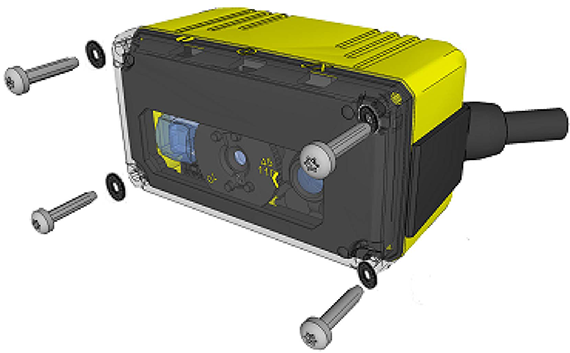
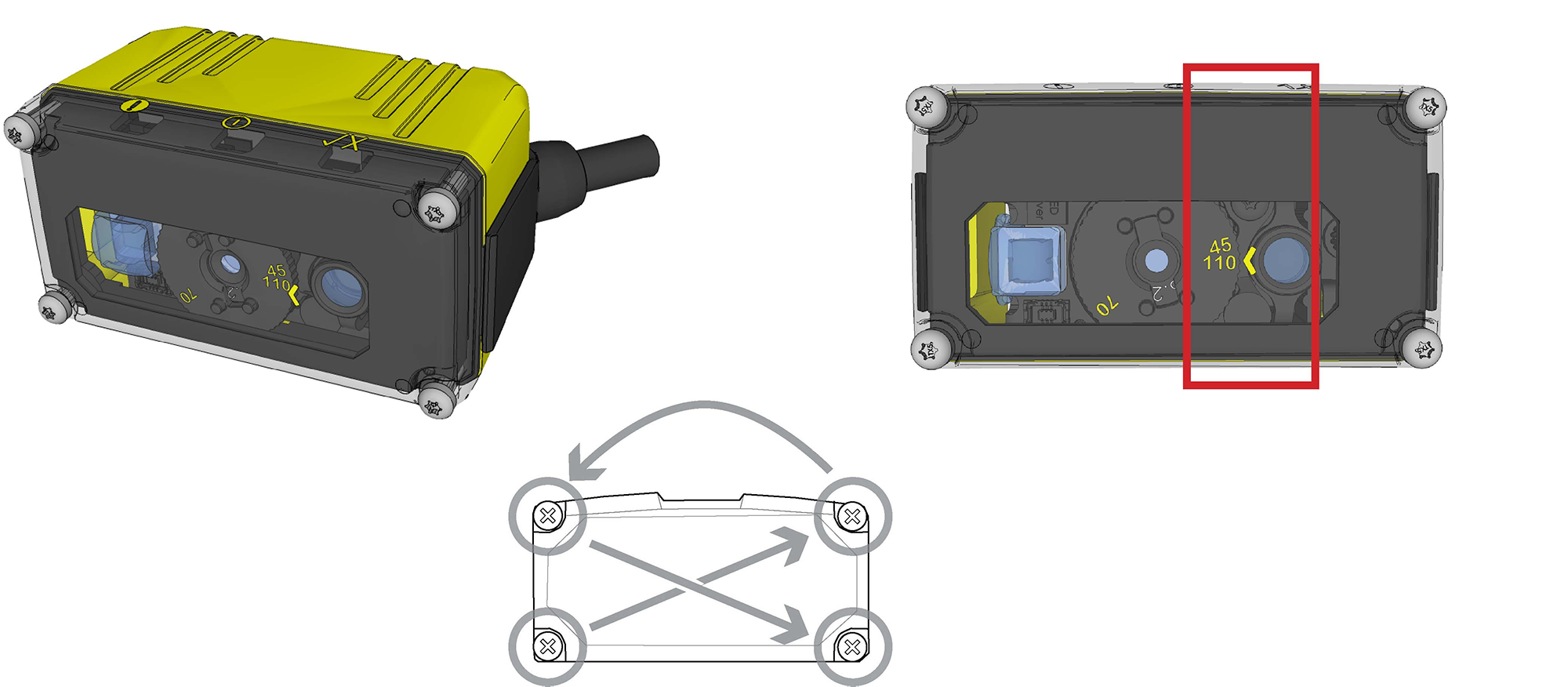
- Tighten screws in the order shown below. The maximum torque for the cover screws is 5 N-cm (0.4 pound-inch).
The yellow arrow on the cover indicates the selected focus position.