Setting up the Reader
To connect to the reader
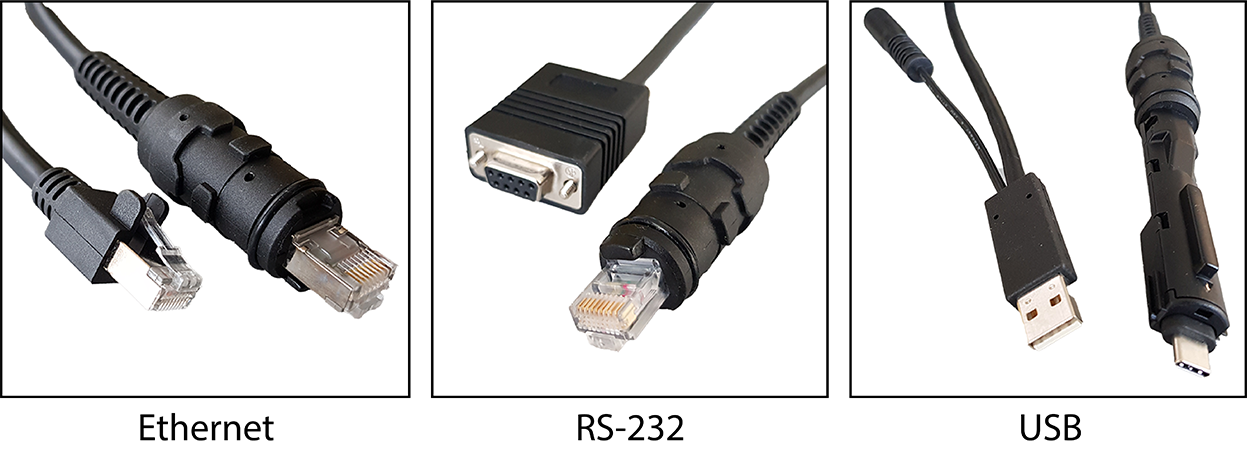
- Select the connection type:
 Note:
Note:When you connect the reader through USB, always use a power supply. When using a DM8700 DX with a USB cable (DMC-HH-USBA-02 or DMC-HH-USBC-02), make sure to connect the USB connector to a USB hub that stays enabled even if the PC or notebook goes to sleep.
When using other models including base station, connecting to a USB hub that is always enabled is not obligatory, but strongly recommended.
- Turn on your device(s).
-
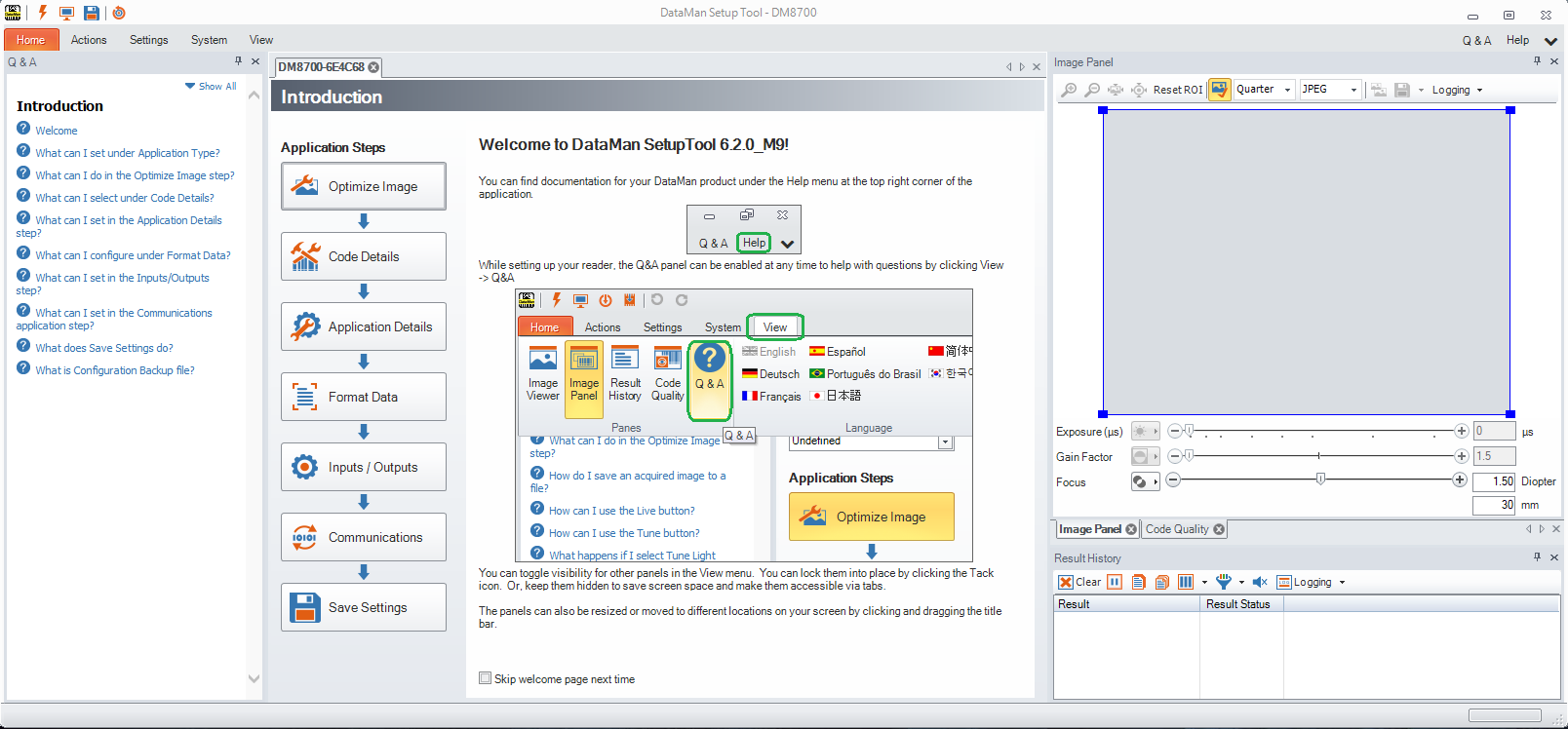
Install the DataMan Setup Tool on your computer, see Install the DataMan SetupTool and Connect to Reader.