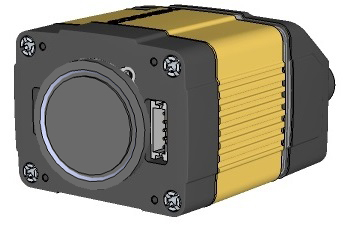
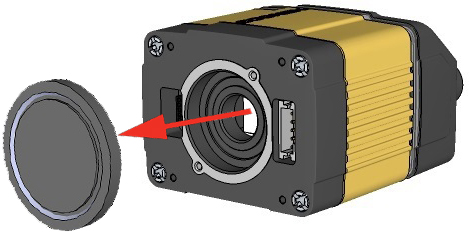
Installing an M12 Lens with Manual Focus
- Remove the
-
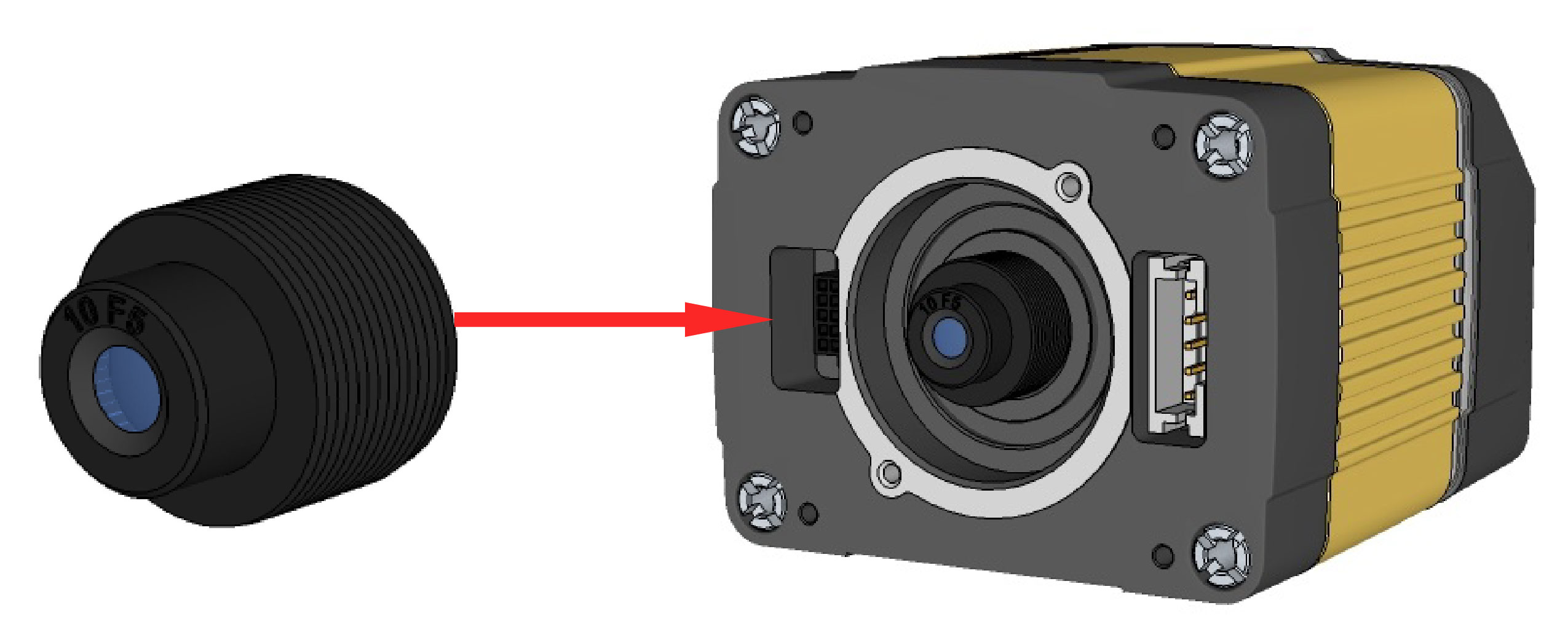
Thread the lens into the reader.
-
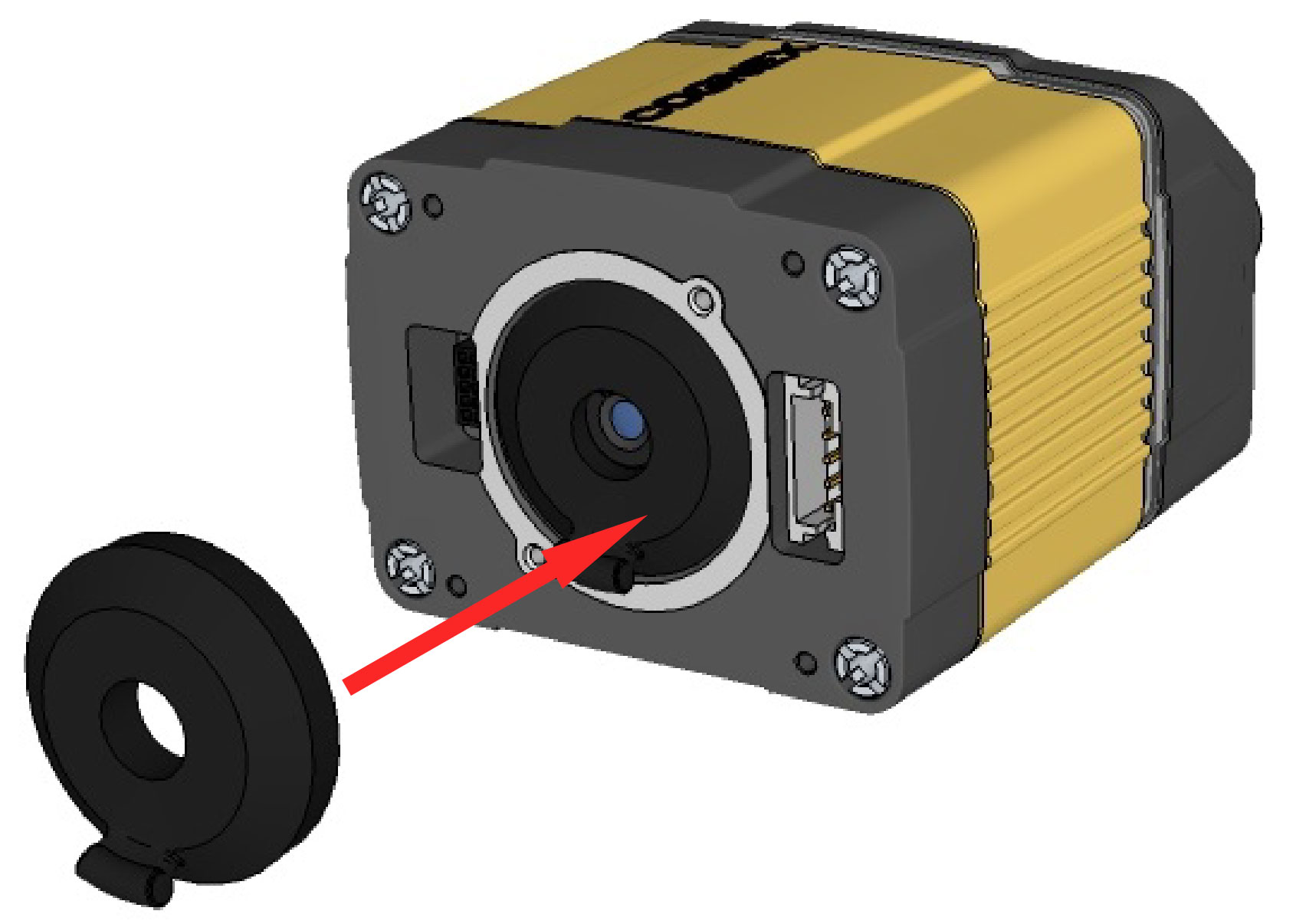
Press the rubber lens-locking cone into the reader. While carefully avoiding rotating the lens, press the rubber lens cone into the reader until it snaps into place around the nose of the lens.
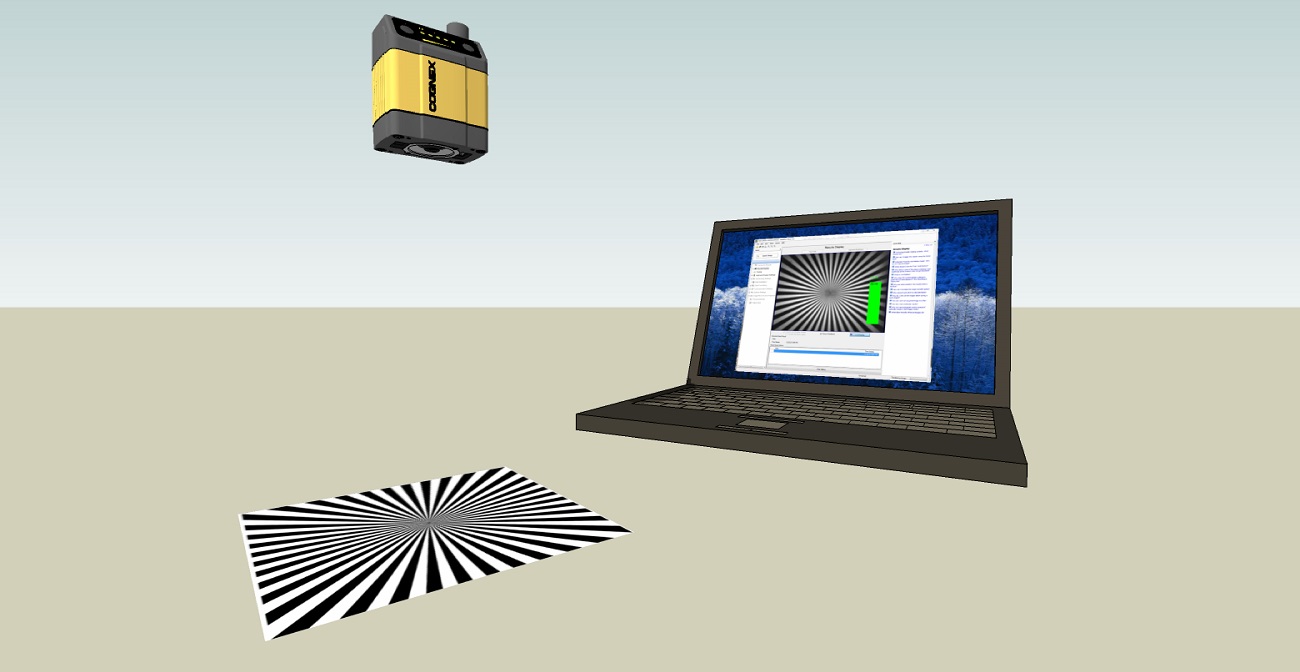
- Place the reader at the desired working distance from focus target.
- Connect the reader to the DataMan Setup Tool.
- Adjust your camera settings to make sure you have a brightened and high contrast image. On the Optimize Image page, check the Focus Feedback option from the drop-down menu of the Live button.
- Use the DataMan Focus Target template, available through the Windows Start menu or the DataMan Setup Tool Help menu, to align the edge of the reader body to the line marked with the target distance used in your application.
Adjust focus for maximum sharpness. Enhance image quality in the DataMan Setup Tool for better guidance.
- Tighten the lens.
After fixing the lens, verify focus position again, using the steps above.
-
Attach the front cover.
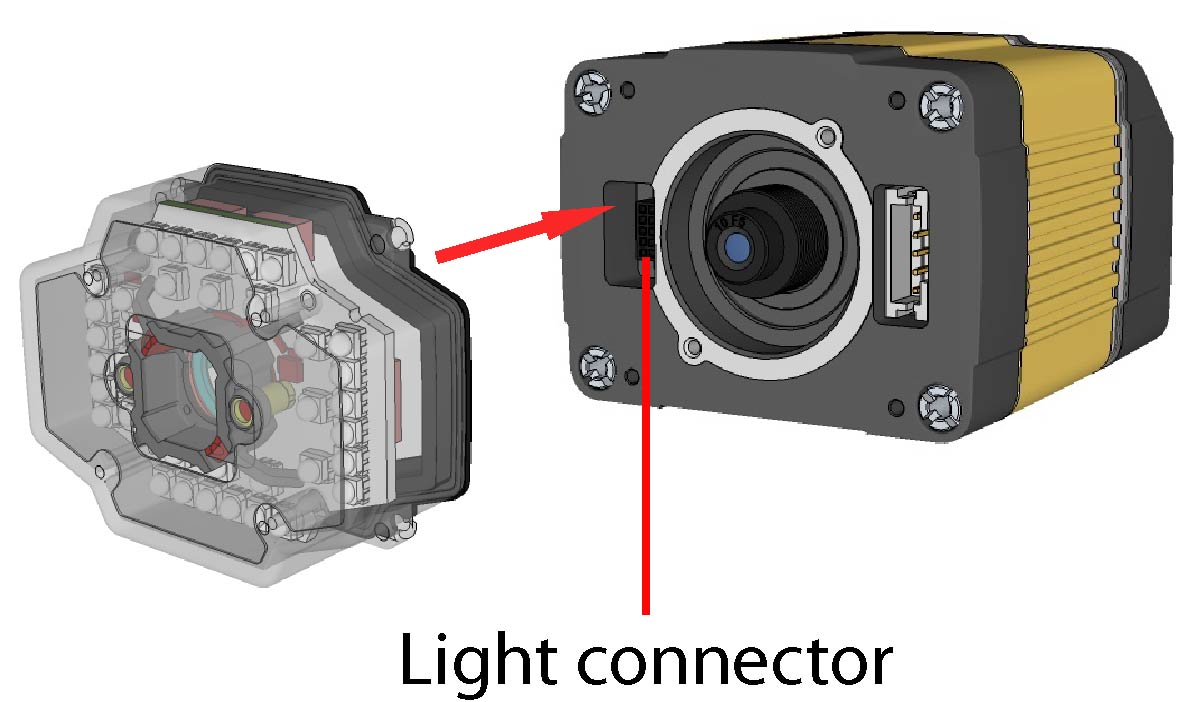
-
Insert and tighten the screws.
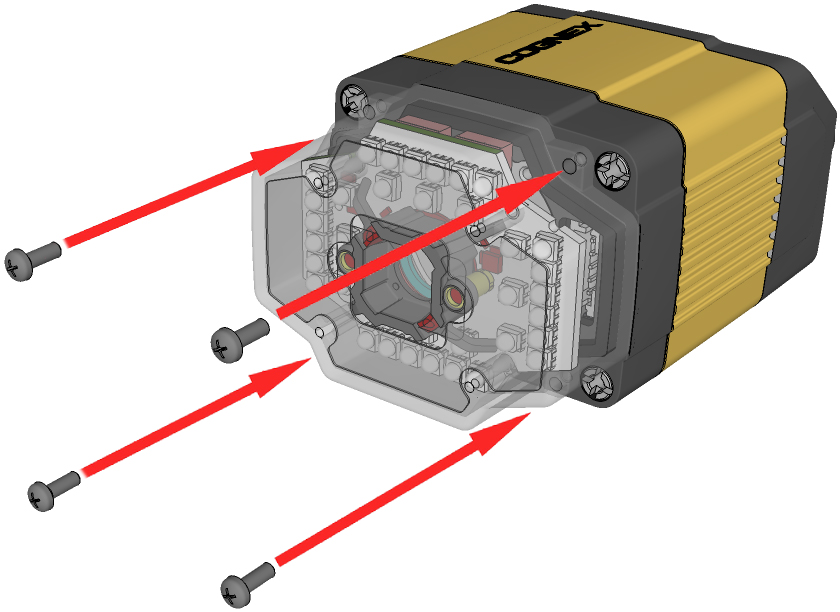
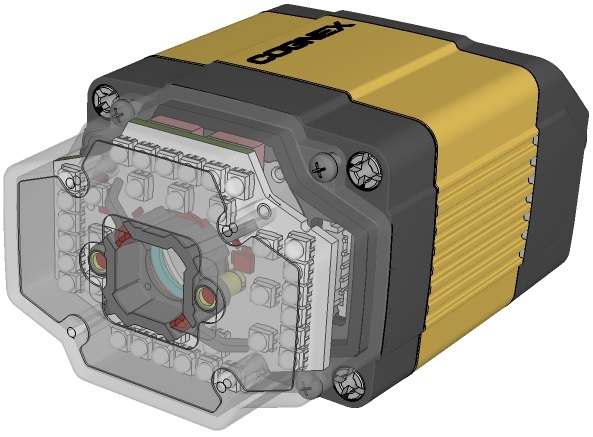
PHILLIPS PAN HEAD M2X6mm
Note: Tighten in sequence. Torque limit: 9 Ncm (0.8 in-lbs).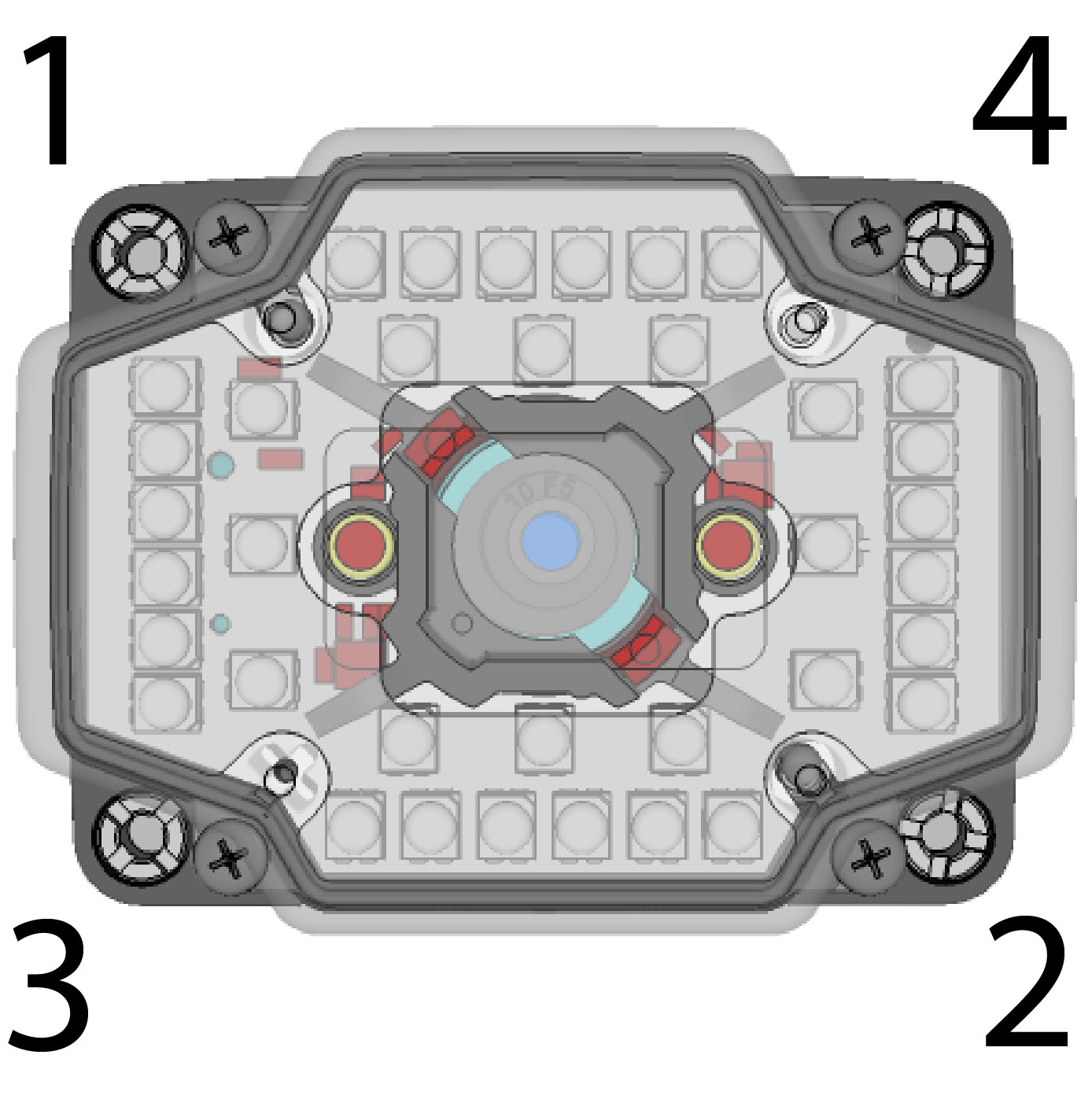 Note: Remove the protection film applied to the front cover before usage!
|
|
|