Verifying a 2D Barcode
In the TruCheck Verification window, perform the following steps to verify a Data Matrix code or a QR code:
- Navigate to the Main tab.
-
Select Go Live, and center your symbol in the screen. Alternately, press and release the trigger button to Go Live.
Note: After selecting Go Live, the button changes to Verify.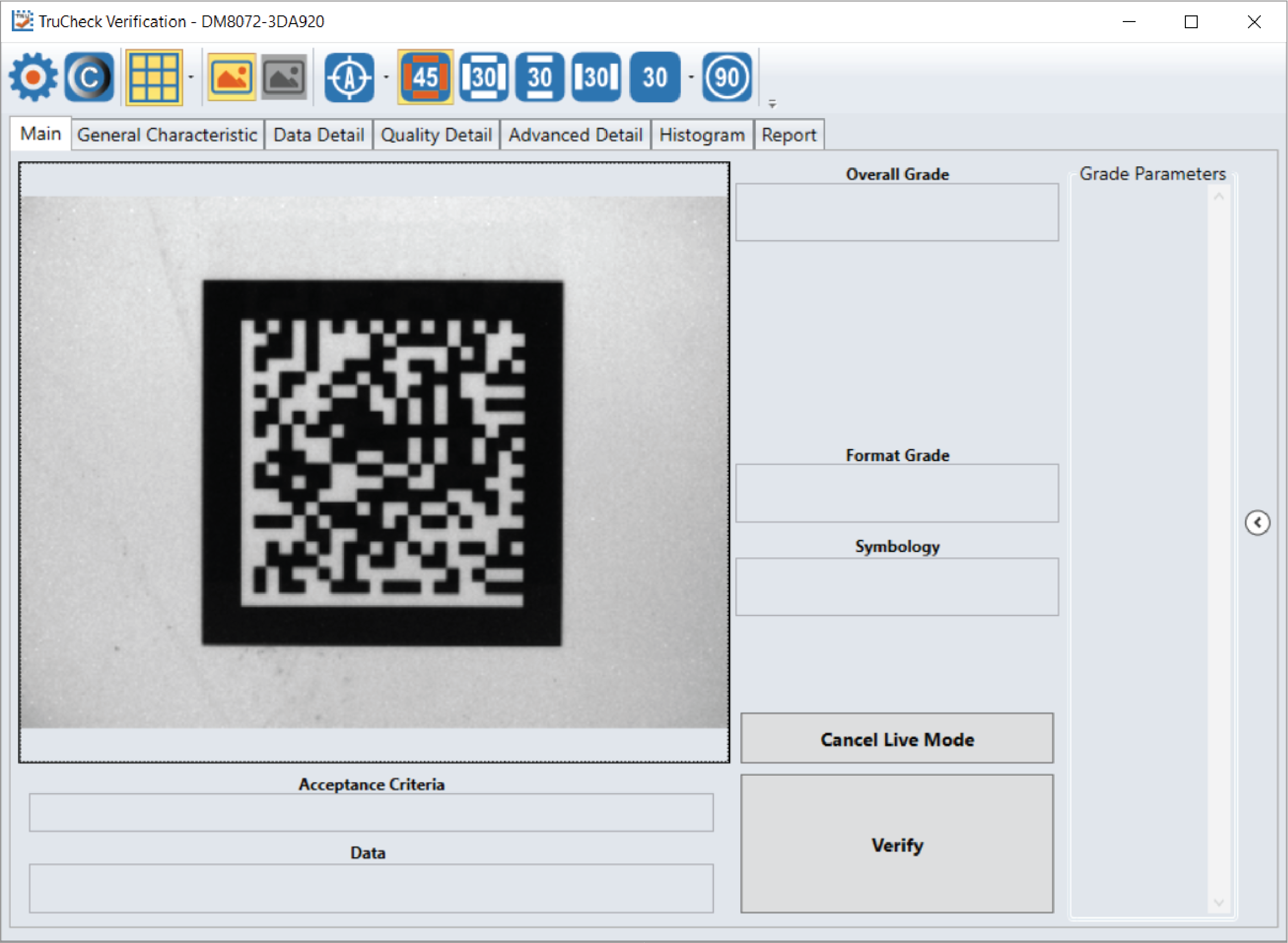
-
If necessary, draw a selection region around the code to be verified (see Selecting Regions).
Note: The region must be drawn around the outside perimeter of the code including quiet zones. More information on properly defining regions is explained in Selecting Regions.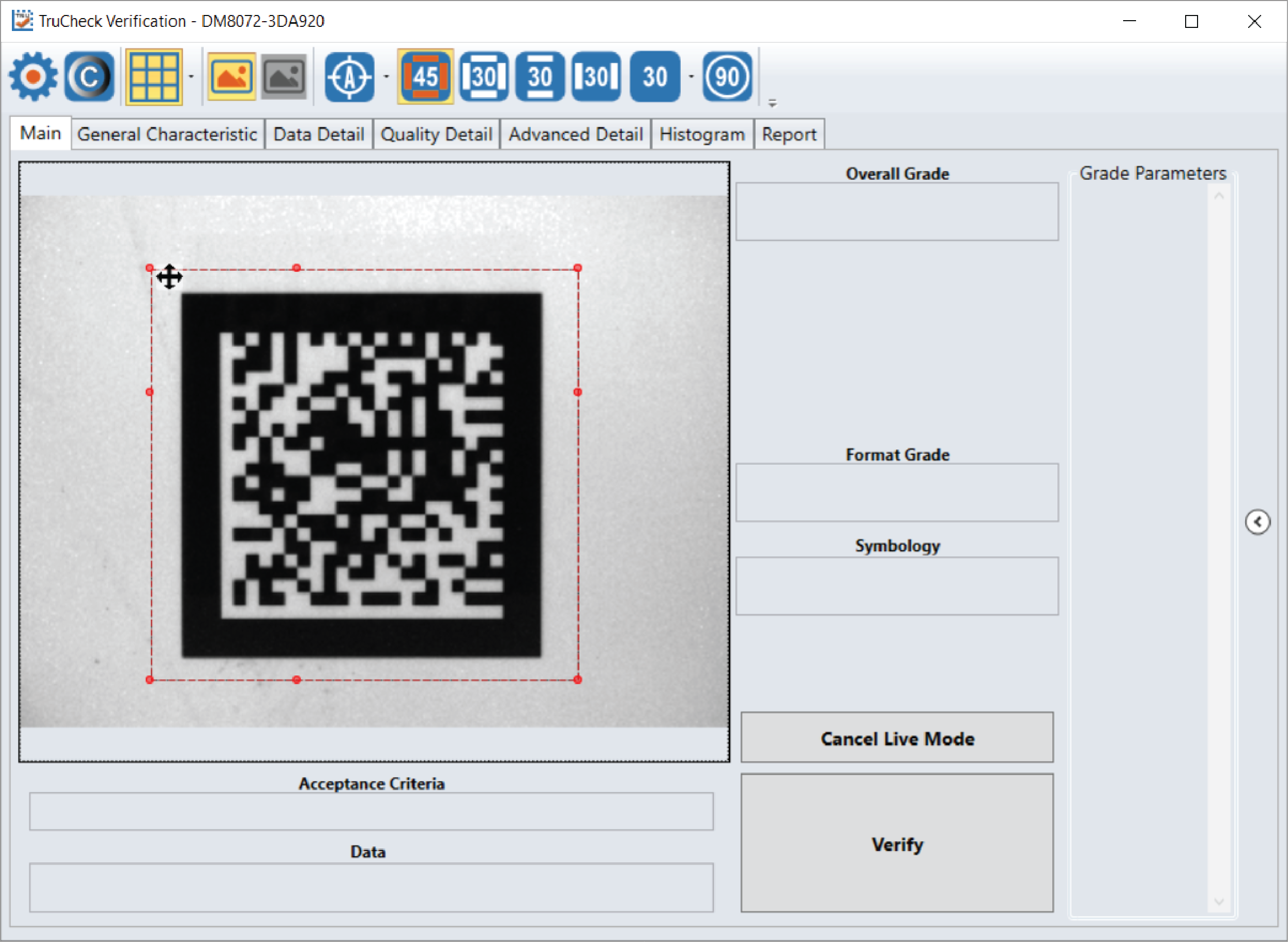
-
Once you have made your region selection, click Verify or press and release the trigger button on the verifier to begin verification.
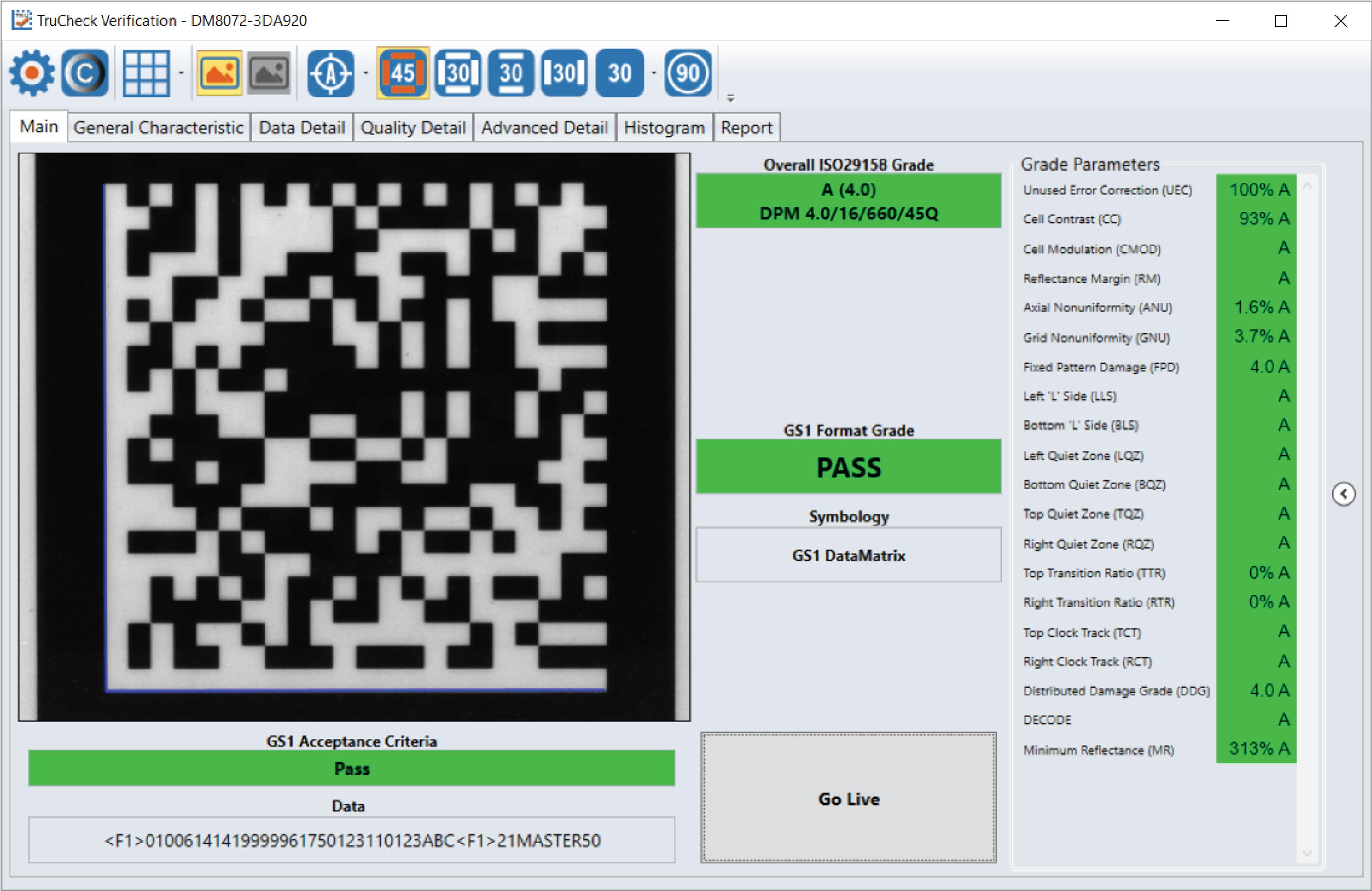
Note: The following screenshot shows a successful 2D barcode verification. Depending on grading and application standards, additional details are displayed.