Connecting to a Wireless DataMan 8700 Through Base Station
- Open end cap and insert the battery. Make sure you insert the battery into the slot with the metal contact pins pushed in first.Tip: A small triangle on one side of the battery is also indicating the correct placement.
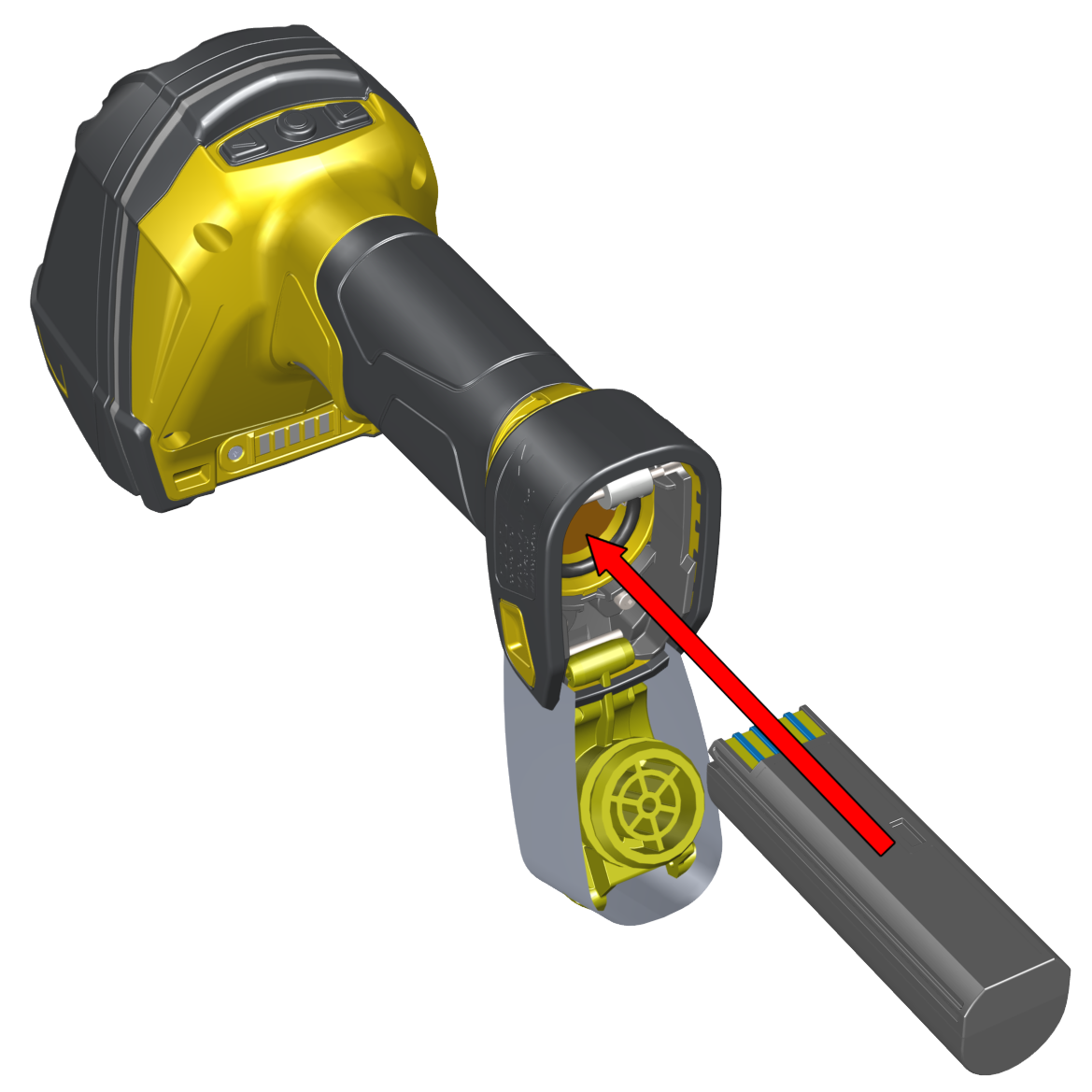
-
Press the metal tab until you hear a click to close the end cap.
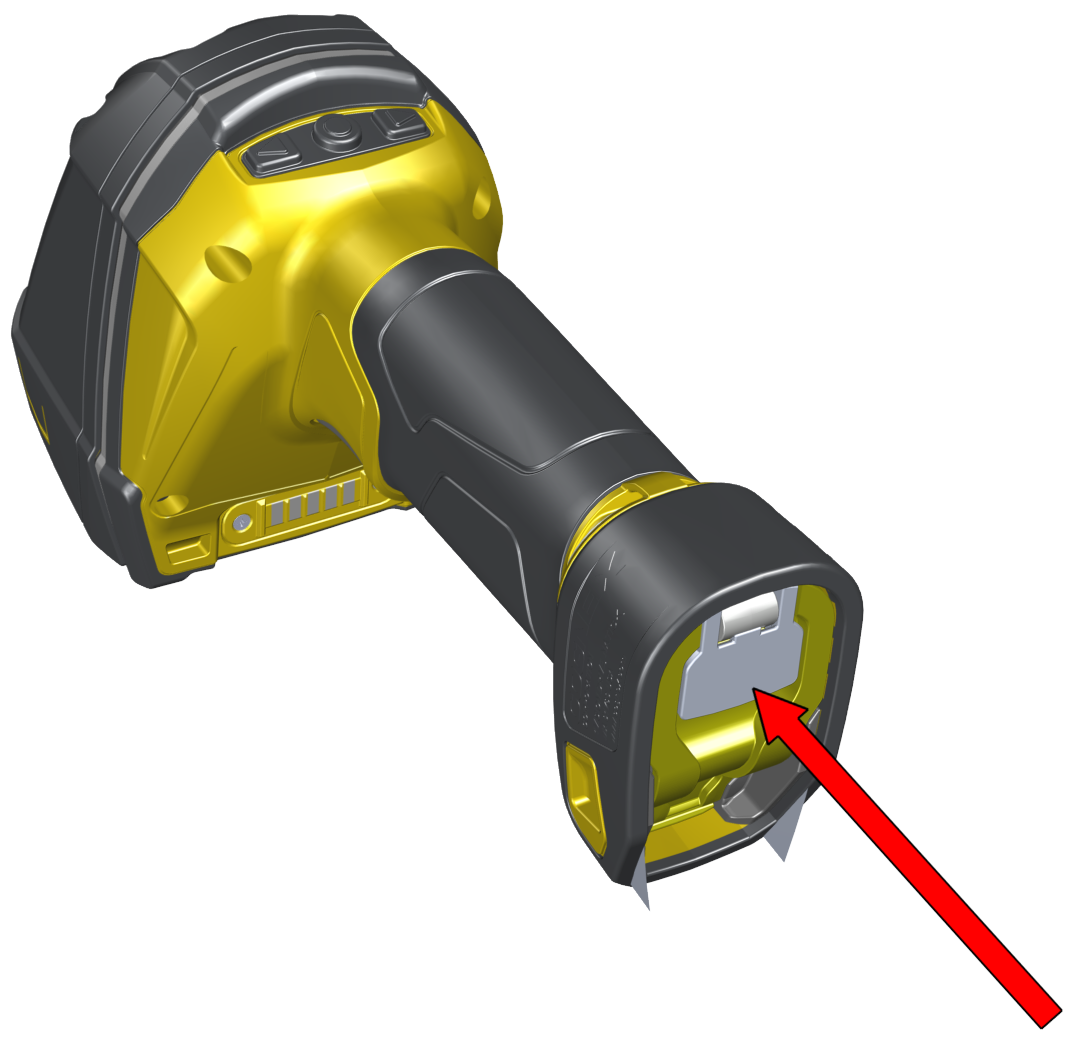
-
Connect the USB or RS-232 cable with external power or the Power over Ethernet (PoE) cable to the base station.
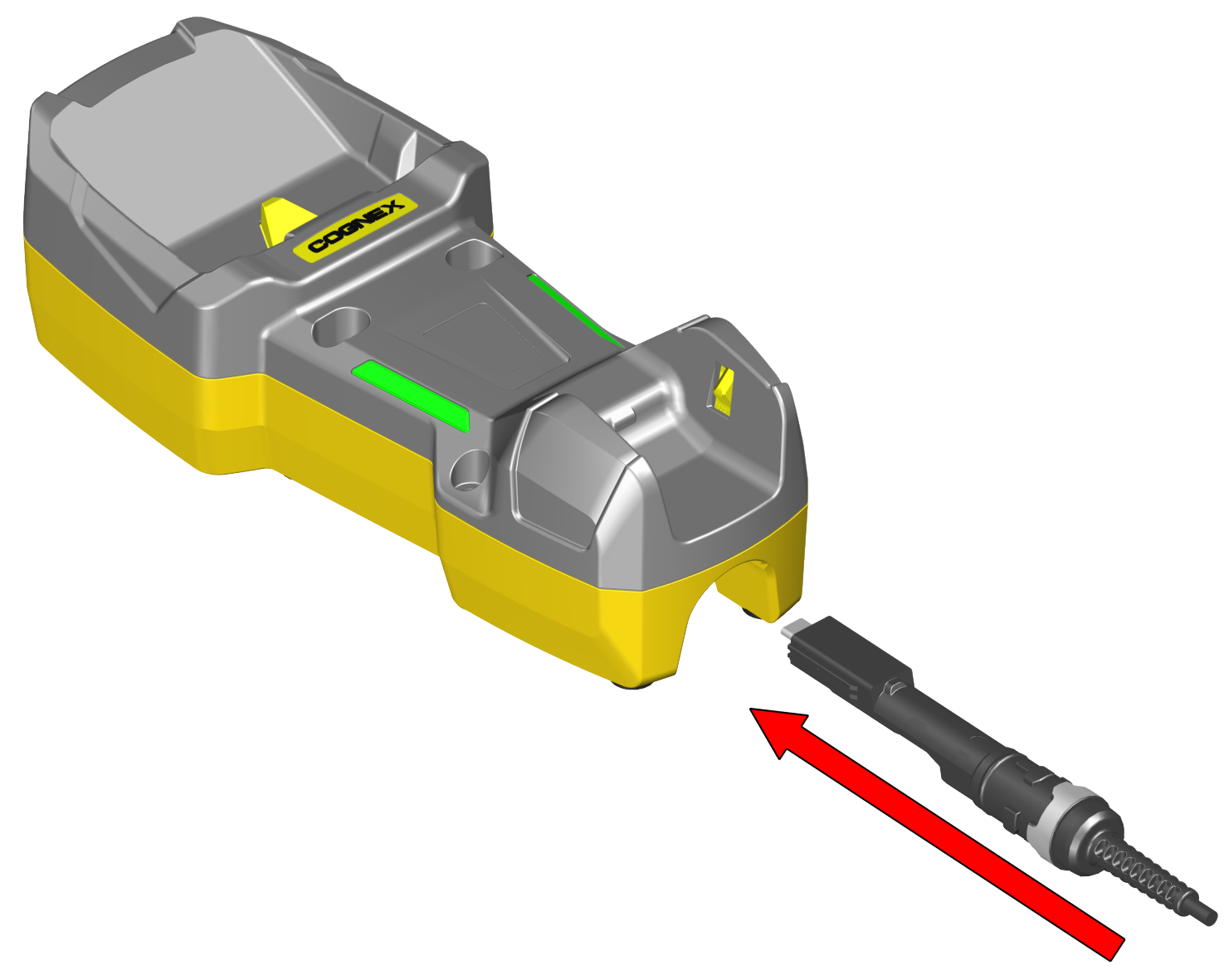
-
Connect the other end of the cable to the computer or to the hub.
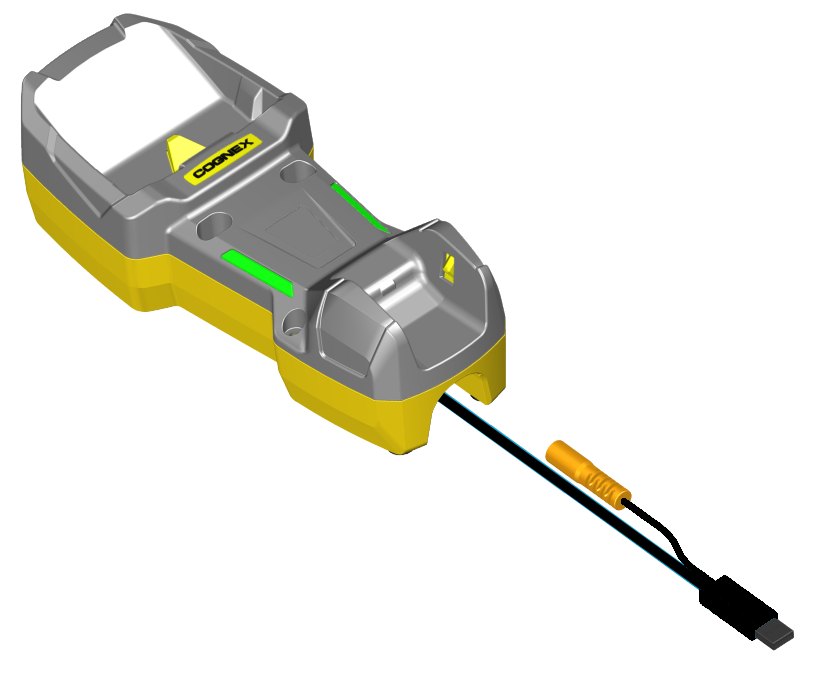
-
If using PoE cable, skip this step. For cables with RS-232 or USB-A connector, connect the 5.5 V power supply.
